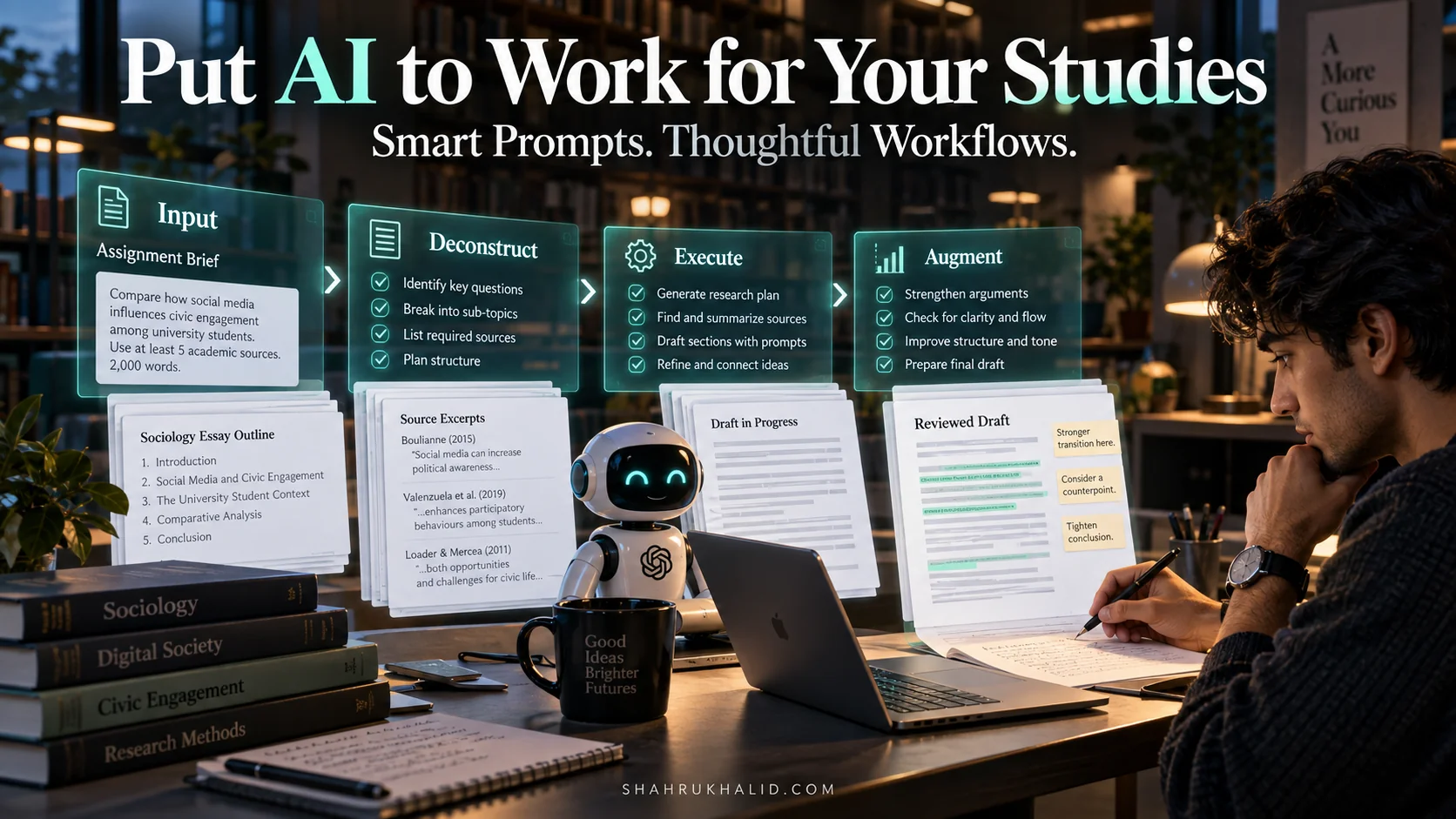
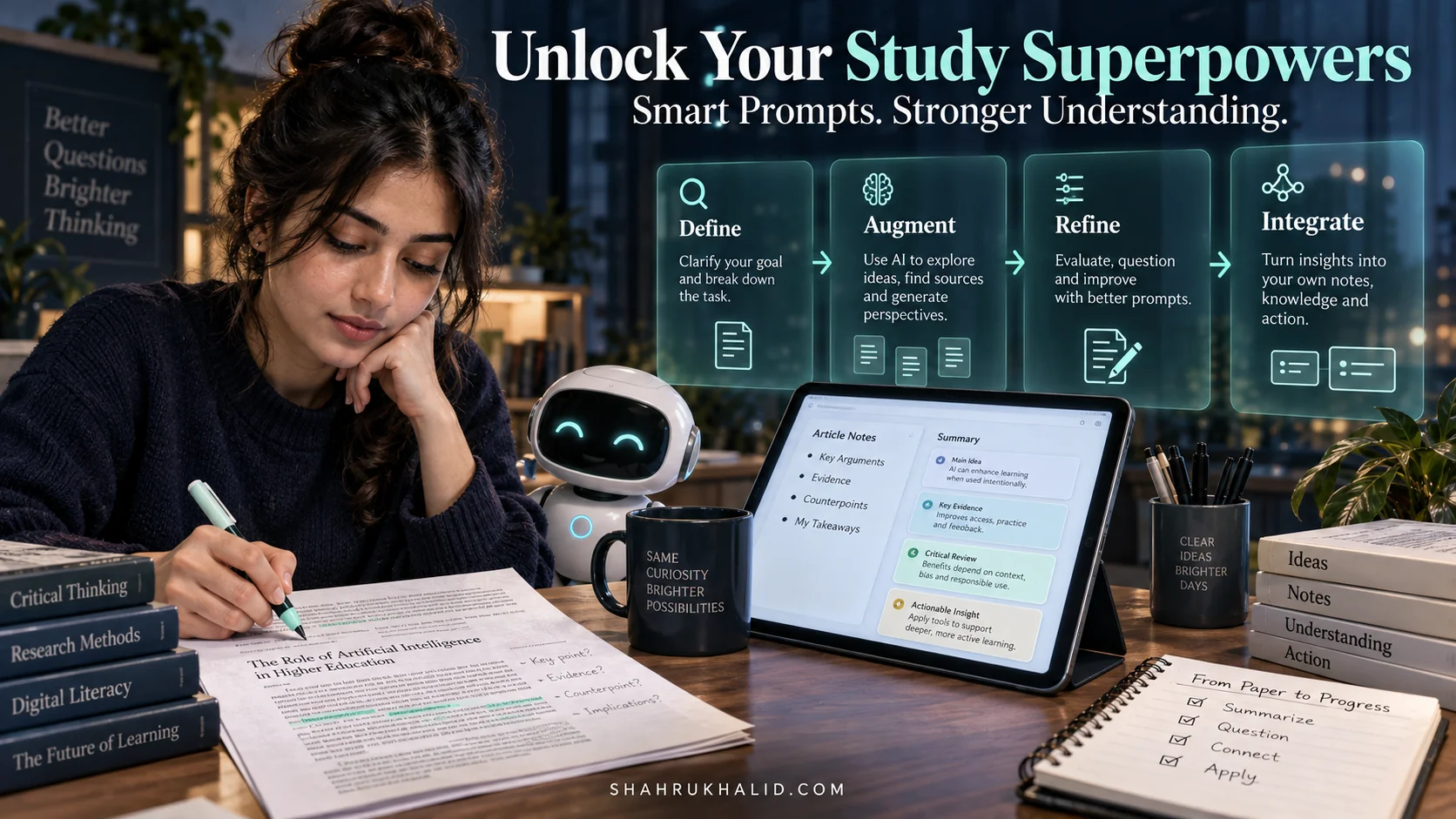
2026 Student Power-Up: AI Assistants & Prompt Patterns for Your Ultimate Study Workflow

Key Takeaways
- AI study workflows amplify student abilities, deepen understanding, and free up time for critical thinking.
- Generative AI, specifically Large Language Models (LLMs), power these advanced student assistants.
- LLMs are trained on vast data to understand context, synthesize information, and generate content.
- AI serves as an academic co-pilot, extending capabilities rather than replacing student intelligence.
- Mastering AI tools by 2026 is a fundamental skill, not just an academic advantage.
This isn’t about shortcuts; it’s about smart cuts. It’s about leveraging the incredible power of Artificial Intelligence to amplify your natural abilities, deepen your understanding, and free up your precious time for what truly matters: critical thinking, creativity, and well-deserved breaks. By 2026, mastering these AI tools isn’t just an advantage; it’s a fundamental skill, and I’m here to guide you through every single step.
—
Comprehensive Foundations & Concept Primer

Alright, let’s kick things off by understanding why we’re even having this conversation. Imagine your study routine right now. You’ve got textbooks, notes, research papers, essays, deadlines – a constant juggle, right? Now, imagine having a super-smart assistant who could instantly summarize a dense chapter, brainstorm essay ideas with you, explain a complex scientific concept in simple terms, or even help you structure your research paper. That’s precisely what a well-designed AI study workflow offers. It’s not magic; it’s carefully engineered intelligence, and it’s here to empower you.
The “Why Now?” – AI in 2026: Your Ultimate Study Buddy
Why is 2026 the year for this power-up? Because AI has matured from a futuristic concept into an incredibly accessible, powerful, and user-friendly tool. Gone are the days when AI was confined to research labs or complex coding environments. Today, with just a few clicks, you can access sophisticated AI models that understand natural language, generate creative text, and even process complex data. Think of AI as your personal academic co-pilot, not replacing your brain, but extending its capabilities. It’s like upgrading from a bicycle to a high-performance electric bike – you’re still pedaling, but the journey is faster, smoother, and less exhausting.
Demystifying the Jargon: Generative AI and LLMs
When we talk about AI assistants for students, we’re primarily talking about Generative AI. What does that mean? Simply put, it’s AI that creates new content. Unlike traditional software that just follows rules, generative AI can produce text, images, code, and more, based on the patterns it learned from vast amounts of data. The most common type you’ll interact with are Large Language Models (LLMs).
An LLM is like an incredibly well-read, super-fast librarian who can not only find information but also synthesize it, explain it, and even write new content based on what it knows. It’s trained on billions of words from the internet, books, and articles, allowing it to understand context, grammar, and even nuances of human language. When you ask it a question, it doesn’t just search for keywords; it tries to understand your intent and generate a coherent, relevant response. This capability is what makes Generative AI for academics such a game-changer.
Core Principles for a Powerful AI Study Workflow
At its heart, using AI effectively for your studies boils down to a few core principles:
- Clarity in Communication (Prompt Engineering): AI isn’t a mind-reader. The better you articulate your needs, the better its output will be. This is where prompt engineering for study comes in – it’s the art and science of crafting effective instructions for AI. We’ll dive deep into this.
- Critical Evaluation: AI can make mistakes, or “hallucinate” (make up information). Your role is always to be the editor, the fact-checker, the critical thinker. AI provides a first draft, a starting point, or an explanation; you provide the final judgment and understanding.
- Ethical Use: This is paramount. AI is a tool, and like any tool, it can be misused. We’ll discuss how to use AI responsibly and ethically, ensuring academic integrity is always upheld.
- Integration, Not Replacement: AI should seamlessly integrate into your existing study habits, enhancing them without replacing your own learning process. It’s about creating an AI learning workflow that complements your brain, not substitutes it.
So, how can AI improve my study habits? By automating tedious tasks, providing instant explanations, offering diverse perspectives, and helping you organize your thoughts, AI frees you to focus on deeper learning, critical analysis, and creative problem-solving. It’s about working smarter, not just harder.
—
Prerequisites & Complete Environment Setup
Before we unleash the full potential of AI, let’s ensure your digital workspace is ready. Think of this as preparing your academic cockpit – we need the right instruments and a clear runway. The good news is, for most AI tools for students, the setup is surprisingly straightforward. You don’t need a supercomputer or complex software installations; modern web browsers and a stable internet connection are your primary requirements.
Your Essential Toolkit: What You’ll Need
- A Reliable Internet Connection: This is non-negotiable. Most powerful AI models operate in the cloud, meaning they require an active internet connection to process your requests.
- A Modern Web Browser: Chrome, Firefox, Edge, Safari – any up-to-date browser will work perfectly. Ensure it’s updated for optimal performance and security.
- An Email Account: You’ll need this to create accounts for various AI services.
- A Critical Mindset: As we discussed, AI is a powerful assistant, but you are the ultimate decision-maker. Keep your critical thinking cap on!
Step-by-Step Setup: Your First AI Assistant
For this guide, we’ll focus on setting up a widely accessible and powerful AI assistant. While many exist, Google’s Gemini (formerly Bard) or OpenAI’s ChatGPT are excellent starting points due to their versatility and continuous development. Let’s walk through setting up Google Gemini as an example, as it integrates well with the Google ecosystem many students already use.
Setting up Google Gemini
- Navigate to the Gemini Website: Open your web browser and go to gemini.google.com.
- Sign In with Your Google Account: If you’re already logged into a Google account (like your school email or personal Gmail), Gemini will likely prompt you to continue with that account. If not, click “Sign In” and enter your Google credentials.
- Review Terms and Conditions: Like any new service, you’ll need to review and accept Google’s terms of service and privacy policy. Read them carefully to understand how your data might be used.
- Explore the Interface: Once logged in, you’ll see a simple chat interface. There’s usually a text box at the bottom where you type your prompts, and the AI’s responses appear above.
- Your First Prompt (Verification!): Let’s verify it’s working. In the text box, type: `Hello Gemini, can you tell me a fun fact about the universe?` Press Enter or click the send button.
- Expected Outcome: Gemini should respond with an interesting fact. This confirms your setup is complete and you’re ready to interact with the AI.
Alternative: Setting up OpenAI's ChatGPT
- Visit the ChatGPT Website: Go to chat.openai.com.
- Sign Up or Log In: If you don’t have an account, click “Sign Up” and follow the prompts. You can usually sign up with your email, Google account, or Microsoft account. If you already have an account, click “Log In.”
- Complete Onboarding: You might go through a brief onboarding process explaining ChatGPT’s capabilities and limitations.
- First Interaction: Similar to Gemini, type a simple query like `What is the capital of France?` to ensure it’s responding.
Environment Configuration: Enhancing Your AI Workspace
While the core AI assistant is web-based, you can enhance your Student productivity AI environment with a few additions:
- Browser Extensions for Note-Taking/Summarization: Tools like “Reader Mode” extensions can clean up web pages, making them easier to feed to AI for summarization. Some AI tools even offer dedicated browser extensions that allow you to summarize articles directly from your browser.
- Cloud Storage Integration: Ensure your notes, research papers, and drafts are stored in a cloud service (Google Drive, OneDrive, Dropbox). This makes it easy to copy-paste content into your AI assistant or, in some cases, directly link files for analysis (though direct file linking is more advanced and depends on the AI tool’s capabilities).
- Dedicated Study Folders: Organize your digital files into clear, subject-specific folders. This isn’t AI-specific, but good organization is key to any efficient AI learning workflow.
By setting up these foundational tools, you’re not just getting ready to use AI; you’re building a robust digital environment that supports a highly effective AI study workflow.
—
Core Implementation Architecture & Workflow Blueprint
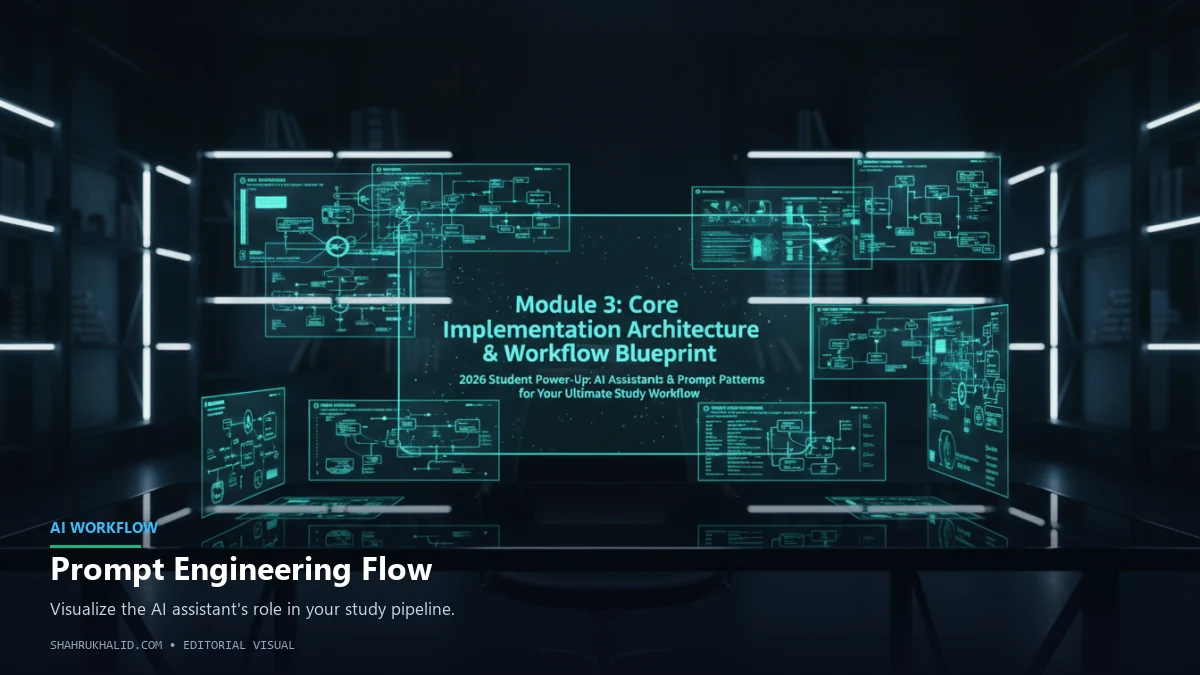
Now that you’ve got your AI assistant up and running, let’s talk about how it fits into the grand scheme of your academic life. This isn’t just about using a tool; it’s about integrating it intelligently into your AI study workflow. Think of it as designing a blueprint for a highly efficient academic machine, where AI plays a crucial, supportive role.
Visualizing Your AI Learning Workflow
Let’s break down a typical study process into key stages and see where AI can seamlessly integrate. Imagine these as “workflow cards” that you can arrange and customize for any academic task.
Workflow Blueprint: The Academic Cycle with AI
| Stage | Traditional Approach | AI-Enhanced Approach