Beyond the Hype: Your 2026 Practical Guide to Actually Using AI, Step-by-Step

Key Takeaways
- By 2026, effectively wielding AI is a core professional competency, not a niche skill.
- Competitive advantage shifts from having AI to skillfully directing and integrating it into workflows.
- Professionals must become active architects of AI-driven solutions, not passive consumers.
- AI functions as specialized, literal 'interns' (ML, DL, LLM), not a magical thinking machine.
- Large Language Models predict statistically likely word sequences, not genuinely 'thinking.'
The overwhelming noise surrounding Artificial Intelligence often obscures its fundamental purpose: to be a tool. By 2026, the ability to wield this tool effectively will not be a niche skill for data scientists but a core competency for professionals in every field. This guide is designed to cut through the hype and provide a clear, step-by-step path to practical AI adoption. We will move from foundational concepts to building a tangible, repeatable workflow, demystifying AI for practical use and empowering you to create your own AI implementation strategy for immediate impact.
Comprehensive Foundations & Concept Primer
Before we can build, we must understand our materials. The term ‘AI’ is often used as a monolithic, almost magical concept. In reality, it’s a broad field with specific, specialized tools. Thinking of it as a single entity is like calling a mechanic’s entire workshop a ‘hammer’. To use AI effectively, we need to know when to reach for a wrench, a screwdriver, or a power drill. For our purposes in 2026, let’s focus on the tools you’ll actually use.
Why This is Essential in 2026: From Novelty to Necessity
The shift is already happening. In the early 2020s, using AI for tasks was a novelty, a party trick for generating funny images or poems. By 2026, this has fundamentally changed. AI is now embedded in the core software we use daily, and the line between a standard application and an “AI application” is blurring. The competitive advantage no longer comes from simply having AI, but from skillfully directing it. Those who can articulate a clear instruction to an AI model, validate its output, and integrate it into a workflow will be exponentially more productive and effective than those who cannot. This is not about becoming a programmer; it’s about becoming a precise, effective commander of powerful digital assistants. Your goal is to move from being a passive consumer of AI-powered features to an active architect of AI-driven solutions.
Core Principles: Demystifying the “Magic” with a Practical Analogy
Let’s abandon the idea of a “thinking machine” and adopt a more useful analogy: AI as a team of hyper-specialized, infinitely fast, but completely literal interns.
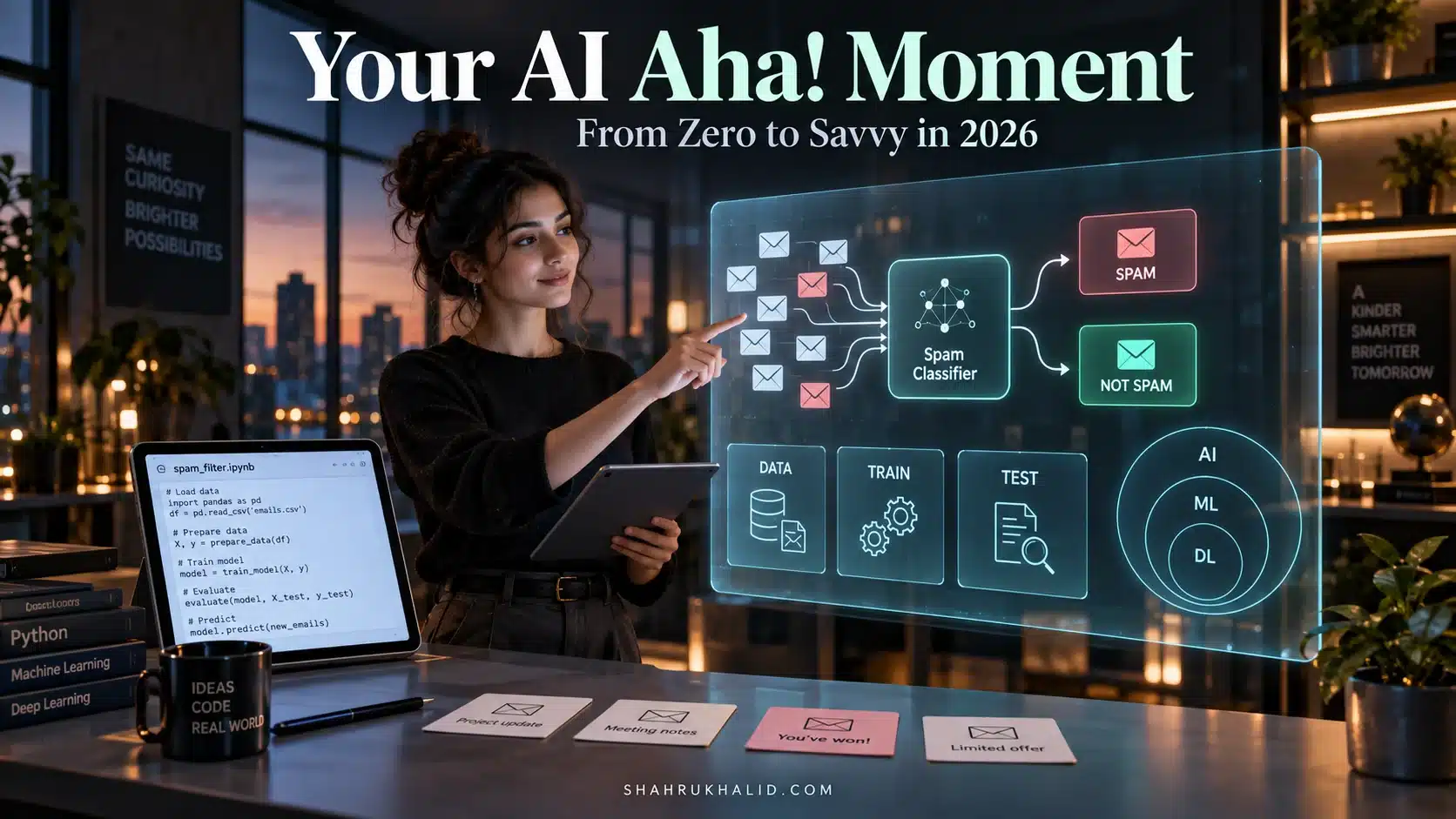
- The Research Intern (Machine Learning – ML): This intern is a master of pattern recognition. You can give it a million customer reviews, and it can learn the “pattern” of a positive review versus a negative one. It doesn’t understand satisfaction, but it recognizes the sequence of words and punctuation associated with it. This is the foundation of most AI.
- The Specialist Intern (Deep Learning): This is a research intern who has spent years studying a single, complex topic, like identifying images or understanding speech. It works with more abstract, layered patterns, much like a human expert develops intuition. When your phone recognizes your face, you’re using this intern.
- The Eloquent Intern (Large Language Model – LLM): This intern has read virtually the entire internet. It is a master of language, structure, and context. You can ask it to summarize a dense report, write an email in a specific tone, or brainstorm ideas. It’s not “thinking”; it’s predicting the most statistically likely sequence of words to follow your request, based on the immense volume of text it was trained on. This is the core of tools like Gemini, GPT-4, and Claude.
- The Creative Intern (Generative AI): This is a subset of the interns above who can not only analyze but also create new content. This includes the LLM writing an email, a diffusion model creating an image from a text description, or a music model composing a melody. They are generating something new based on the patterns they’ve learned.
Your job, as the manager, is to write incredibly clear, specific, and unambiguous job tickets (prompts) for these interns. They have no common sense, no context outside of what you provide, and will follow your instructions to the letter, even if the result is nonsensical. Your skill lies in crafting the perfect request to get the perfect result.
Eliminating Jargon: Your Plain-English Glossary
In the world of cyber defense and compliance, precision in language is everything. Let’s apply that same rigor here.
- API (Application Programming Interface): Think of this as a secure, documented menu for a restaurant’s kitchen. You don’t need to know how the chef cooks the steak; you just need to know how to order “Steak, Medium-Rare” from the menu. An API allows one software program (your application) to “order” a result from another (the AI model) without needing to know its internal workings.
- Prompt: The specific set of instructions you give to an AI model. A good prompt is not a single question but a detailed request, often including context, examples, and constraints. It’s the difference between telling an intern “get me coffee” and “please get me a large black Americano from the cafe on the corner, and have it on my desk by 9:05 AM.”
- Model: The specific “intern” you are talking to. For example, Google’s `gemini-1.5-pro` is a different model (a different intern with different skills and knowledge) than `gemini-1.0-ultra`. Choosing the right model for the job is crucial.
- Hallucination: When an AI model confidently states incorrect information as fact. This happens because the model is a word-prediction engine, not a fact database. It might generate a sequence of words that looks like a plausible fact but is entirely fabricated. This is the single most important pitfall to be aware of. Always verify critical information.
- Token: The basic unit of text that an LLM processes. A token is roughly equivalent to 4 characters of English text. “Hello world” is 2 words, but it might be 2 or 3 tokens. Models have a “context window,” which is the maximum number of tokens they can remember in a single conversation. This is why you can’t paste an entire novel into a prompt and expect it to remember the beginning.
Prerequisites & Complete Environment Setup
A secure and organized environment is not optional; it’s the foundation of any reliable system. Before we interact with any AI, we’ll set up our digital workspace correctly. This prevents common errors, protects sensitive information, and creates a scalable process. We will start with a browser-based approach, which is the safest and most accessible entry point for beginners.
Step 1: Create Your “AI Sandbox” Directory
First, let’s practice good digital hygiene. On your computer, create a dedicated folder for all your AI-related work. This is your sandbox—a safe place to experiment. Do not use your Desktop or a generic ‘Downloads’ folder.
- Open your File Explorer (Windows) or Finder (Mac).
- Navigate to your main ‘Documents’ folder.
- Create a new folder. Name it `AI_Projects`.
- Inside `AI_Projects`, create two sub-folders: `Prompts` and `Outputs`.
This simple structure provides a clean separation. The `Prompts` folder will store your refined, reusable instructions. The `Outputs` folder will hold the results generated by the AI. This is a critical first step in building an AI adoption roadmap that is organized and traceable.
Step 2: Account Setup & API Key Generation
To use powerful AI models directly, we need to get access credentials via an API. We will use Google’s AI platform as our primary example because of its user-friendly interface and generous free tier for experimentation.
- Navigate to Google AI Studio: Open your web browser and go to `https://aistudio.google.com/`.
- Sign In: You will be prompted to sign in with a Google Account.
- Agree to Terms: Read and agree to the terms of service.
- Get API Key: Once inside the AI Studio, look for a button or link that says `”Get API key”`. It’s typically on the left-hand navigation panel.
- Create API Key: Click on it, and you’ll be taken to the Google AI Platform Console. You may need to create a new project. Follow the on-screen instructions. It will generate a long string of random characters. This is your API Key.
Security Analogy: Your API key is the digital equivalent of a master key to your house. It proves to Google’s servers that the request is coming from you and should be billed to your account (even on the free tier). NEVER share it publicly. NEVER paste it into code that will be posted on the internet (like a public GitHub repository).
Step 3: Securely Storing Your API Key
We will not be building a complex application yet, so we don’t need a complex key management system. For now, we’ll create a secure note.
- Open a simple text editor (Notepad on Windows, TextEdit on Mac).
- Copy the API key you just generated.
- Paste it into the new text file.
- Add a note to yourself, like: `Google AI API Key – DO NOT SHARE`.
- Save this file inside your `AI_Projects` folder with a clear name, like `_api_keys.txt`. The underscore makes it sort to the top of the list.
- Crucially: If you ever use a version control system like Git, make sure this file is listed in your `.gitignore` file to prevent it from being accidentally committed. For now, just be mindful to never upload it.
Step 4: Verification – Your First “Hello, AI”
Let’s verify that our setup is ready. We’ll do this directly in the Google AI Studio, which provides a safe, browser-based environment.
- Go back to the Google AI Studio tab in your browser.
- You should see a chat-like interface. This is a “playground” where you can test prompts without writing any code.
- In the input box at the bottom, type the following simple prompt:
`Explain what you are in one short, simple sentence, as if you were speaking to a 10-year-old.`
- Press Enter or click the ‘Run’ button.
You should receive a response like: “I’m a computer program that can understand and write text, kind of like a super-smart helper for reading and writing!”
If you received a response, your environment is ready. You have successfully communicated with a powerful LLM. This simple interaction is the fundamental building block for everything that follows. You have taken the first and most important step in demystifying AI for practical use.
Core Implementation Architecture & Workflow Blueprint
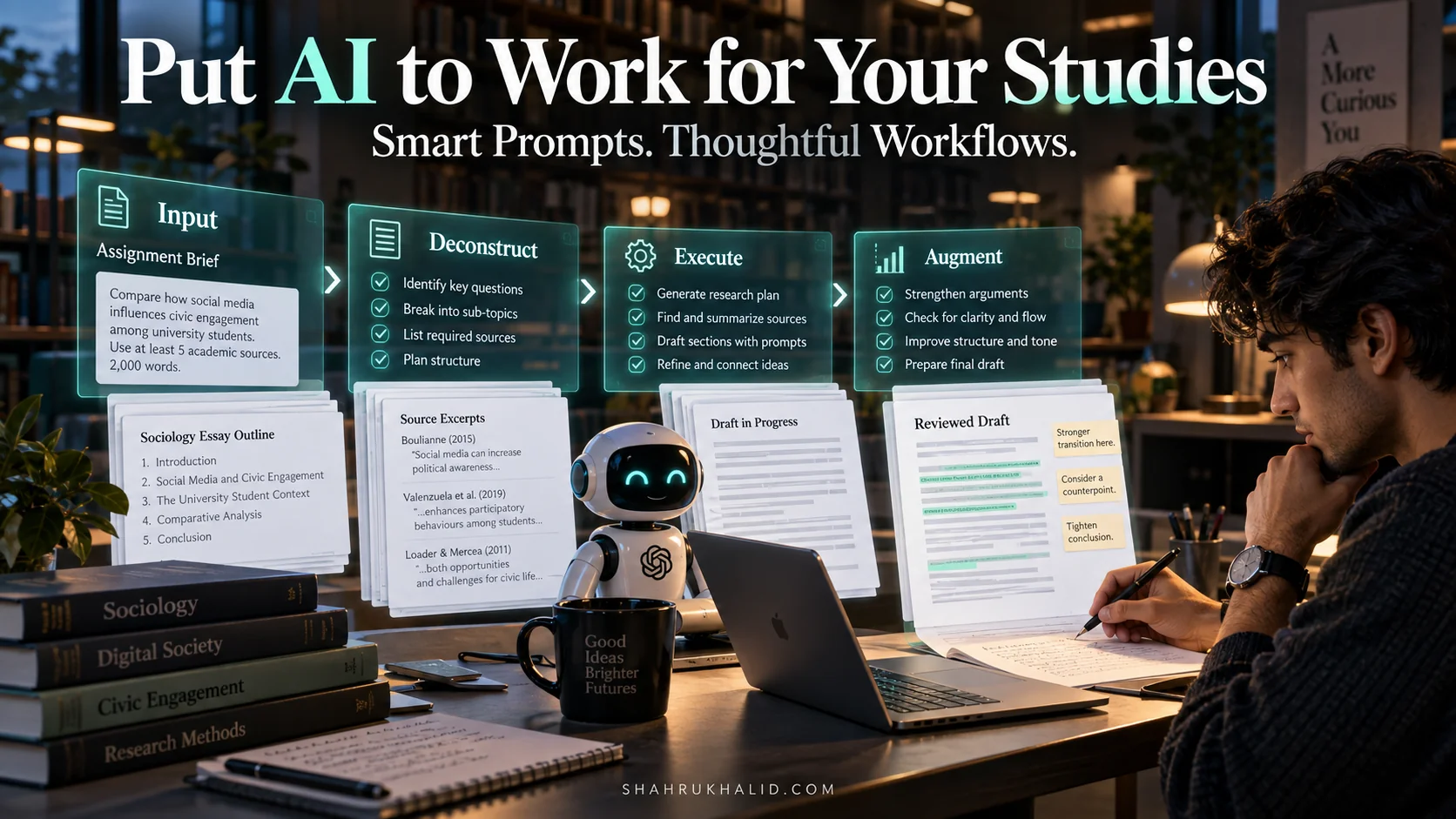
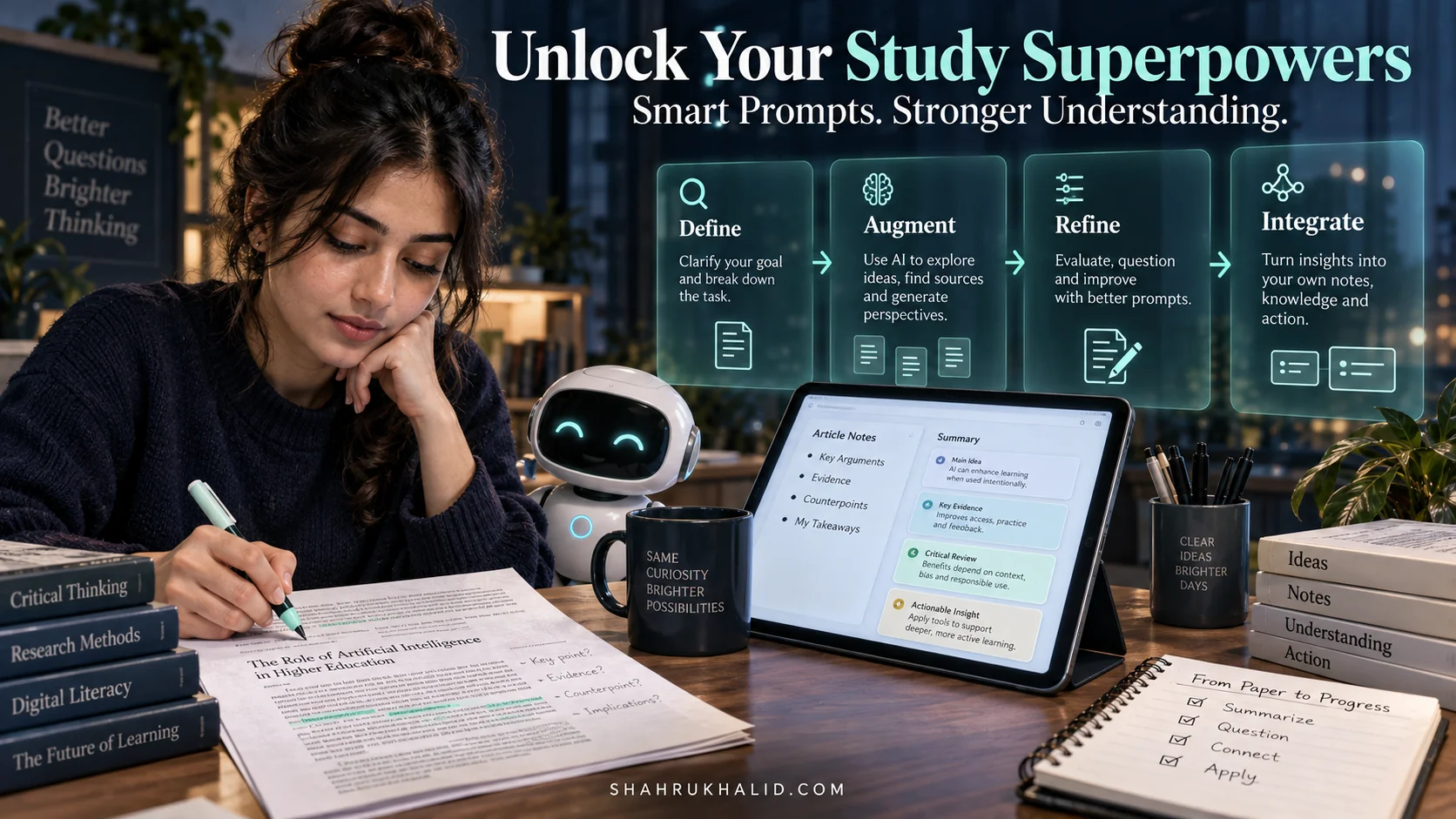
Randomly throwing questions at a chatbot is not a strategy. A sustainable AI implementation strategy requires a structured, repeatable workflow. We’ll use a simple four-step framework: Identify, Frame, Refine, Integrate (IFRI). Think of this as the standard operating procedure for deploying your “AI interns.” We will visualize this as a series of workflow cards.
Workflow Card 1: IDENTIFY the Task
The first step is always to identify a suitable task for automation. Not all tasks are good candidates. Good candidates are typically:
- Repetitive: You do them over and over again (e.g., writing weekly summary emails).
- Template-Based: They follow a predictable format (e.g., generating product descriptions).
- Time-Consuming but Low-Complexity: They take a lot of time but don’t require deep, nuanced human judgment (e.g., transcribing meeting audio to text).
- Data-Driven: They involve summarizing, reformatting, or extracting information from existing text.
Action: For the next week, keep a small notebook or a digital file. Every time you perform a task that feels repetitive or tedious, write it down. At the end of the week, you will have a list of prime candidates for AI assistance. This is the foundational step in answering “How can I start using AI practically?”
Example Task Identified: “Every Monday, I have to read through 5-10 project status updates from different teams and write a 3-paragraph summary for my director. This takes me 60-90 minutes.”
Workflow Card 2: FRAME the Prompt
This is the most critical skill in the entire process. A poorly framed prompt leads to a useless output. A well-framed prompt can produce results that are 90% of the way to finished. A great prompt has several key components:
- Role/Persona: Tell the AI who it should be. `You are a senior project manager.`
- Task/Objective: Tell the AI what to do. `Your task is to synthesize the following project updates into a concise executive summary.`
- Context: Provide all the necessary background information. This is where you paste the raw project updates.
- Format/Constraints: Specify the exact output format. `The output must be a 3-paragraph summary. The first paragraph should cover key achievements. The second should detail risks and blockers. The third should outline next steps. The tone should be professional, concise, and data-driven. Do not use jargon. The total length should not exceed 250 words.`
- Example (Few-Shot Prompting): For more complex tasks, provide a small example of the input and your desired output. This is one of the most powerful techniques.
Example Prompt Framed
You are an expert corporate communications specialist writing a summary for a busy executive. Your task is to synthesize the following raw project status updates into a concise, 3-paragraph executive summary.

**Constraints:**
- Tone: Professional, direct, and objective.
- Format: Exactly 3 paragraphs.
- Paragraph 1: Key accomplishments and progress.
- Paragraph 2: Identified risks, blockers, and dependencies.
- Paragraph 3: Action items and next steps for the coming week.
- Length: Maximum 250 words.
- Do not include any introductory or concluding pleasantries like "Here is the summary".

**Raw Project Updates:**
[--- PASTE RAW, ANONYMIZED PROJECT UPDATES HERE ---]

**Executive Summary:**
Workflow Card 3: REFINE the Output
You will almost never get a perfect result on the first try. The key is to treat the process as a conversation. Analyze the AI’s first draft and identify its flaws. Then, refine your prompt to correct them.
- Is it too long? Add a stricter word count constraint: `Strictly adhere to a 250-word limit.`
- Is the tone wrong? Be more specific: `Adopt the tone of a senior analyst from McKinsey.`
- Did it miss a key point? Guide it: `Pay special attention to any mentions of ‘budget’ or ‘deadline’.`
- Did it “hallucinate”? This is a compliance and security check. Did it invent a project status or misstate a risk? Your human expertise is non-negotiable here. You are the final editor.
Save your improved prompt in your `AI_Projects/Prompts` folder. Over time, you will build a library of powerful, custom-tuned prompts for your specific needs.
Workflow Card 4: INTEGRATE into Workflow
The final step is to make this new process a habit. How do you integrate this into your actual work?
- Manual Integration (Beginner): For now, this will be a manual copy-paste process. You’ll copy the raw data, paste it into your prompt in AI Studio, copy the output, and then paste it into your email or document for final human review and sending.
- Semi-Automated Integration (Intermediate): You might use a tool like Zapier or Make.com to connect your email or project management tool to an AI API. For example: “When a new email with the subject ‘Weekly Status’ arrives, automatically run it through my ‘Summary’ prompt and save the draft in my Gmail.”
- Fully Automated Integration (Advanced): This involves writing code to directly call the AI API from within custom scripts or applications. This is beyond our current scope but is the logical endpoint for many AI adoption roadmaps.
This IFRI framework provides the essential steps for AI adoption in 2026. It transforms AI from a toy into a reliable productivity engine.
Hands-on Practical Implementation & Real-World Configuration
Theory is valuable, but practical application is where mastery is forged. In this module, we will execute the IFRI workflow from end to end. We’ll use our `AI_Projects` environment and the Google AI Studio to solve the real-world problem identified in Module 3: summarizing project status updates.
The Scenario: Taming the Weekly Report
You are a project coordinator. Every Friday, you receive emails and Slack messages with status updates from three teams: Alpha, Bravo, and Charlie. Your job is to consolidate these into a single, clean summary for your boss, who is the Head of Product.
Raw Data (Our Input)
Here is a sample of the raw, messy updates you might receive.
Subject: Status Update
Hey, so this week we finished the user login flow (JIRA-123). It's pushed to staging. We had a bit of a snag with the third-party auth provider, their API was down for like 4 hours on Tuesday, but it's fine now. We're starting the profile page next week. – Alex
// Slack Message from #team-bravo
Sarah: Quick update for you – we completed the database schema migration for the new feature. It was a bit spicy, took longer than expected, we had to work late Wed. We're blocked on the API spec from Team Charlie, can't start the data ingestion part until we have that.
// From: team_charlie@example.com
Subject: re: weekly sync
Hi, just a heads up, we're still finalizing the v2 API spec. Ran into some performance issues on the test harness. We think we'll have it ready by EOD Monday. For now, we've been working on documentation for the v1 endpoints.
This is a classic business problem: unstructured, multi-source information that needs to be synthesized. This is a perfect task for an LLM.
Step-by-Step Walkthrough: From Raw Text to Polished Summary
1. Consolidate Your Input
First, copy and paste all the raw text into a single file. Save it in your `AI_Projects` folder as `week14_updates.txt`. This is your context.
2. Open Your Workshop (Google AI Studio)
Navigate back to `https://aistudio.google.com/`. Ensure you are logged in. You should see the prompt input area.
3. Draft Your Initial Prompt (The "Frame" Step)
Based on our blueprint from Module 3, let’s write our first prompt. We’ll start with a good, but not perfect, prompt. Click into the input box and type or paste the following:
Summarize these project updates for a manager.

---
[PASTE THE CONSOLIDATED RAW DATA FROM STEP 1 HERE]
---
4. Run and Analyze the First Output (The "Refine" Prerequisite)
Click “Run”. You’ll likely get a result that is factually okay but not very useful. It might be a simple list, the tone might be too casual, and it won’t be structured for a busy executive. It might say something like:
“Team Alpha finished the login flow and had an issue with an API. Team Bravo finished a database migration and is blocked by Team Charlie. Team Charlie is delayed on the API spec.”
This is not a high-quality deliverable. We need to be more specific.
5. Crafting the Production-Ready Prompt (The Real "Frame" Step)
Now, let’s use the full power of our prompt engineering knowledge. We will create a heavily commented, production-ready prompt. This is one of the best AI tools for non-technical users in 2026—the ability to write a detailed, structured prompt.
Clear the previous prompt and input this new, improved version.
You are a Senior Technical Program Manager (TPM) at a fast-paced tech company. You are highly organized, concise, and an expert at communicating project status to leadership.
# TASK
Your task is to analyze the provided raw, unstructured status updates from multiple teams and generate a clear, concise, and structured executive summary. The summary is for the Head of Product, who is busy and needs to understand the overall project health at a glance.
# FORMATTING INSTRUCTIONS
The output MUST follow this structure precisely:
1. **Overall Summary:** A single sentence that captures the general sentiment of the week's progress.
2. **Key Achievements:** A bulleted list of major accomplishments and completed work.
3. **Risks & Blockers:** A bulleted list of all identified risks, delays, or dependencies where one team is blocking another. This is the most important section. For each blocker, clearly state who is blocked and who is blocking.
4. **Next Steps:** A bulleted list of the immediate priorities for the upcoming week.
# TONE & STYLE GUIDE
– Tone: Professional, factual, and neutral.
– Style: Use clear, simple language. Avoid jargon, casual remarks ("spicy", "snag"), or personal anecdotes from the raw text.
– Action: Start each bullet point with an action verb.
# CONTEXT: RAW PROJECT UPDATES
—
// From: team_alpha@example.com
Subject: Status Update
Hey, so this week we finished the user login flow (JIRA-123). It's pushed to staging. We had a bit of a snag with the third-party auth provider, their API was down for like 4 hours on Tuesday, but it's fine now. We're starting the profile page next week. – Alex
// Slack Message from #team-bravo
Sarah: Quick update for you – we completed the database schema migration for the new feature. It was a bit spicy, took longer than expected, we had to work late Wed. We're blocked on the API spec from Team Charlie, can't start the data ingestion part until we have that.
// From: team_charlie@example.com
Subject: re: weekly sync
Hi, just a heads up, we're still finalizing the v2 API spec. Ran into some performance issues on the test harness. We think we'll have it ready by EOD Monday. For now, we've been working on documentation for the v1 endpoints.
—
# GENERATE EXECUTIVE SUMMARY:
6. Execute and Review the Final Output
Click “Run” again. Now, observe the difference. The output should be dramatically better, structured, and more professional. It will look something like this:
Overall Summary: Progress was made on core features this week, but a critical cross-team dependency is now blocking further work.
Key Achievements:
- Completed the user login flow (JIRA-123) and deployed to the staging environment.
- Finished the database schema migration for the upcoming feature.
Risks & Blockers:- CRITICAL BLOCKER: Team Bravo is blocked from starting data ingestion work pending the v2 API specification from Team Charlie.
- Team Charlie is delayed in delivering the v2 API specification due to performance issues, with a new ETA of end-of-day Monday.
Next Steps:- Team Alpha will begin development of the user profile page.
- Team Charlie will prioritize finalizing and delivering the v2 API specification.
This output is clean, actionable, and ready to be sent to your manager after a quick human verification. You have just saved yourself an hour of tedious work and produced a higher-quality result. Save this entire prompt in your `AI_Projects/Prompts` folder as `weekly_summary_prompt.txt`. You can now reuse it every week. This is the essence of a practical AI guide.
Real-World Enterprise Use Cases & Case Studies
Now that we have a core workflow and a hands-on example, let’s zoom out to see how this IFRI framework applies across different business functions. The principles are the same, whether you’re a one-person startup or part of a large enterprise. The key is to find the repetitive, text-based tasks and apply structured prompting. This is how to use AI in business in a tangible, results-oriented way.
Case Study 1: The E-commerce Small Business Owner
- Protagonist: Maria, who runs a small online store selling handmade leather goods.
- The Problem: Maria spends hours each week writing product descriptions for new items and responding to common customer emails (“Where is my order?”, “What is your return policy?”).
- AI Implementation Journey (using IFRI):
- Identify: The tasks are repetitive and template-based: writing descriptions and answering FAQs.
- **Frame (Product Descriptions