Your 2026 AI Aha! Moment: A Practical Guide to Artificial Intelligence, From Zero to Savvy

Key Takeaways
- AI is a problem-solving tool, learning from examples, not magic or complex math.
- AI functions as a hyper-efficient, pattern-finding apprentice, not rigid traditional software.
- Accessible data, computation, and algorithms drive AI's 2026 power and accessibility.
- AI is the broad field; ML is its data-learning subset; DL is specialized ML.
- The guide aims to foster AI literacy, shifting users from passive consumers to active creators.
What AI actually is (and is not)
AI is not magic and it is not a thinking machine. In practice, most AI you meet today is software that finds patterns in examples and applies them to new situations. A useful picture is a pattern-finding apprentice: instead of writing rigid rules, you show it many examples of a task and it works out the rules itself.
AI vs machine learning vs deep learning
These three terms are nested, like Russian dolls.
| Term | What it means | Example |
|---|---|---|
| Artificial intelligence | The broad goal of machines doing tasks that normally need human intelligence | A rules-based support bot, a route planner |
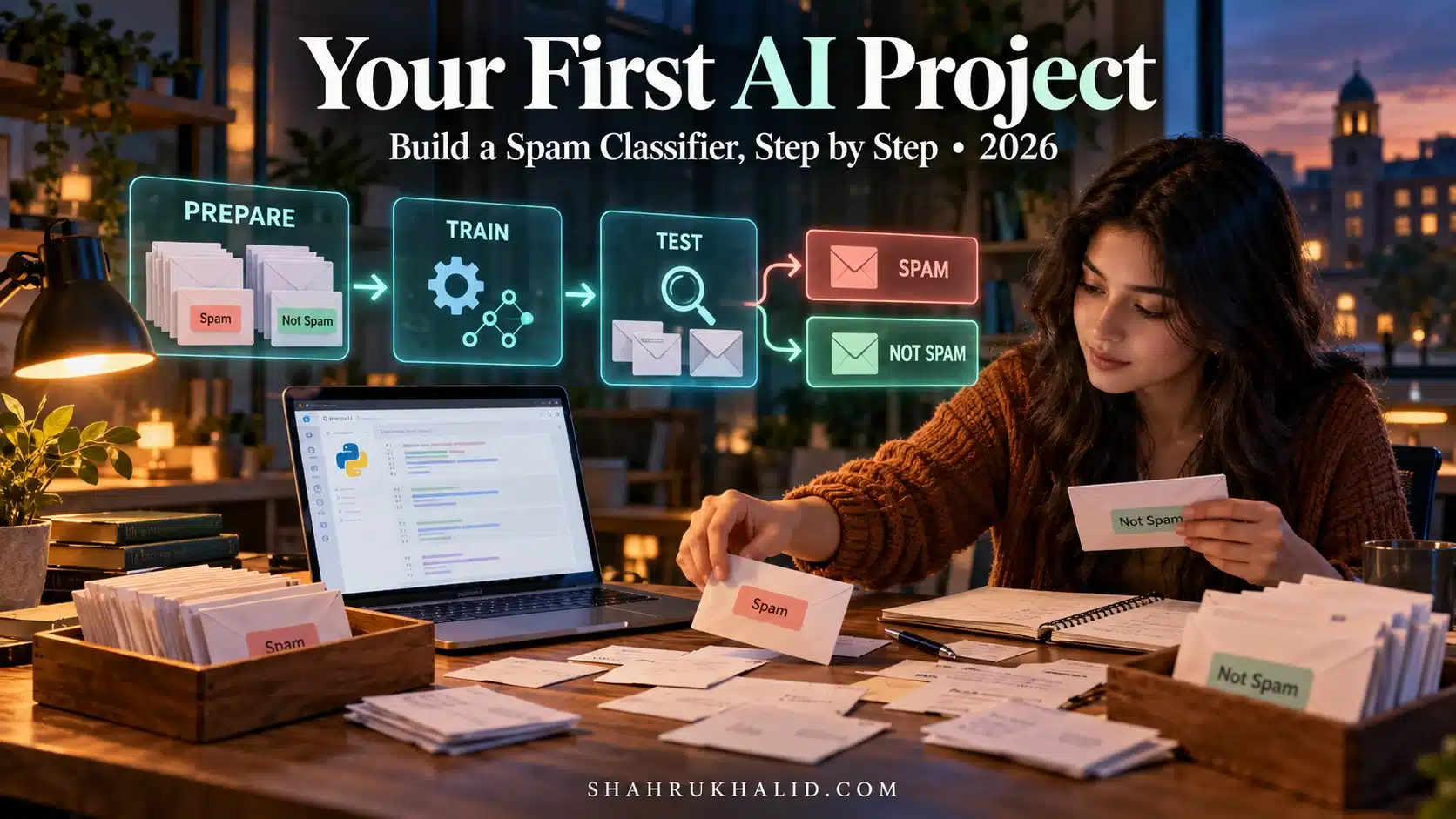
| Machine learning | A subset of AI where models learn patterns from data instead of hand-written rules | A spam filter trained on labelled emails |
| Deep learning | A subset of machine learning using many-layered neural networks | Image generators, large language models |
Generative AI tools such as chat assistants and image generators sit inside deep learning. For a beginner, classic machine learning is the better starting point because you can see every step and understand why it works.
Why the barrier is lower in 2026
Three things made AI accessible to individuals. There is far more data available to learn from. Cloud computing lets you rent powerful hardware, often for free at small scale. And mature open-source libraries wrap complex algorithms in a few lines of code.
So is AI difficult for non-programmers? Building new research-grade models is hard. Using, evaluating and building small practical models is well within reach if you learn the vocabulary first and write a little Python alongside it.
The core vocabulary you need
Six terms cover most beginner conversations about AI basics:
- Dataset: the collection of examples your model learns from. Its quality matters more than almost any other choice you make.
- Features: the input variables, such as the words in an email or a house’s size.
- Label: the answer you want predicted, such as “spam” or a sale price.
- Model: the saved set of patterns learned from the data.
- Training: the learning phase, where the algorithm adjusts itself to link features to labels.
- Inference: using the trained model to predict on new data it has not seen.
Training is the slow, compute-heavy step. Inference is usually fast, and it is what happens each time you use an AI feature in an app.
Set up a free AI lab with Google Colab
You do not need to install Python or fight with library versions. Google Colab runs Jupyter-style notebooks in your browser, with the main data science libraries preinstalled. Free GPU access is available but limited and not guaranteed, so check Google’s current usage limits in the Colab documentation.
Five-minute setup
- Sign in with a Google account (Gmail or Drive works).
- Go to colab.research.google.com.
- Choose
File > New notebook. It saves to your Google Drive as an.ipynbfile. - Click the title and rename it, for example
My_First_AI_Project. - Click into the first cell, the block where code goes, and run it with Shift+Enter.
The three libraries you will use first
pandas: loads, cleans and reshapes tabular data, like a spreadsheet in code.scikit-learn: ready-made machine learning algorithms for classification, regression and clustering.matplotlibandseaborn: charts that show what is in your data and how your model performs.
Verify the environment
Paste this into a cell and run it. If it prints without errors, your lab works.
import pandas as pd
import sklearn

print("Hello, AI World!")
print("Pandas version:", pd.__version__)
print("Scikit-learn version:", sklearn.__version__)
Your first model: a minimal end-to-end workflow
Every beginner machine learning project follows the same loop. Learn it once and you can reuse it on almost any tabular problem.
- Load data into a pandas DataFrame.
- Inspect it with
df.head(),df.describe()and a quick chart. Look for missing values and odd outliers. - Separate features from the label (commonly called X and y).
- Split the data into a training set and a test set, typically 80/20.
- Train a simple model on the training set.
- Evaluate it on the test set, which the model has never seen.
Here is the whole loop using a small dataset built into scikit-learn, so there is nothing to download:
from sklearn.datasets import load_iris
from sklearn.model_selection import train_test_split
from sklearn.ensemble import RandomForestClassifier
from sklearn.metrics import accuracy_score

X, y = load_iris(return_X_y=True)
X_train, X_test, y_train, y_test = train_test_split(
    X, y, test_size=0.2, random_state=42)
model = RandomForestClassifier().fit(X_train, y_train)
print(accuracy_score(y_test, model.predict(X_test)))
That is training (fit) and inference (predict) in about ten lines. Change the model, swap in your own CSV, or add a confusion matrix, and you have the foundation of real projects.
Where to go after the basics
Once the loop feels natural, pick one direction and build something small rather than collecting more theory. Practice with real tools sticks better than passive reading, and the guide to interactive platforms that build skills, not just knowledge helps you choose where to practise.
- Automation and agents: follow the walkthrough to build your first local AI agent.
- Research and productivity: set up an automated AI research workflow on your laptop.
- Writing and content: learn how to teach AI to write and create like you.
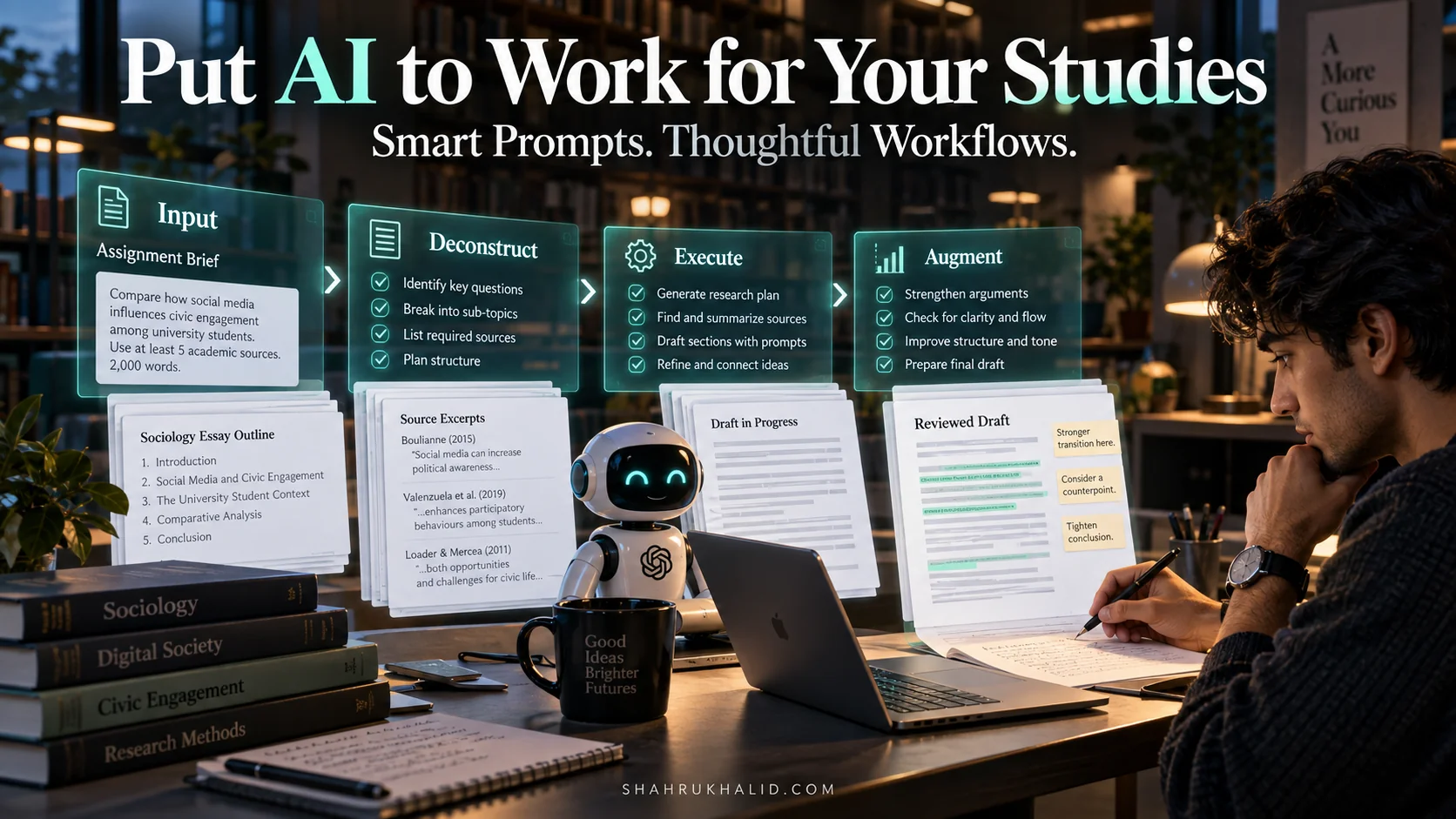
- Studying: see a student’s account of using AI to prepare for exams.
Common mistakes beginners make
- Treating AI as magic. Models reflect their training data. Biased or thin data produces biased or unreliable output.
- Skipping the train/test split. Testing on the data you trained on gives inflated scores that collapse in real use.
- Chasing complex models first. A simple model with clean data usually beats a fancy model with messy data.
- Ignoring data cleaning. Missing values, duplicates and mislabelled rows quietly ruin results. Expect to spend much of your time here.
- Trusting a single accuracy number. On imbalanced data, such as rare fraud cases, high accuracy can hide a useless model. Check precision, recall and a confusion matrix.
- Pasting sensitive data into public tools. Never upload personal, client or confidential data to a notebook or chatbot without checking the privacy terms.
- Tutorial hopping. Watching without building leaves you with recognition, not skill. Finish one small project end to end.
Key takeaways
- AI is a pattern-finding tool, not magic; machine learning sits inside AI, and deep learning inside machine learning.
- Six terms (dataset, features, label, model, training, inference) cover most beginner conversations.
- Google Colab gives you a zero-install lab with pandas, scikit-learn and plotting libraries ready to use.
- Every project follows the same loop: load, inspect, split, train, evaluate.
- Data quality and honest evaluation matter more than model complexity.
- Build one small project end to end before moving on to agents, research workflows or content tools.