Blog Post

Stuck in Study Ruts? How 2026s Interactive Platforms Turn Learning into Your Next Adventure.
September 27, 2026 EdTech Innovation • 19 min read • 44 Views
Stuck in Study Ruts? How 2026s Interactive Platforms Turn Learning into Your Next Adventure.
🎨 Visual Direction & Editorial Artwork • Published by Shahrukh Khalid

Key Takeaways

  • Interactive platforms transform passive learning into personalized, active adventures by 2026.
  • Platforms use diagnostic quizzes to generate personalized, quest-based learning paths.
  • Learning becomes experiential with interactive simulations and immediate, AI-driven feedback.
  • These platforms overcome study ruts by replacing static learning with dynamic, engaging experiences.
  • Learning will mirror open-world games, offering skill-building, real-time feedback, and clear objectives.

Across modern cognitive research and student learning data, a consistent pattern emerges: the dreaded study rut—staring at a textbook, re-reading the same paragraph repeatedly while cognitive fatigue sets in. Traditional learning often feels static, constrained to one-way lectures and flat pages. In 2026, that paradigm has shifted decisively from passive consumption to active interactive adventure. This masterclass guide details how next-generation interactive learning platforms transform complex topics into engaging, intuitive explorations.

***

Comprehensive Foundations & Concept Primer

I want you to picture something. Imagine you’re the hero in your favorite open-world video game. You have a massive, unexplored map, a clear objective in the distance (say, defeating the “Final Exam Dragon”), and a series of smaller quests to build your skills. You’re not just reading a manual about how to be a hero; you’re doing it. You’re fighting smaller monsters, discovering hidden lore, leveling up your abilities, and getting real-time feedback on your performance. Every action you take makes you stronger, smarter, and more prepared for the ultimate challenge.

Now, what if I told you that by 2026, this is exactly what learning will feel like?

This is the core promise of **

  • The Old Way (The Study Rut): You sit down with a 50-page chapter on cellular mitosis. You read. You highlight. You get tired. You try to recall facts. You feel overwhelmed by the sheer volume of information. Your motivation plummets because the feedback loop is too long—you won’t know if you really get it until the quiz next Tuesday. It’s a lonely, passive slog.
  • The New Way (The Learning Adventure): You log into your interactive learning platform. Your goal: “Master Cellular Mitosis.”
  • The Quest Begins: The platform gives you a 2-minute diagnostic quiz. It discovers you already know prophase and metaphase but are fuzzy on anaphase and telophase.
  • Your Personalized Map: It doesn’t force you to re-read the whole chapter. Instead, it generates a personalized “questline” focusing on your weak spots. First up: a 3D, interactive simulation of a cell. You physically drag chromosomes to their correct positions for anaphase.
  • Immediate Feedback: You drag a chromosome to the wrong spot. The simulation pauses. A friendly AI tutor pops up: “Almost! Remember, in anaphase, the sister chromatids separate and move to opposite poles. Try that again.” You do. It clicks. You’ve just learned by doing.
  • Level Up: You complete the simulation and earn “Mitosis Mastery” points and a badge. This small dopamine hit fuels your motivation. Next quest: a short, animated video explaining telophase, followed by a quick matching game.
  • See the difference? The rut is replaced by momentum. Passive reading is replaced by active engagement. This isn’t science fiction; this is the reality of engaging online education that’s taking shape right now.

    The Core Principles: De-Jargoning the Tech

    When we talk about these platforms, you’ll hear a lot of buzzwords. Let’s translate them into what they actually mean for you.

    • Personalized Learning Technology: This is the “personal quest map” I mentioned. Instead of a one-size-fits-all textbook, the platform uses AI to understand your unique strengths and weaknesses. It acts like a personal tutor, creating a learning path just for you. It answers the question, “Where am I now, and what’s the most efficient next step for me?”
    • Gamified Learning Experiences: This is the secret sauce for motivation. It’s not about turning calculus into Candy Crush. It’s about using proven game mechanics—like points, badges, leaderboards (if you’re competitive), progress bars, and “boss levels” (major quizzes)—to make learning more compelling. What are the benefits of gamified learning platforms? They tap into our brain’s natural reward system, making the process of learning itself enjoyable and creating a powerful incentive to keep going, effectively breaking study ruts.
    • AI in Education Platforms: This is the “intelligent tutor” in the system. The AI is what powers the personalization, provides instant feedback, and can even simulate conversations or scenarios. Can AI-powered platforms help students overcome study challenges? Absolutely. An AI tutor is available 24/7, is infinitely patient, and can provide hints and explanations in the exact moment you get stuck, which is something a human teacher with 30 other students simply can’t do.
    • Interactivity: This is the most crucial principle. It’s the “doing” part. It’s the difference between reading about how a car engine works and using a simulation to take one apart and put it back together. Interactivity solidifies knowledge in your memory far more effectively than passive reading ever could.

    By 2026, you won’t just be a student; you’ll be an explorer, a scientist, and the hero of your own learning journey. These platforms are the ships and compasses that will make that adventure possible.

    Prerequisites & Complete Environment Setup

    Alright, you’re sold on the idea of turning your study sessions into an adventure. So, what do you need to pack? How do you set up your “base camp” for success? Unlike a complex coding project, the “environment setup” here is less about software and more about mindset and strategy. It’s about preparing yourself and your digital space to make the most of these powerful tools.

    Let’s walk through it, step-by-step.

    Prerequisites: Packing Your Explorer’s Kit

    Before you even look for a platform, you need the right gear. And in this case, the most important gear is in your head.

    1. A Growth Mindset: This is non-negotiable. You have to believe that your intelligence and abilities can be developed through dedication and hard work. These platforms are built on that very idea. They will show you where you’re weak, not to discourage you, but to show you where you can grow. Embrace the “You’re not there yet.”
    2. Curiosity & Willingness to Experiment: The perfect platform for your friend might not be the perfect one for you. Be prepared to try a few. See them as experiments. What features do you like? Does the AI tutor’s style work for you? Is the gamification motivating or distracting? Be a scientist of your own learning.
    3. Basic Tech: This is the easy part. You don’t need a supercomputer.
    4. A reasonably modern computer or tablet.
    5. A stable internet connection.
    6. A current web browser (like Chrome, Firefox, or Safari).

    That’s it. The real work is in the setup process.

    Step-by-Step Environment Setup: Building Your Learning Cockpit

    Think of this as customizing your spaceship’s cockpit before a long journey. You want all the important controls within reach.

    Step 1: The Pre-Flight Check (Identify Your Learning Style)

    Before you choose a platform, take 10 minutes to understand your own preferences. Grab a notebook and jot down answers to these questions:

    • Visual: Do I learn best from diagrams, videos, and animations?
    • Auditory: Do I prefer lectures, discussions, and explaining things out loud?
    • Reading/Writing: Am I most comfortable with textbooks, articles, and taking detailed notes?
    • Kinesthetic (Doing): Do I need to be hands-on, clicking, dragging, building, and simulating?

    Most of us are a mix, but you’ll likely have a dominant preference. This will be your compass when choosing a platform. A kinesthetic learner will want a platform heavy on simulations, while a visual learner will look for one rich with interactive videos.

    Step 2: Scouting the Terrain (Researching Platforms)

    Now you start looking. But where?

    • Your School/University: Many institutions are already licensing these platforms. Check your university’s library or IT portal. This is the best place to start.
    • Subject-Specific Communities: Are you a pre-med student? Check forums like Reddit (r/premed) or student communities to see what platforms others are using for the MCAT. Learning to code? There are dozens of famous interactive platforms for that.
    • Keywords to Search: Use phrases like “interactive platform for learning [your subject],” “gamified chemistry app,” or “AI tutor for calculus.”

    What to look for: A platform’s website should clearly state how it teaches. Look for keywords we discussed: “adaptive,” “personalized path,” “interactive simulations,” “instant feedback.” If it just looks like a collection of PDF files and videos, it’s not a true interactive platform.

    Step 3: Establishing Base Camp (Creating Your Profile & Setting Goals)

    You’ve picked a platform to try. Now for the most critical step: the onboarding. Don’t just click through this! This is where you tell the AI what you want to achieve.

    • Be Specific with Goals: Don’t just say “Learn Spanish.” A better goal is “Achieve conversational fluency for my trip to Spain in 6 months” or “Master the subjunctive mood for my upcoming exam.” The more specific your goal, the better the AI can tailor your path.
    • Honest Self-Assessment: The platform will likely give you a diagnostic test. Don’t guess. Be honest about what you don’t know. The entire point of personalization is to meet you where you are. Giving it bad data is like giving your GPS the wrong starting location.

    Step 4: Organizing Your Digital Workspace (The “Directory Layout”)

    Just like a programmer organizes files, you need to organize your learning life. A great interactive platform should be the center of your study universe, not just another isolated tab.

    Imagine your digital space as a file folder system:

    /My_Studies/
    |
    |— /History_101/
    | |
    | |— 📜 Class_Notes/
    | |— 📚 Textbooks_PDFs/
    | |— 🚀 CognitoSphere_Platform/ <– Your Interactive Hub
    | | |— 🎯 My_Goals.txt (e.g., "Ace the midterm")
    | | |— 📊 Progress_Screenshots/
    | |
    | |— ✍️ Final_Essay_Drafts/
    |
    |— /Biology_205/
    | |— … (similar structure)

    The idea is to create a system where your interactive learning complements your other materials. After a session on the platform, you might jot down key insights in your `Class_Notes` folder or find the corresponding section in your `Textbooks_PDFs` for a quick review.

    Step 5: Verification (Your First “Hello, World” Quest)

    Your environment is set up. Now, verify it works. Dive in and complete the first full module or “quest” the platform gives you.

    • Did the platform accurately identify a weak spot?
    • Was the interactive element engaging?
    • Did you receive feedback that was clear and helpful?
    • Do you feel like you learned something tangible in 20-30 minutes?

    If the answer is yes, you’ve successfully configured your learning environment. You’re no longer just “studying”—you’re on your first expedition.

    Core Implementation Architecture & Workflow Blueprint

    Now that your base camp is set up, let’s look under the hood. How do these platforms actually work? You don’t need to be a software engineer, but understanding the “architecture” of the learning experience will help you use these tools more effectively. It’s like knowing the basic rules of a game before you try to master it.

    We’ll map this out using a “Workflow Blueprint.” This is the journey your brain goes on, guided by the platform, from “I don’t get this” to “Aha, I’ve got it!”

    The Student Learning Workflow: A Visual Blueprint

    Imagine the entire process as a series of connected cards. This is the fundamental mechanic that turns a static topic into a dynamic, responsive experience.

    [Visual Card Grid]

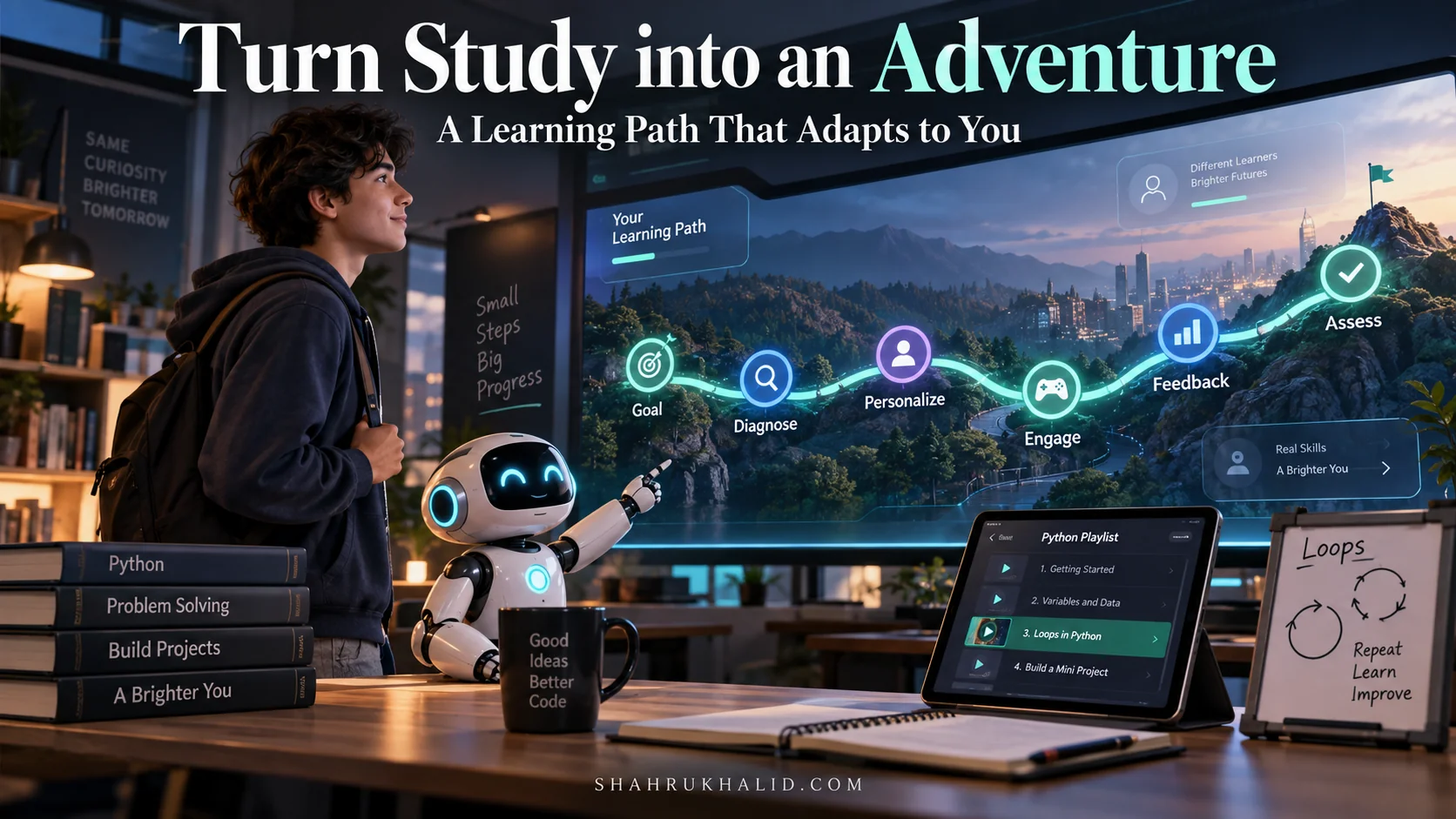
    | Card 1: INPUT | Card 2: DIAGNOSE | Card 3: PERSONALIZE | Card 4: ENGAGE | Card 5: FEEDBACK | Card 6: ASSESS |
    | :— | :— | :— | :— | :— | :— |
    | Your Goal | AI-Powered Quiz | Adaptive Path | Interactive Module | Real-Time AI Tutor | Mastery Challenge |
    | “I need to learn the Kreb’s Cycle for my biology exam.” | A 5-minute quiz with drag-and-drop molecules and multiple-choice questions. | The AI builds a “questline” that skips concepts you know and focuses on your weak areas. | A simulation where you “build” the Kreb’s Cycle by adding the right enzymes and molecules in order. | “Great job adding citrate! Now, which enzyme is needed for the next step?” | A final “Boss Battle” quiz or a project where you explain the cycle in your own words. |

    Let’s walk through each stage of this blueprint.

    Stage 1: The Input (Defining Your Quest)

    This is the starting point we discussed in Module 2. It’s you, declaring your intention to the platform.

    • What it is: A clear, specific, and measurable goal.
    • Why it’s important: It’s the destination you’re plugging into the GPS. Without it, the AI has no idea how to build a path for you. A good platform will prompt you for this and help you refine it.

    Stage 2: The Diagnose Phase (Mapping the Fog of War)

    This is where the magic begins. The platform needs to know your current state of knowledge.

    • What it is: A short, engaging, and adaptive diagnostic test. It’s not a scary, graded exam; it’s a data-gathering tool.
    • How it works: The AI analyzes your answers in real-time. If you get three questions about Topic A right, it might skip the rest of that topic. If you struggle with Topic B, it will ask more questions to pinpoint exactly what you’re misunderstanding. This is a core feature of Personalized learning technology.
    • Analogy: This is like the part of a video game where the map is blacked out (“fog of war”), and you send out a scout to reveal the terrain. The diagnostic quiz is your scout.

    Stage 3: The Personalize Phase (Generating Your Custom Map)

    With the diagnostic data, the platform’s AI becomes your personal curriculum designer.

    Stage 4: The Engage Phase (The Adventure Itself)

    This is the core loop of learning—the “doing.” This is where engaging online education truly comes to life.

    • What it is: The individual learning modules on your path. This is where the platform’s creativity shines. It could be:
    • A 3D simulation of a physics experiment.
    • A branching-narrative historical event where your choices matter.
    • A coding challenge with a live debugger.
    • A debate with an AI on an ethical dilemma.
    • Why it’s so effective: It forces you into active recall and application of knowledge, not just passive recognition. This creates much stronger neural pathways.

    Stage 5: The Feedback Loop (Your AI Companion)

    This is arguably the most powerful element, and it’s what makes AI in education platforms a revolutionary force.

    • What it is: Instant, specific, and constructive feedback delivered at the moment of error.
    • How it works: The AI is constantly monitoring your interactions. Did you use the wrong formula? Did you misspell a Spanish verb? It doesn’t just say “Wrong.” It says, “That’s a common mistake. Remember that for -ar verbs, the ‘yo’ form ends in ‘-o’. Try again!” This immediate, non-judgmental correction cycle is incredibly efficient for learning.
    • Analogy: It’s like having a bowling lane with automated bumpers that only pop up the second your ball starts heading for the gutter. It guides you back on track instantly, so every ball you throw is a chance to learn.

    Stage 6: The Assess Phase (The Boss Battle)

    Finally, how do you know you’ve truly mastered the topic?

    • What it is: A final assessment that requires you to synthesize and apply everything you’ve learned.
    • How it works: This is more than a multiple-choice quiz. It could be a project, a presentation you record, or a complex problem you have to solve from scratch. The AI can then evaluate your submission. For example, some advanced AI models can now grade short essays or analyze the logic in a piece of code.
    • Analogy: This is the “Boss Battle” at the end of the level. It tests all the skills you’ve acquired along the way. Beating it proves you’re ready to move on to the next world.

    Understanding this architecture shows you that these platforms aren’t magic. They are carefully designed systems built to work with the grain of your brain, turning the frustrating slog of studying into a motivating, step-by-step adventure.

    Hands-on Practical Implementation & Real-World Configuration

    Theory is great, but let’s make this real. I want to walk you through a complete, end-to-end scenario of how a student, let’s call him Alex, uses a hypothetical (but realistic) platform called “QuantumLeap” to break out of a study rut in his introductory programming class.

    This is your hands-on guide. You can apply these exact steps and thought processes to any real-world interactive platform you choose.

    The Scenario

    • Student: Alex, a first-year university student.
    • Class: Introduction to Python Programming.
    • The Rut: Alex understands basic concepts like variables and `print` statements, but he’s completely stuck on `for` loops. He’s read the textbook chapter three times, and it’s just not clicking. The syntax feels alien, and he doesn’t understand why he’d use one. His motivation is at an all-time low.

    Let’s watch Alex use QuantumLeap to turn this around in a single evening.

    Step 1: Onboarding & Goal Configuration

    Alex signs up for QuantumLeap, which his university provides.

    Platform Prompt: “Welcome, Alex! What’s your primary learning goal today?”

    Alex’s Input (V1 – Bad): “get better at python”
    This is too vague. The AI can’t create a targeted path.

    Platform Nudge: “Let’s get more specific! Are you studying for an exam, working on a project, or stuck on a specific concept?”

    Alex’s Input (V2 – Good): “I’m stuck on ‘for loops’ for my Intro to Python class. I need to understand them for my homework due Friday.”
    Perfect. This is specific, contextual, and time-bound.

    Step 2: The Diagnostic “Code-Along”

    QuantumLeap doesn’t give Alex a boring quiz. Instead, it launches a 5-minute interactive “Code-Along.”

    Platform UI

    A split screen appears. On the left, a friendly AI avatar named “Sparky” is writing simple code. On the right is a code editor for Alex.

    Sparky: “Hey Alex! Let’s write some code together. First, can you create a list of your favorite fruits? Just type it in the editor on the right.”
    Alex writes: `my_fruits = [“apple”, “banana”, “orange”]`

    Sparky: “Awesome! Now, let’s say we want to print each fruit on a new line. We could do this…” (Sparky writes three separate `print` statements). “But that’s a lot of work! A `for` loop is the perfect tool for this. Can you try to write a loop that does the same thing? Don’t worry if it’s not perfect!”

    Alex's attempt

    # This is my best guess...
    for my_fruits:
      print(fruit)

    He gets a `NameError` because `fruit` isn’t defined and the syntax is wrong.

    The AI’s Diagnosis: The platform’s backend instantly analyzes the error. It sees that Alex doesn’t understand two key things:

    1. The need for a temporary variable (e.g., `fruit`) in the loop declaration.
    2. The `in` keyword syntax (`for fruit in my_fruits:`).

    Step 3: Generating and Customizing the “Looping Adventure” Path

    Based on the diagnosis, QuantumLeap doesn’t show Alex the textbook definition. It generates a 45-minute personalized “adventure.”

    Platform UI

    Your “Looping Adventure” Path:

    1. [5 min] Interactive Analogy: The “Pizza Toppings” Sorter. (Visual/Kinesthetic)
    2. [10 min] Deconstructed Code: Building a `for` loop, piece by piece. (Syntax/Logic)
    3. [15 min] Live Coding Challenge: “The Playlist Randomizer.” (Practical Application)
    4. [10 min] AI Code Review: Debug a broken loop with Sparky’s help. (Troubleshooting)
    5. [5 min] Mini-Project: Write your own loop for your homework. (Synthesis)

    Alex’s Configuration: QuantumLeap notes that Alex learns best by doing. It allows him to drag and drop the modules. Alex is curious about the “Playlist Randomizer,” so he moves it up to be his second step. This sense of control is a key part of engaging online education.

    Step 4: The Hands-On Implementation (Executing the Path)

    Alex dives in.

    Module 1: The "Pizza Toppings" Sorter

    • The Interface: A visual of a pizza. A box of toppings (`[“pepperoni”, “mushrooms”, “olives”]`).
    • The Task: A block-based coding interface, like Scratch. Alex is told, “A `for` loop is like a robot arm that picks up each item from a list, one by one, and does something with it.” He drags a “FOR EACH topping IN toppings_box” block and then nests a “PLACE topping ON pizza” block inside it. He hits “Run,” and an animation shows a robot arm placing each topping on the pizza.
    • The “Aha!” Moment: Alex visually connects the concept of “iterating” over a list with a real-world action. He understands the purpose of a loop.

    Module 2: Live Coding Challenge: "The Playlist Randomizer"

    • The Task: Alex is given a list of songs. He has to write a Python `for` loop to print out “Now playing: [song_name]” for each song.
    • The AI Tutor in Action: Alex starts typing `for playlist…`. Sparky, the AI tutor, gently intervenes.
    • **Sparky

    Authoritative Documentation & Verified References:

    Frequently Asked Questions

    What are study ruts in learning?
    Study ruts are periods of disengagement where learning feels static and ineffective. They involve re-reading material without comprehension, making academic progress challenging and frustrating for students.
    How will interactive platforms change learning by 2026?
    By 2026, interactive platforms will dramatically transform learning from static methods into engaging, personalized adventures. They utilize cognitive data to combat study ruts and enhance student engagement.
    How do interactive platforms improve student engagement?
    Interactive platforms improve engagement by transforming traditional, flat learning experiences into dynamic, personalized adventures. They leverage advanced pedagogical models to make studying active, overcoming common feelings of disinterest and stagnation.
    👩‍🏫

    Written by Zara Shah

    AI Specialist — AI Pedagogy & Interactive Learning

    Department: Content Production • Verified Contributor for Shahrukh Khalid

    Specialized AI author for AI literacy education, classroom AI integration, and interactive learning methodologies.

    Tags:
    Recommended Articles in this Topic
    The 2026 Students Playbook: Turning Tough Topics Into Interactive Wins (Step-by-Step Study Hacks!)
    Key Takeaways2026 learning prioritizes interactive methods over rote memorization for deeper understanding. Interactive study transforms passive consumption into active creation,...
    Hands-On Learning, 2026 Style: Your Guide to Interactive Platforms That Build Skills, Not Just Knowledge
    Explore how 2026's interactive learning platforms bridge the gap between theory and execution with hands-on sandboxes, real-time feedback, and practical technical skill-building.
    The 2026 Learning Game-Changer: How Interactive Platforms Make Complex Topics *Click* for Students
    We are on the cusp of a monumental shift in education, a change powered by a new generation of **interactive learning platforms**. By 2026, these...
    The 2026 Secret: Turn Study Sessions Into Interactive Adventures (And Ace Your Exams!)
    Forget the highlighter-stained textbooks, the endless re-reading, and the soul-crushing monotony of passive review. We're about to embark on a journey to rewire the way...
    Your 2026 Study Superpower: Beginners Guide to Interactive Learning Platforms That Make Concepts Click
    That conversation is here, and by 2026, it will be the single most powerful tool in your academic arsenal. This is your masterclass on that...
    Beyond the Textbook: Your 2026 Roadmap to Interactive Learning Platforms for Smarter Study & A+ Understanding
    Module 1: Comprehensive Foundations & Concept Primer Welcome to the Future of Learning: Why Interactive Platforms are Your 2026 Superpower Imagine this: You're staring at...
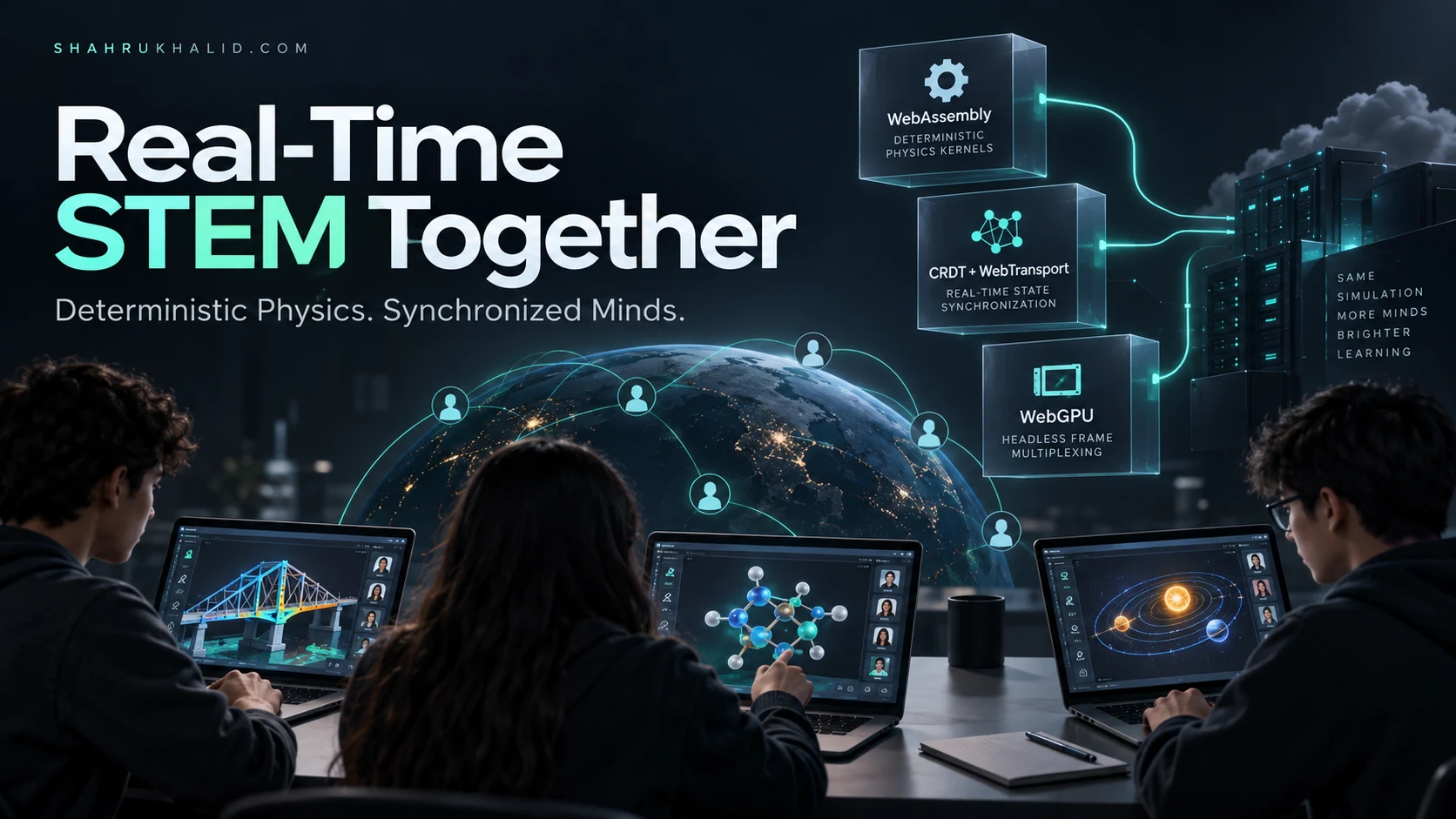
    Architecting Real-Time Collaborative STEM Simulation Fabrics in 2026: Deterministic WebAssembly Physics Kernels, Hybrid CRDT-Driven WebTransport State Synchronization, and Headless WebGPU Frame Multiplexing
    Modern collaborative STEM simulations are fundamentally constrained by distributed state divergence: browser environments execute across radically heterogeneous hardware, where unmitigated floating-point operations desynchronize physics states,...
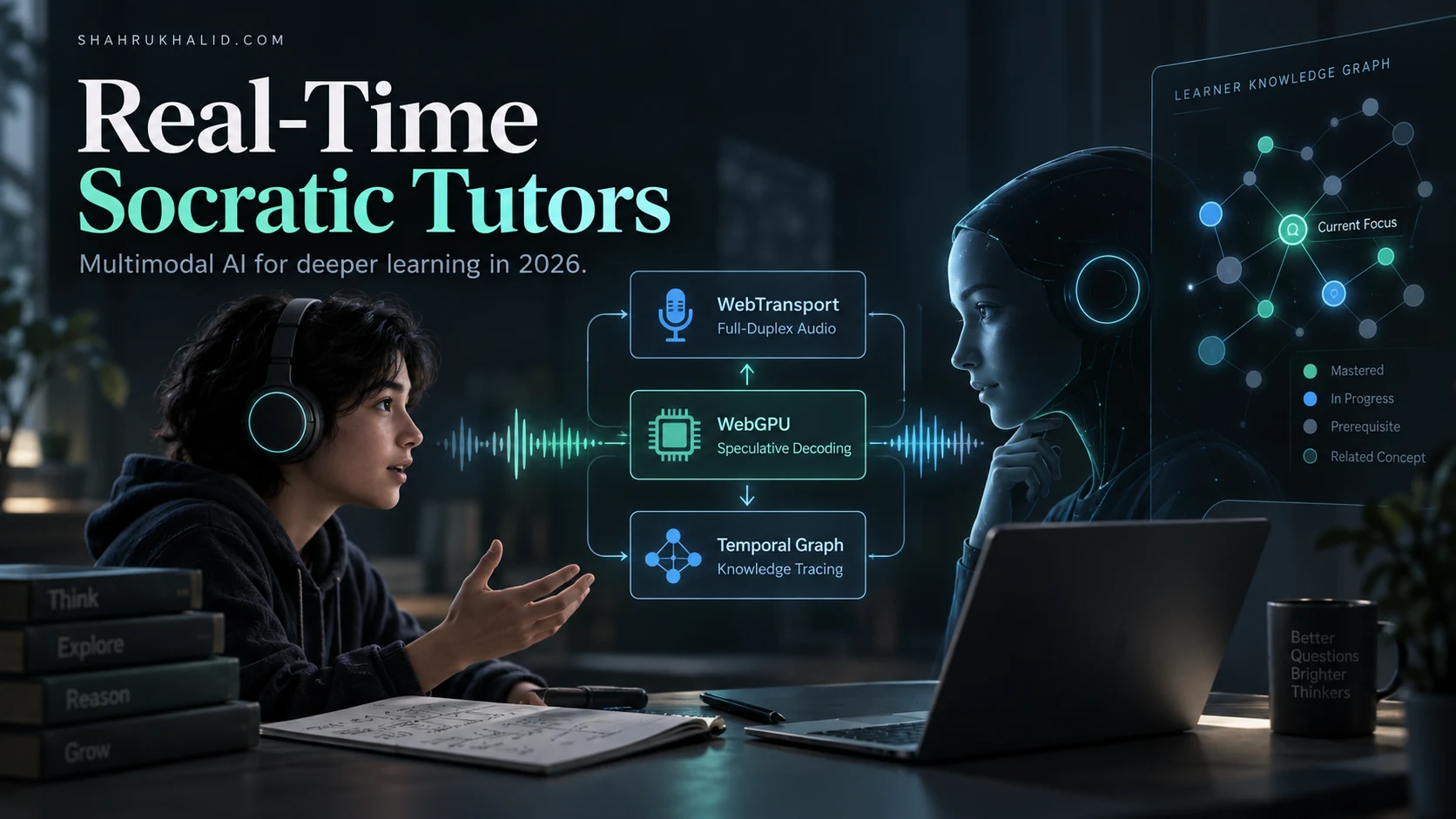
    Architecting Real-Time Multimodal Socratic Tutors in 2026: Full-Duplex WebTransport Audio Pipelines, Client-Side WebGPU Speculative Decoding, and Streaming Temporal Graph Knowledge Tracing
    To deliver true real-time Socratic pedagogy in 2026, educational architectures must abandon the request-response paradigms of standard conversational interfaces in favor of synchronized, full-duplex sensory...
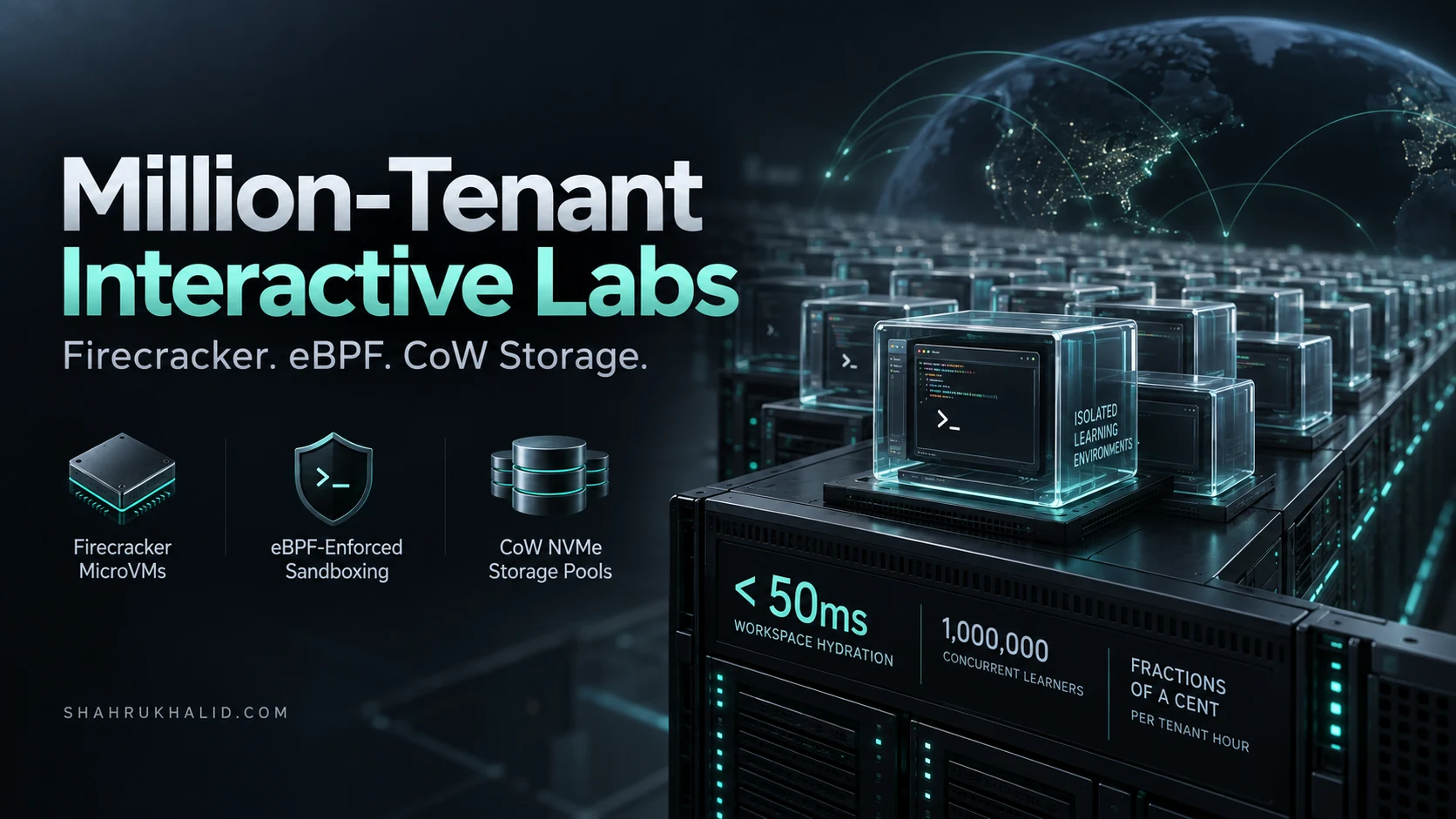
    Architecting Million-Tenant Interactive Labs in 2026: Firecracker MicroVM Snapshot Resumption, eBPF-Enforced Syscall Sandboxing, and CoW NVMe Storage Pools
    Architecting multi-tenant interactive learning platforms capable of serving one million concurrent sandboxed workspaces demands an uncompromising departure from legacy containerization and heavyweight virtualization. By unifying...
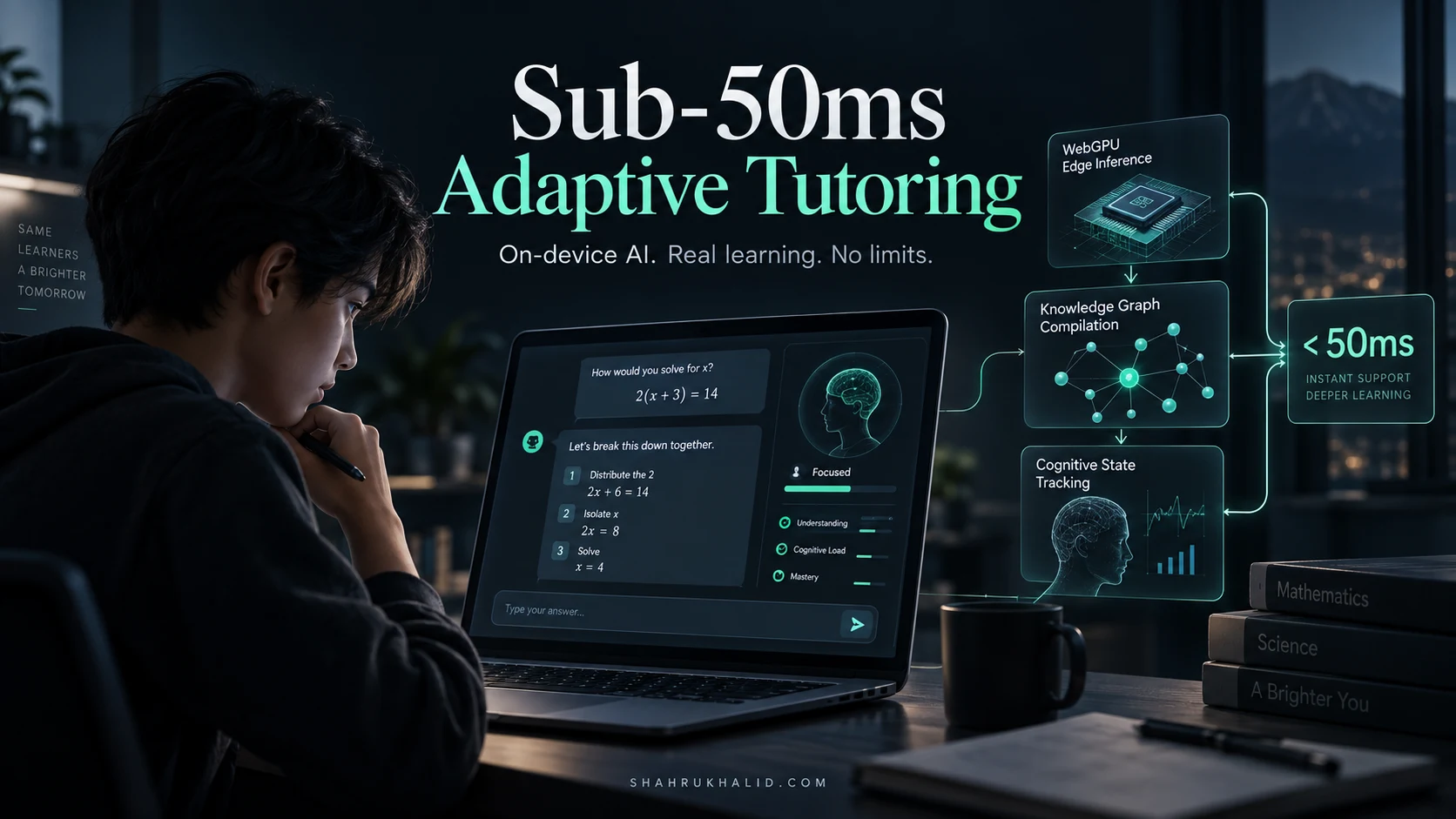
    Architecting Sub-50ms Adaptive Tutoring in 2026: WebGPU Edge Inference, Dynamic Knowledge Graph Compilation, and Real-Time Cognitive State Tracking
    To deliver true adaptive instruction, an intelligent tutoring system must operate within the human conversational micro-pause threshold of 50 milliseconds, eliminating the cognitive friction and...
    Write a comment