Your 2026 Study Superpower: Beginners Guide to Interactive Learning Platforms That Make Concepts Click
Key Takeaways
- Module 1: Comprehensive Foundations & Concept Primer
- What Are Interactive Learning Platforms, Really? An Analogy
- Why This Is Your Essential Superpower for 2026
- The Core Principles: Deconstructing the Magic
- Module 2: Prerequisites & Complete Environment Setup
That conversation is here, and by 2026, it will be the single most powerful tool in your academic arsenal. This is your masterclass on that superpower: interactive learning platforms. These aren’t just fancy websites with quizzes; they are sophisticated, engaging learning tools designed to rewire the way your brain builds understanding. Forget passive consumption. We’re about to embark on a journey into active learning, where you don’t just memorize facts—you build true, lasting concept mastery. Let’s begin.
Comprehensive Foundations & Concept Primer
Before we dive into the “how,” let’s spend some real time on the “what” and the “why.” Understanding the core philosophy behind this shift in education is the most important first step. Without it, these powerful platforms can feel like just another distraction.
What Are Interactive Learning Platforms, Really? An Analogy
Imagine you want to learn how to bake a perfect sourdough loaf.
The Old Way (Passive Learning): You buy a dense, 500-page book on baking. You read chapters on yeast, hydration levels, and kneading techniques. You memorize the steps. After a week of reading, you finally try to bake. Your first loaf is a dense, flat disaster. Why? Because you never got any feedback until the very end. You had no chance to correct your course. The knowledge was static.
The New Way (Interactive Learning): Now, imagine a “baking simulator” app.
- Micro-Lesson: It shows you a 60-second video on activating your starter.
- Interaction: It then presents you with a digital starter and asks, “What do you add next? Flour or salt?” You drag and drop the flour.
- Instant Feedback: The app chimes. “Great! Now, how much water? Tap the screen to pour.” You pour, but a meter shows you’ve added too much. A friendly message pops up: “Whoops, a little too wet! A high-hydration dough is tricky. Let’s try that again, aiming for this consistency.”
- Adaptation: You try again and get it right. The app then unlocks the next step: kneading.
That app is an interactive learning platform. It’s not a book; it’s a coach. It’s not a lecture; it’s a conversation.
At its heart, this is the answer to the question, What is active learning in EdTech? It’s the shift from being a passive recipient of information to an active participant in the construction of your own knowledge. These active learning platforms transform you from an audience member into the main character of your learning story. They are built on a simple but profound pedagogical principle: we learn best by doing, failing, and trying again with immediate, targeted guidance.
Why This Is Your Essential Superpower for 2026
The world of 2026 won’t reward you for how many facts you can memorize. We have search engines for that. It will reward you for your ability to think critically, solve complex problems, and learn new skills quickly. Passive learning prepares you for a world that no longer exists.
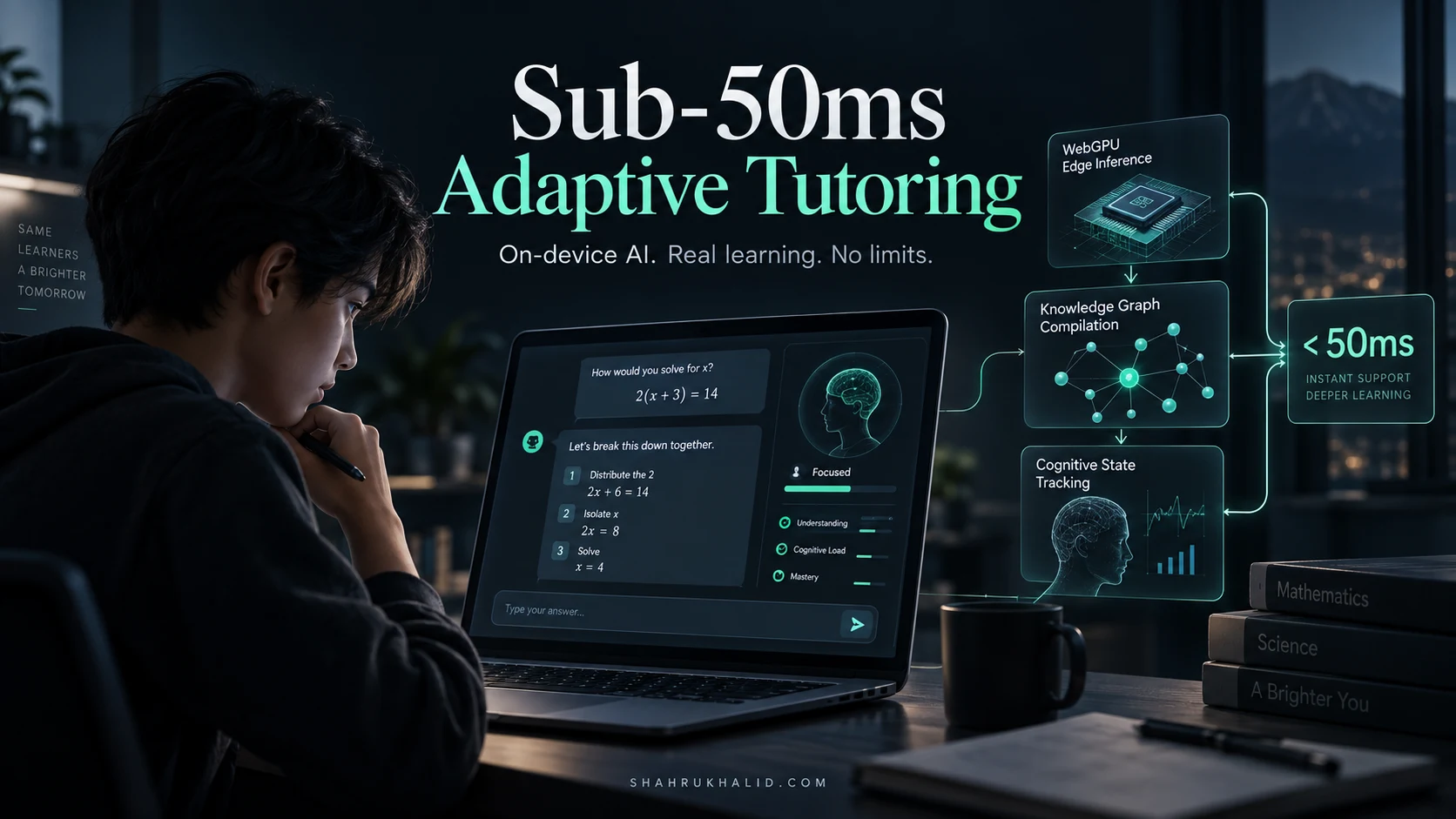
Personalized education technology is the engine driving this change. In the past, a teacher had to design a lesson for the “average” student in a class of 30, leaving some behind and others bored. Today’s next-gen EdTech can create a unique learning path for every single user. It watches how you answer, how long you take, and what concepts you struggle with. It then adapts the curriculum for you, in real-time. It’s like having a personal tutor available 24/7, dedicated entirely to your success.
These platforms don’t just teach you subjects; they teach you how to learn. They build your metacognitive skills—your ability to think about your own thinking—which is the ultimate transferable skill for any career you choose.
The Core Principles: Deconstructing the Magic
So, how do interactive learning platforms improve understanding? It’s not magic, it’s cognitive science woven into code. There are three core principles at play.
- The Feedback Loop (Do, Check, Adapt): This is the heart of interactivity. Traditional study involves a massive, delayed feedback loop. You study for weeks, take a midterm, and then get a grade. By the time you find out you misunderstood a core concept, it’s often too late. Interactive platforms shrink that loop from weeks to seconds. You try a problem, you get it wrong, and the platform immediately says, “Not quite, remember the role of mitochondria?” This constant cycle of action and correction builds accurate mental models, brick by brick.
- Gamified Learning Solutions (Motivation & Engagement): Our brains are wired to love games. We love points, badges, progress bars, and leaderboards. Gamified learning solutions harness these intrinsic motivators to make learning feel less like a chore and more like a quest. Unlocking the next level in a language app or earning a “Calculus Master” badge provides a hit of dopamine that encourages you to keep going, transforming study from a source of anxiety into a source of satisfaction.
- Concept Mastery Platforms (Depth Over Breadth): The goal isn’t to “cover” a chapter; it’s to truly master a concept. Concept mastery platforms are designed to ensure you don’t move on until you’ve proven your understanding. They will present a concept in multiple ways—through video, simulation, and varied problem types—until their data shows you’ve achieved a high degree of proficiency. This ensures you build your knowledge on a foundation of rock, not sand.
Prerequisites & Complete Environment Setup
Before you can harness this superpower, you need to prepare your “environment.” In software development, this means installing tools and configuring your computer. For us, it means configuring our most important tool—our mind—and organizing our digital study space for success.
Prerequisite #1: The Mindset Shift from Passive to Active
This is the most critical step. You cannot use an active tool with a passive mindset. It’s like buying a high-performance race car but never taking it out of first gear.
- Old Mindset: “I need to get through this chapter. My goal is to finish reading these 20 pages.”
- New Mindset: “I need to understand the Law of Thermodynamics. My goal is to be able to explain it to someone else, in my own words, without looking at my notes.”
Your Action Step: Before you log into any platform, take 30 seconds to define your goal. Write it down. Instead of “Do my math homework,” write “Master solving quadratic equations using the completing the square method.” This small act frames the entire session around mastery, not just completion.
Step-by-Step: Configuring Your Digital Learning Environment
Think of this as setting up your digital desk for focused, effective work. A messy environment leads to a messy mind.
Step 1: Choose Your Core Device
You don’t need a supercomputer. A reliable laptop or tablet is perfect. The key is a screen large enough to see the content clearly and interact without frustration. A smartphone can work for quick reviews, but for deep learning sessions, a larger screen is non-negotiable.
Step 2: Curate Your Platform Toolkit (Start with One!)
The biggest rookie mistake is signing up for a dozen platforms at once. This leads to “Tool Overload” and you end up mastering none of them. My advice? Pick ONE platform that aligns with your immediate learning goal and commit to it for two weeks.
- If you’re in High School/Early College STEM: Start with Khan Academy. It’s free, comprehensive, and a perfect example of the “micro-lesson -> practice -> mastery” loop.
- If you’re a Visual Learner who loves a challenge: Try the free version of Brilliant.org. It focuses on interactive puzzles and simulations to teach math and science.
- If you’re learning a language: Duolingo is the classic example of a gamified learning solution.
Step 3: Create Your Account & Profile
Let’s walk through setting up a Khan Academy account, as it’s a universal starting point.
- Go to `khanacademy.org`.
- Click “Sign up.” Choose to sign up as a “Learner.”
- Enter your birthday and sign up using Google, Apple, Facebook, or an email address.
- Crucially: Once you’re in, the platform will ask you to “Personalize Khan Academy.” Don’t skip this! Select the courses you’re currently taking in school (e.g., Algebra 2, Biology, World History). This tells the platform’s algorithm what to recommend to you.
Step 4: Establish Your "Directory Layout" – The Note-Taking Hub
Interactive learning isn’t a replacement for taking notes; it changes how you take notes. Your goal is to create a “second brain” that connects what you’re learning across different platforms and classes.
- Option A (Simple): A physical notebook. Old school, but effective. Dedicate a section to your interactive learning sessions.
- Option B (Digital): Use a tool like Notion, Evernote, or Obsidian. Create a “master notebook” for each subject. Inside your “Biology” notebook, you might have a page titled “Khan Academy – Cellular Respiration Session.”
Your Action Step: Create a new page in your chosen note-taking app. Title it “[Platform Name] Learning Log.” This is where you’ll jot down insights, things you got wrong, and summaries.
Verification: Is Your Environment Ready?
Before moving on, let’s do a quick check. If you can tick all these boxes, your environment is configured and ready for active learning.
- [ ] I have defined a specific, active learning goal (e.g., “I will master topic X”).
- [ ] I have chosen ONE primary interactive platform to start with.
- [ ] I have created an account and personalized my courses/interests.
- [ ] I have a dedicated space (digital or physical) ready for taking notes on my session.
- [ ] I have navigated to the first lesson of my chosen topic on the platform.
You are now sitting at a clean, organized digital desk, with the right tool in hand and a clear, focused objective. You’re ready to learn.
Core Implementation Architecture & Workflow Blueprint
Now that you’re set up, let’s pull back the curtain. How do these platforms actually work? What is the “architecture” of understanding they use? It’s not about the code, it’s about the cognitive workflow they guide you through. I call this the Interactive Learning Loop. We can visualize it as a series of four connected cards.
The Four-Card Structure of Concept Mastery
Imagine you’re learning about a new concept, let’s say “supply and demand” in economics. A well-designed platform will guide you through this four-card loop, over and over, for each piece of the concept.
Visual Card 1: The Concept Primer
Purpose: To deliver a small, digestible chunk of new information.
What it looks like: This is almost never a 30-page chapter. It’s a 2-5 minute video, a short, animated explanation, or a few paragraphs of text with clear diagrams. For “supply and demand,” it might be a short video explaining just the law of demand: “When price goes up, quantity demanded goes down.” That’s it. The key is that it’s focused and brief.
Visual Card 2: The Interactive Check
Purpose: To force you to immediately apply the new information. This is the “doing” part.
What it looks like: The platform immediately follows the primer with a question. It’s not a complex, multi-part problem yet. It’s a simple check. For example: “A new smartphone is released at a very high price. What is likely to happen to the quantity demanded? (A) It will be high, (B) It will be low.” This could be a multiple-choice question, a drag-and-drop exercise (drag the “demand” arrow up or down), or filling in a blank.
Visual Card 3: The Instant Feedback
Purpose: To immediately confirm your understanding or correct your misunderstanding.
What it looks like: You select “(B) It will be low.” The platform instantly responds. If you’re right, you get a “Correct!” and maybe some points. If you’re wrong, it doesn’t just say “Incorrect.” A good platform provides a “scaffolded” hint: “Not quite. Remember our rule: when price goes UP, what happens to demand?” It guides you back to the core principle without just giving you the answer. This is the most crucial part of the loop.
Visual Card 4: The Reinforcement or Remediation
Purpose: To solidify the correct pathway in your brain or provide another chance to fix the error.
What it looks like: If you were correct, the platform might give you a slightly harder problem to reinforce the concept. If you were incorrect, it might loop you back to the Concept Primer (Card 1) or show you a different, simpler explanation before giving you a new Interactive Check (Card 2). The platform’s algorithm makes this choice based on your response. This adaptive pathway is the core of personalized education technology.
The Workflow Blueprint: From Goal to Mastery
Now let’s zoom out. How do these four-card loops fit into a full study session? This is your workflow blueprint.
The Learning Process Grid
| Phase | Your Action | Platform’s Role –
| 1. Goal Setting | You define your learning objective: “Understand Supply and Demand.” | The platform presents the relevant module or course. –
| 2. Learning Loop | You engage with the four-card cycle for each sub-concept (Law of Demand, Law of Supply, Equilibrium). | The platform serves the Primer, Check, Feedback, and Reinforcement cards, adapting based on your answers