Beyond the Textbook: Your 2026 Roadmap to Interactive Learning Platforms for Smarter Study & A+ Understanding
Key Takeaways
- Interactive learning platforms transform passive consumption into active, engaging, and deeply personal study.
- They foster active participation through doing, solving, and creating, boosting retention and understanding.
- Instant, personalized feedback immediately corrects misconceptions, improving student understanding in real-time.
- AI-powered platforms offer personalized learning pathways, adapting to individual strengths and learning styles.
- These platforms are essential 2026 tools for critical thinking, problem-solving, and efficient learning how to learn.
Comprehensive Foundations & Concept Primer
Welcome to the Future of Learning: Why Interactive Platforms are Your 2026 Superpower
Imagine this: You’re staring at a textbook, the words blurring into an indistinguishable mass. You’ve read the chapter three times, but the concepts just aren’t clicking. Sound familiar? We’ve all been there. For generations, learning has often felt like a one-way street, a passive consumption of information. But what if learning could be a conversation? What if it could adapt to your unique pace, celebrate your progress, and even feel like a game?

That’s precisely what Interactive Learning Platforms offer, and why they are not just a trend, but an essential tool for every student in 2026. Think of it like this: traditional learning is like watching a cooking show – you see the ingredients, you watch the chef, but you don’t actually get to cook. Interactive learning, on the other hand, puts you in the kitchen, apron on, spatula in hand, guiding you through every step, letting you experiment, and giving you instant feedback when you add too much salt (or, in our case, misunderstand a concept).
In 2026, the world is moving faster than ever. The sheer volume of information available can be overwhelming. To truly thrive, you need more than just facts; you need critical thinking, problem-solving skills, and the ability to learn *how to learn* efficiently. This is where EdTech innovation 2026 truly shines. These platforms aren’t just digital textbooks; they are dynamic ecosystems designed to make learning active, engaging, and deeply personal.
Unpacking the “Interactive” Magic: Core Principles for A+ Understanding
So, what exactly makes these platforms “interactive”? It boils down to a few core principles that transform passive consumption into active engagement:
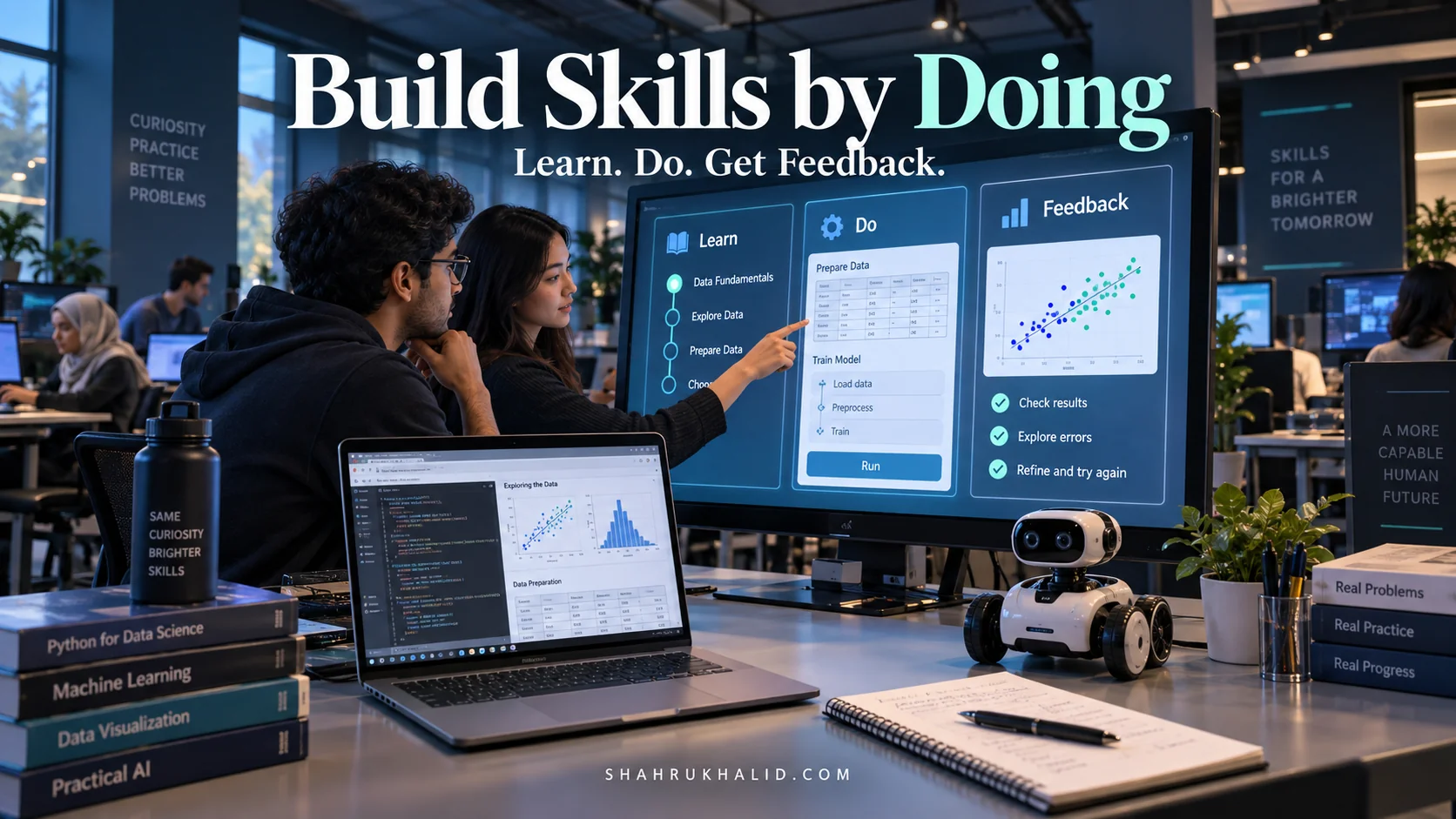
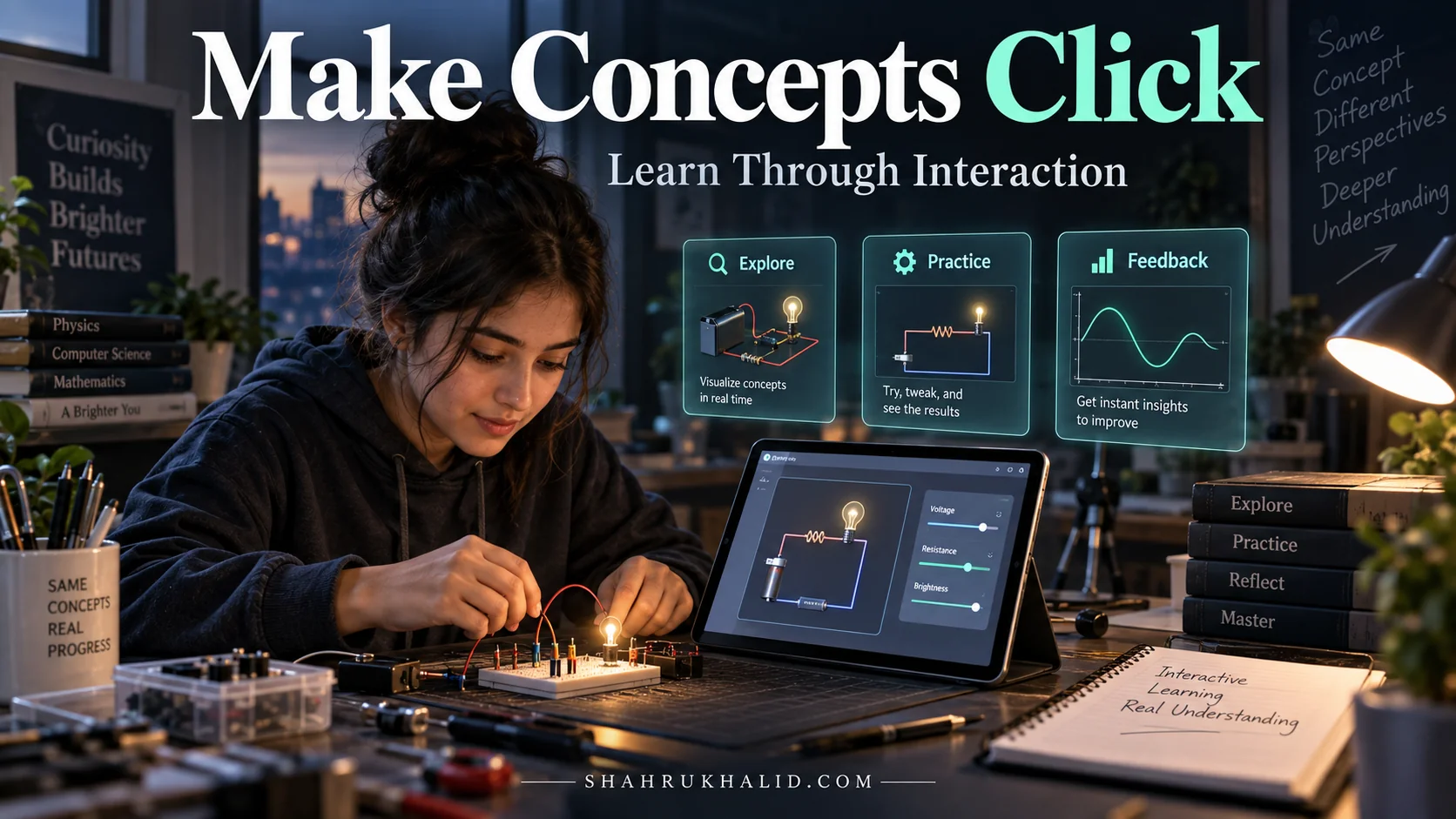
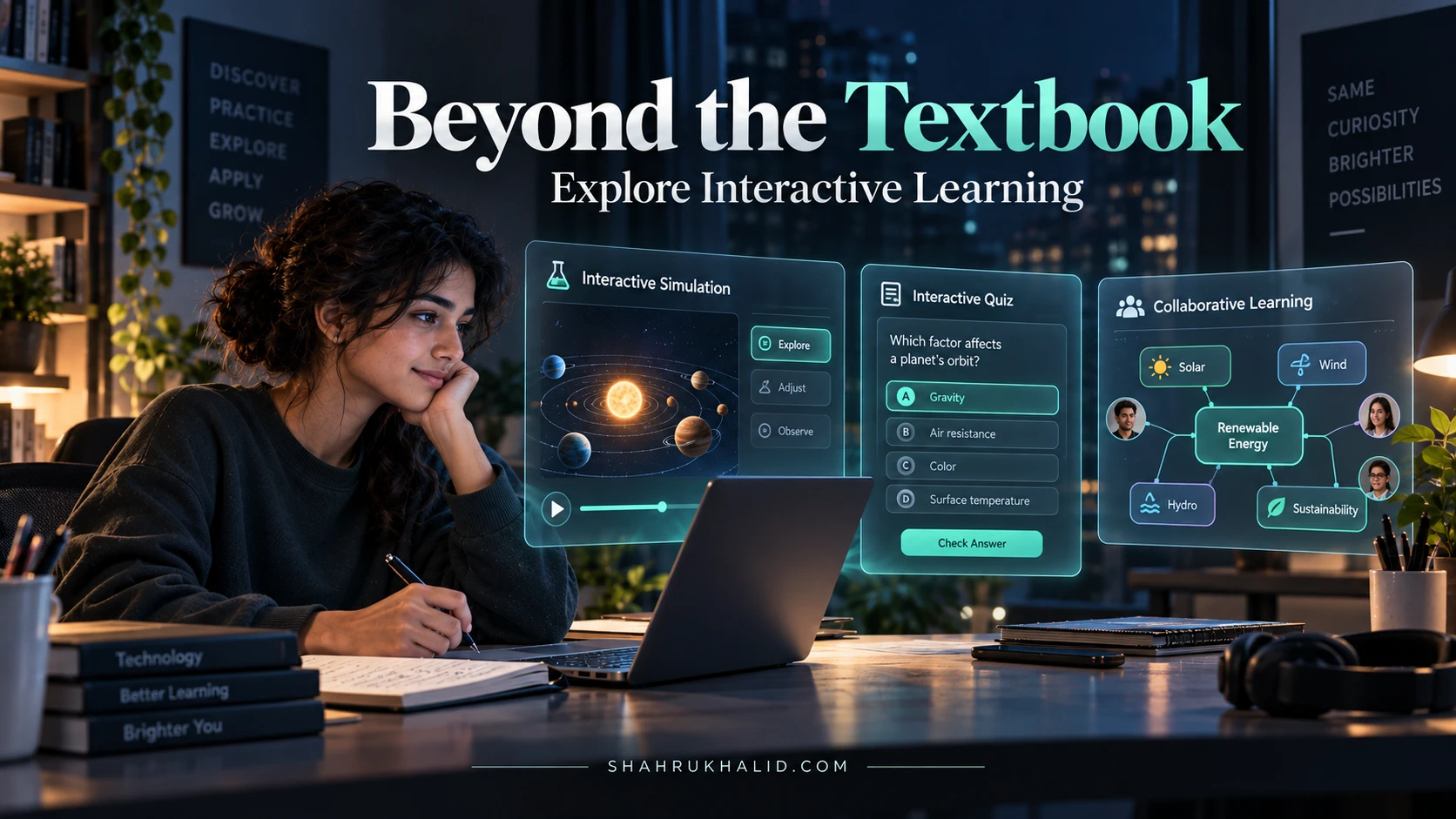
- Active Participation: Instead of just reading, you’re doing. You’re answering questions, solving problems, participating in simulations, or creating content. This active involvement is scientifically proven to boost retention and understanding.
- Instant Feedback: Imagine having a personal tutor who immediately tells you if your answer is right or wrong, and more importantly, *why*. Interactive platforms provide this real-time feedback, allowing you to correct misconceptions before they solidify. This is a cornerstone of how interactive learning improves student understanding.
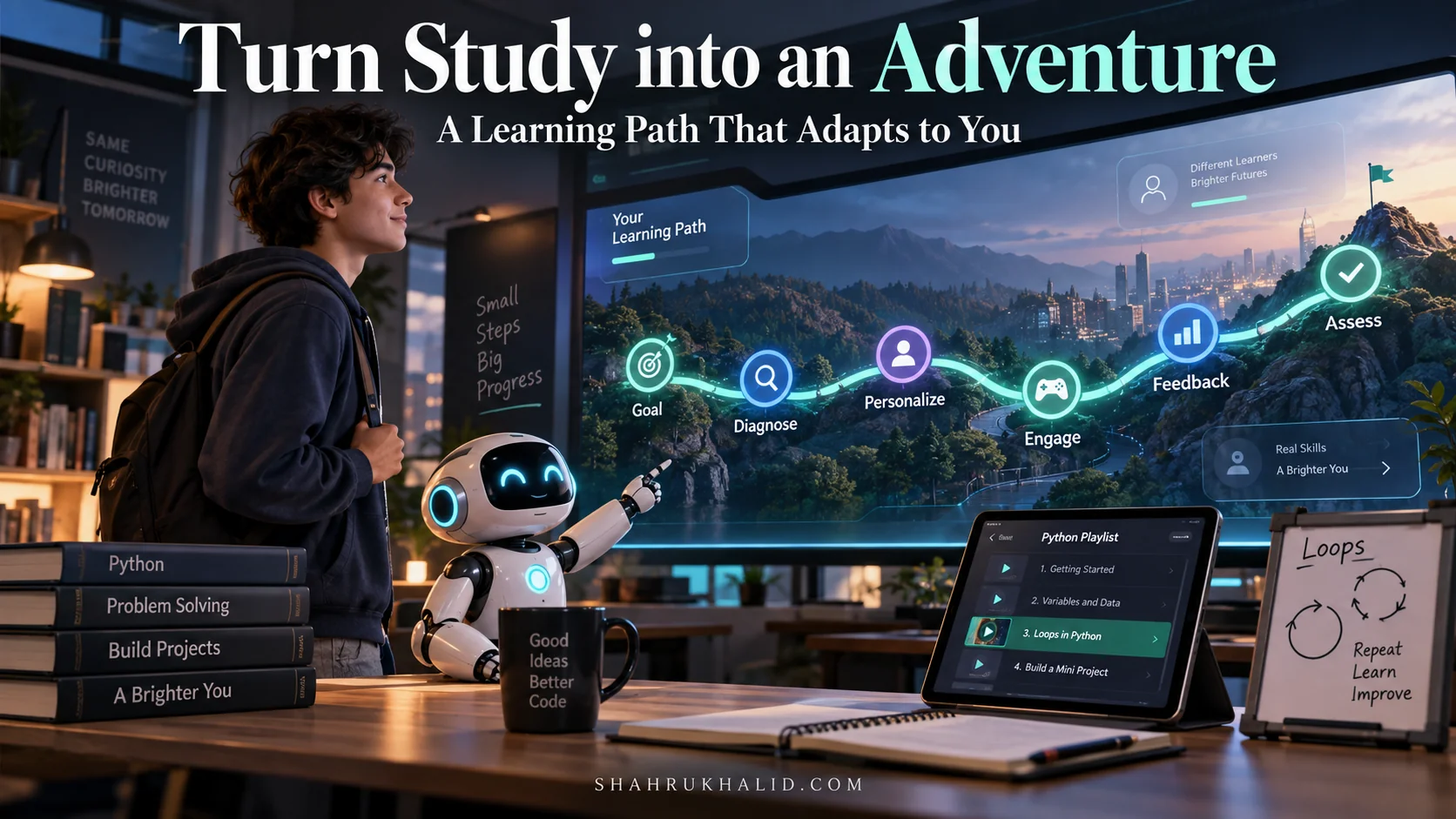
- Personalized Pathways: This is where the magic of personalized learning technology truly comes alive. These platforms don’t treat every student the same. They learn about your strengths, weaknesses, and preferred learning styles. If you’re struggling with a particular concept, the platform might offer extra practice, a different explanation, or even a video tutorial. If you’ve mastered something, it moves you forward, preventing boredom and keeping you challenged.
- Adaptive Learning: Building on personalization, adaptive learning platforms dynamically adjust the difficulty and type of content based on your performance. It’s like having a smart coach who knows exactly when to push you harder and when to offer more support. This ensures you’re always learning at your optimal zone, never too easy, never too hard.
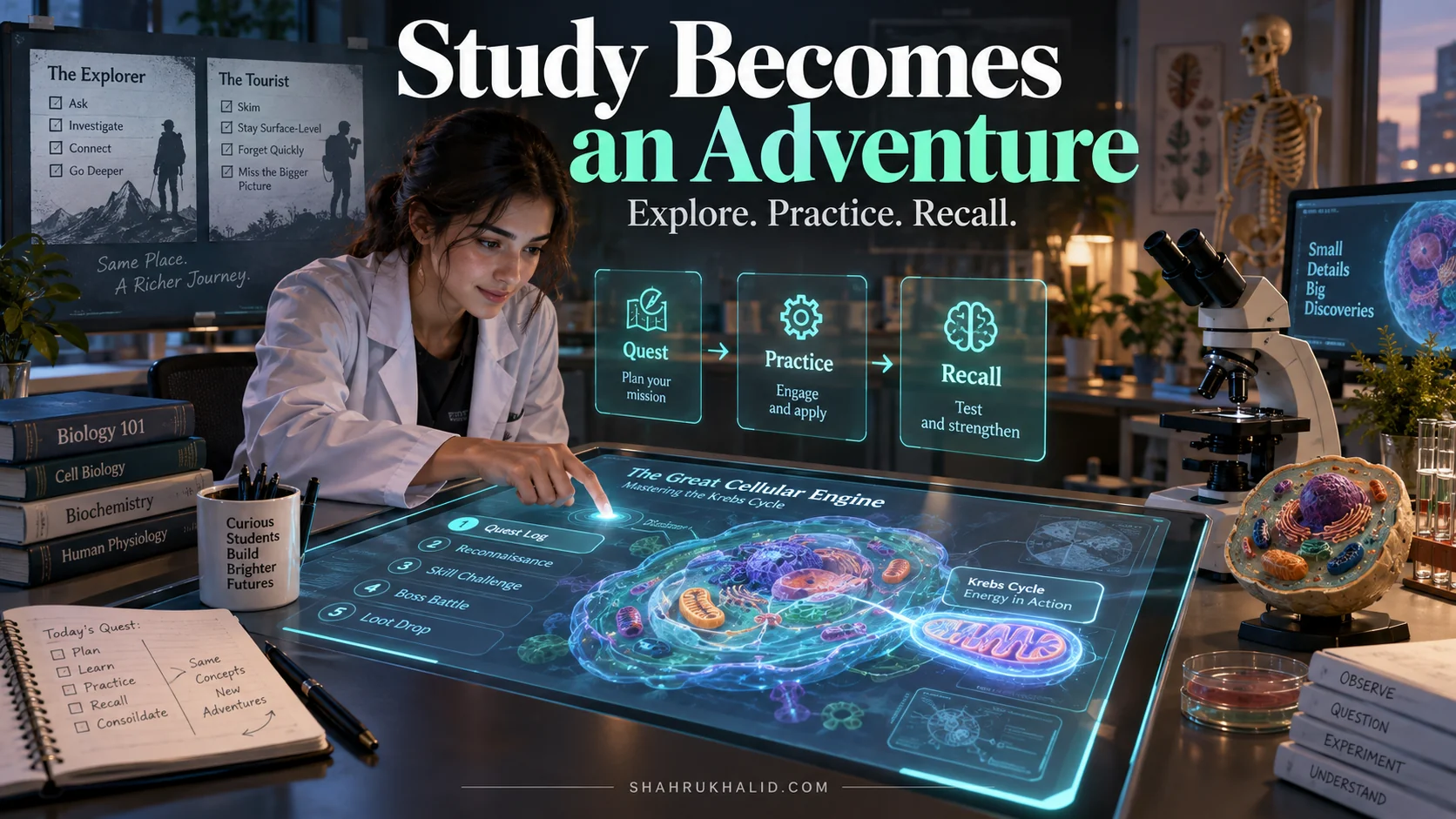
- Gamification: Who doesn’t love a good challenge? Gamified education solutions integrate elements like points, badges, leaderboards, and progress bars to make learning fun and motivating. It taps into our natural desire for achievement and competition, turning study sessions into engaging quests.
These principles work together to create a learning experience that is fundamentally different and far more effective than traditional methods. They address the common pitfalls of passive learning – boredom, lack of engagement, and difficulty in identifying and addressing individual learning gaps.
Eliminating Jargon: Your Plain English Guide to EdTech Buzzwords
I know, the world of technology can sometimes feel like a foreign language. But don’t worry, I’m here to translate. Let’s break down some common terms you’ll encounter, ensuring we eliminate any jargon that might stand in your way:
- EdTech: Simply short for “Educational Technology.” It’s any technology designed to enhance learning and teaching.
- AI (Artificial Intelligence): Think of AI as a super-smart computer program that can learn, reason, and make decisions, much like a human brain, but much faster. In education, AI in education platforms powers personalization, adaptive learning, and intelligent tutoring. It’s the “brain” behind many of the interactive features.
- Machine Learning (ML): A subset of AI. It’s how computers learn from data without being explicitly programmed. For example, an ML algorithm might analyze your quiz answers to figure out which topics you find difficult and then recommend specific resources.
- Gamification: As we discussed, this is applying game-design elements and game principles in non-game contexts, like learning. It’s about making study feel less like work and more like play.
- LMS (Learning Management System): This is like the digital classroom or school portal. It’s a software application for the administration, documentation, tracking, reporting, automation, and delivery of educational courses, training programs, or learning and development programs. Think Canvas, Moodle, Blackboard – many interactive platforms integrate with these.
- Personalized Learning: Tailoring the learning experience to meet the individual needs, preferences, and goals of each student. It’s about *your* journey, not a one-size-fits-all approach.
- Adaptive Learning: A specific type of personalized learning where the platform dynamically adjusts the content, pace, and difficulty based on your real-time performance and progress. It’s like a GPS for your learning, rerouting you if you take a wrong turn.
By understanding these foundational concepts, you’re already one step closer to harnessing the full power of these tools. This isn’t just about using a new app; it’s about fundamentally changing how you approach learning, making it more effective, enjoyable, and ultimately, leading to that A+ understanding we’re all striving for.
Prerequisites & Complete Environment Setup
Getting Started: Your Digital Study Space Checklist
Alright, now that we’ve laid the groundwork, let’s get practical! Before you dive headfirst into the exciting world of Interactive Learning Platforms, we need to ensure your digital study space is perfectly set up. Think of this as preparing your workbench before starting a cool project. You don’t need to be a tech wizard, just follow these simple steps, and you’ll be ready to roll.
Essential Tools & Account Setup: Your Gateway to Smarter Study
To make the most of these platforms, you’ll need a few basics. Most of you probably already have these, but it’s always good to double-check:
- Reliable Internet Connection: This is non-negotiable. Most interactive platforms are cloud-based, meaning they run over the internet. A stable connection ensures smooth video playback, quick loading times for quizzes, and uninterrupted access to your learning materials.
- A Device of Choice:
- Laptop/Desktop Computer: Often the best choice for comprehensive learning, especially for platforms with complex interfaces, coding exercises, or extensive writing tasks. Ensure your browser is up-to-date (Chrome, Firefox, Edge, Safari are usually best).
- Tablet: Excellent for portability, reading, note-taking, and interactive exercises. Many platforms have dedicated tablet apps.
- Smartphone: Great for on-the-go learning, quick quizzes, flashcards, or reviewing concepts during commutes. While powerful, the smaller screen might not be ideal for all activities.
Pro Tip: While you can use any device, I often recommend using a laptop or desktop for your primary study sessions to minimize distractions and maximize screen real estate for multi-tasking (like having your notes open alongside the platform).
- Web Browser: Make sure your browser is updated to the latest version. Modern interactive platforms leverage advanced web technologies, and an outdated browser might lead to compatibility issues or slower performance. Chrome and Firefox are generally excellent choices due to their robust support for web standards and extensive extension ecosystems.
- Email Address: You’ll need a valid email address to create accounts on most platforms. I recommend using a dedicated academic email if your institution provides one, or a professional-looking personal email.
- Headphones (Optional but Recommended): For video lectures, audio explanations, or interactive discussions, a good pair of headphones can significantly improve focus and reduce distractions, especially in a busy environment.
Step-by-Step Account Creation & Profile Configuration
Let’s walk through the typical process of setting up an account on an interactive learning platform. While each platform might have slight variations, the core steps are very similar:
- Choose Your Platform: (We’ll dive deeper into specific recommendations in Module 7, but for now, let’s assume you’ve picked one, like Khan Academy or Duolingo).
- Navigate to the Website/App: Open your browser or download the app from your device’s app store.
- Sign Up/Register: Look for buttons like “Sign Up,” “Register,” or “Create Account.” You’ll typically be asked for:
- Email Address: Enter your preferred email.
- Password: Choose a strong, unique password. I can’t stress this enough! Use a combination of uppercase, lowercase, numbers, and symbols.
- Username (Optional): Some platforms might ask for a username.
- Name: Your full name.
Security Note: Always be mindful of your personal information. Reputable platforms will have clear privacy policies. For guidance on secure digital practices, you can refer to general platform standards and technical architecture best practices.
- Verify Your Email: Most platforms will send a verification email to the address you provided. Click the link in that email to confirm your account. This is a crucial step to activate your account.
- Set Up Your Profile: Once logged in, you’ll usually be prompted to set up your profile. This is where personalization begins!
- Learning Goals: What subjects are you interested in? What do you want to achieve (e.g., pass an exam, learn a new skill, improve grades)?
- Current Knowledge Level: Some platforms might ask you to take a quick diagnostic quiz to assess your current understanding. Be honest! This helps the adaptive learning algorithms tailor content effectively.
- Learning Preferences: Do you prefer videos, articles, quizzes, or hands-on projects? While not all platforms ask this explicitly, some might offer options.
- Avatar/Profile Picture (Optional): Many gamified platforms allow you to personalize your profile with an avatar or picture.
- Explore the Interface: Take a few minutes to click around. Familiarize yourself with where to find courses, quizzes, progress trackers, and settings. Don’t be afraid to explore!
Verification & First Steps: Confirming Your Setup
To verify everything is working correctly, try these simple actions:
- Access a Course/Lesson: Can you open a lesson, watch a video, or start a quiz without any technical hiccups?
- Submit an Answer: If there’s an interactive element, try answering a question. Do you receive immediate feedback?
- Check Your Progress: Does the platform track your progress? Can you see what you’ve completed?
- Adjust Settings: Try changing a setting, like notification preferences or language. Does it save correctly?
If you can successfully complete these steps, congratulations! Your environment is perfectly set up, and you’re ready to embark on your interactive learning journey. Remember, the goal here is to create a seamless, distraction-free space where you can focus entirely on learning. A little preparation goes a long way in ensuring a smooth and productive experience.
Core Implementation Architecture & Workflow Blueprint
Understanding the Engine: How Interactive Learning Platforms Actually Work for You
Now that you’re all set up, let’s peek under the hood a little. You don’t need to be an engineer to drive a car, but understanding how the engine works (at a high level!) can help you drive it more effectively. Similarly, grasping the core mechanics of Interactive Learning Platforms will empower you to leverage their full potential. We’re not talking about lines of code here, but rather the conceptual “workflow blueprint” that guides your learning journey.

The Student’s Journey: A Step-by-Step Workflow
Think of your interaction with an interactive platform as a carefully designed journey, orchestrated to maximize your learning. Here’s a typical workflow, illustrated with a conceptual “card structure” to visualize each stage:
Card 1: Initial Assessment & Goal Setting
What happens: You tell the platform what you want to learn (e.g., “Algebra II,” “Spanish B1,” “Data Science Basics”). The platform might give you a quick diagnostic quiz to gauge your current knowledge. This is where personalized learning technology begins its work.
Your role: Be honest about your goals and current understanding. This data is crucial for the platform to tailor your path.
Card 2: Content Delivery & Engagement
What happens: Based on your profile, the platform presents learning materials. This could be short videos, interactive articles, simulations, or virtual labs. It’s designed to be digestible and engaging.
Your role: Actively consume the content. Take notes, pause videos, and think critically about the information presented.
Card 3: Interactive Practice & Feedback Loop
What happens: This is the heart of interactivity. You’ll encounter quizzes, drag-and-drop exercises, coding challenges, or discussion prompts. Crucially, you get instant feedback on your answers.
Your role: Engage fully! Try to answer, even if you’re unsure. Pay close attention to the feedback – it’s your personal tutor guiding you.
Card 4: Adaptive Path Adjustment
What happens: This is where adaptive learning platforms truly shine. The platform analyzes your performance from Card 3. Did you ace it? It might suggest a more advanced topic. Did you struggle? It might offer remedial content, a different explanation, or more practice on that specific concept.
Your role: Trust the process. The platform is trying to optimize your learning path. Revisit suggested materials even if it feels like a step back – it’s often a step towards stronger understanding.
Card 5: Progress Tracking & Gamification
What happens: Your journey is visualized! You see progress bars fill up, earn points, badges, or unlock new levels. This provides a sense of accomplishment and motivates you to continue.
Your role: Use these visual cues to stay motivated. Celebrate your small victories, and let the gamified education solutions push you towards your next goal.
Card 6: Review & Reinforcement
What happens: Periodically, the platform will prompt you to review older concepts, especially those you struggled with. This spaced repetition is key for long-term memory retention.
Your role: Don’t skip reviews! They are essential for solidifying your knowledge and preventing the “forgetting curve.”
The AI Backbone: How Intelligence Drives Your Learning
At the core of this workflow, especially in 2026, is AI in education platforms. It’s not just a fancy buzzword; it’s the invisible hand guiding your learning. Here’s how it generally works:
- Data Collection: Every interaction you have – every answer, every click, every time you pause a video – generates data. This data is anonymized and analyzed.
- Pattern Recognition (Machine Learning): AI algorithms look for patterns in this data. For example, if many students struggle with a specific type of math problem after watching a particular video, the AI might flag that video for review or suggest alternative explanations. Or, if *you* consistently get a certain type of question wrong, the AI identifies that as a personal learning gap.
- Personalized Recommendations: Based on these patterns, the AI makes intelligent recommendations. This could be:
- Suggesting the next best lesson for you.
- Providing extra practice problems tailored to your weaknesses.
- Recommending specific articles or videos to clarify a concept.
- Even predicting what topics you might struggle with before you even start them.
- Dynamic Content Adaptation: This is the “adaptive” part. The platform isn’t just recommending; it’s actively changing the learning path, the difficulty level, and the presentation of content in real-time to match your evolving needs. It’s like having a highly responsive, dedicated tutor available 24/7.
This intelligent architecture is what makes the future of online learning so powerful. It moves beyond a static curriculum to a dynamic, responsive learning environment that truly understands and supports *you*. It’s a continuous feedback loop where your actions directly influence the platform’s response, creating a truly symbiotic learning relationship.
Hands-on Practical Implementation & Real-World Configuration
Activating Your Learning Superpowers: Practical Steps on Interactive Platforms
We’ve talked about the “why” and the “how it works” conceptually. Now, let’s get our hands dirty! This module is all about the “how to do it” – practical, step-by-step instructions on leveraging the most impactful features of Interactive Learning Platforms. Remember, this isn’t about building the platform, but about becoming a master user, configuring your experience for maximum impact on your grades and understanding.
Scenario 1: Mastering a Tough Concept with Adaptive Quizzing
Let’s say you’re struggling with “Stoichiometry” in Chemistry. It’s a common stumbling block! Here’s how you’d use an adaptive platform like Khan Academy or a similar AI-driven tutor to conquer it:
- Identify the Topic: Log into your chosen platform. Navigate to the Chemistry section and specifically search for “Stoichiometry.”
- Initial Assessment (If Offered): Many platforms will offer a short “pre-test” or “diagnostic quiz” for a new topic.
// Example: Diagnostic Quiz Prompt
"Welcome to Stoichiometry! Let's see what you already know. This quick quiz will help us tailor your learning path."
Your Action: Take this quiz seriously. It’s not graded for your final score, but it’s crucial for the platform’s AI to understand your starting point. Don’t guess wildly; try your best.
- Engage with Core Content: The platform will then present you with learning materials – likely a short video, an interactive article, or a step-by-step example.
// Example: Video Lesson Interface
<div class="video-player">
  <h3>Video: Introduction to Moles and Molar Mass</h3>
  <video controls src="stoichiometry_moles.mp4"></video>
  <p>Key concept: The mole is a unit of measurement for the amount of substance.</p>
  <button onclick="showInteractiveQuiz()">Test Your Understanding</button>
</div>
Your Action: Watch actively. Pause the video, take notes in a separate notebook, and try to work through examples as they’re presented. Don’t just passively watch.
- Adaptive Practice: After the content, you’ll get practice problems. This is where the adaptive learning platforms truly shine.
// Example: Adaptive Quiz Question
"Question 1: How many grams of water (H2O) are produced from 2 moles of H2 reacting with O2?"
[ ] 18g
[ ] 36g
[ ] 2g
[ ] 4g
<button onclick="submitAnswer(selectedOption)">Submit</button>
<div id="feedback"></div>

// If incorrect:
<script>
  function submitAnswer(option) {
    if (option === "36g") {
      document.getElementById("feedback").innerHTML = "<span style='color: green;'>Correct!</span> Good job!";
      // AI logs correct answer, moves to next concept or harder question
    } else {
      document.getElementById("feedback").innerHTML = "<span style='color: red;'>Incorrect.</span> Remember, 1 mole of H2O is 18g, and the reaction produces 2 moles of H2O. <a href='#review_moles' target='_blank'>Review Molar Mass</a> or <a href='#practice_balancing' target='_blank'>Practice Balancing Equations</a>.";
      // AI logs incorrect answer, suggests specific remedial content
    }
  }
</script>
Your Action: Work through each problem. If you get it wrong, *read the feedback carefully*. Don’t just click away. The platform is telling you *why* you made a mistake and *what* you need to review. Follow its suggestions for remedial content.
- Track Progress & Revisit: The platform will show your progress. Look for areas marked “Needs Practice” or “Weak Spots.”
Your Action: Regularly revisit these areas. The AI will likely prompt
Frequently Asked Questions