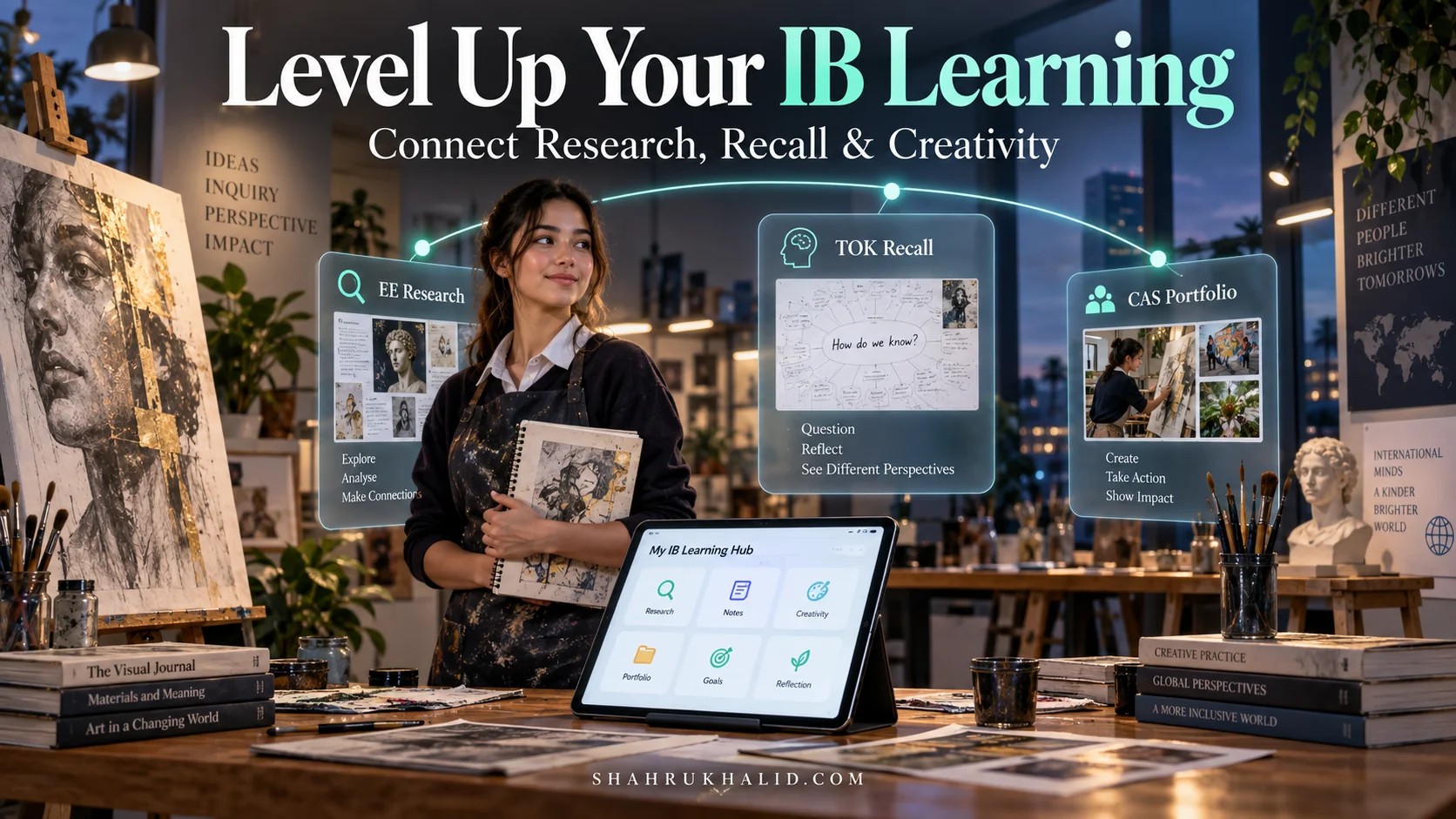
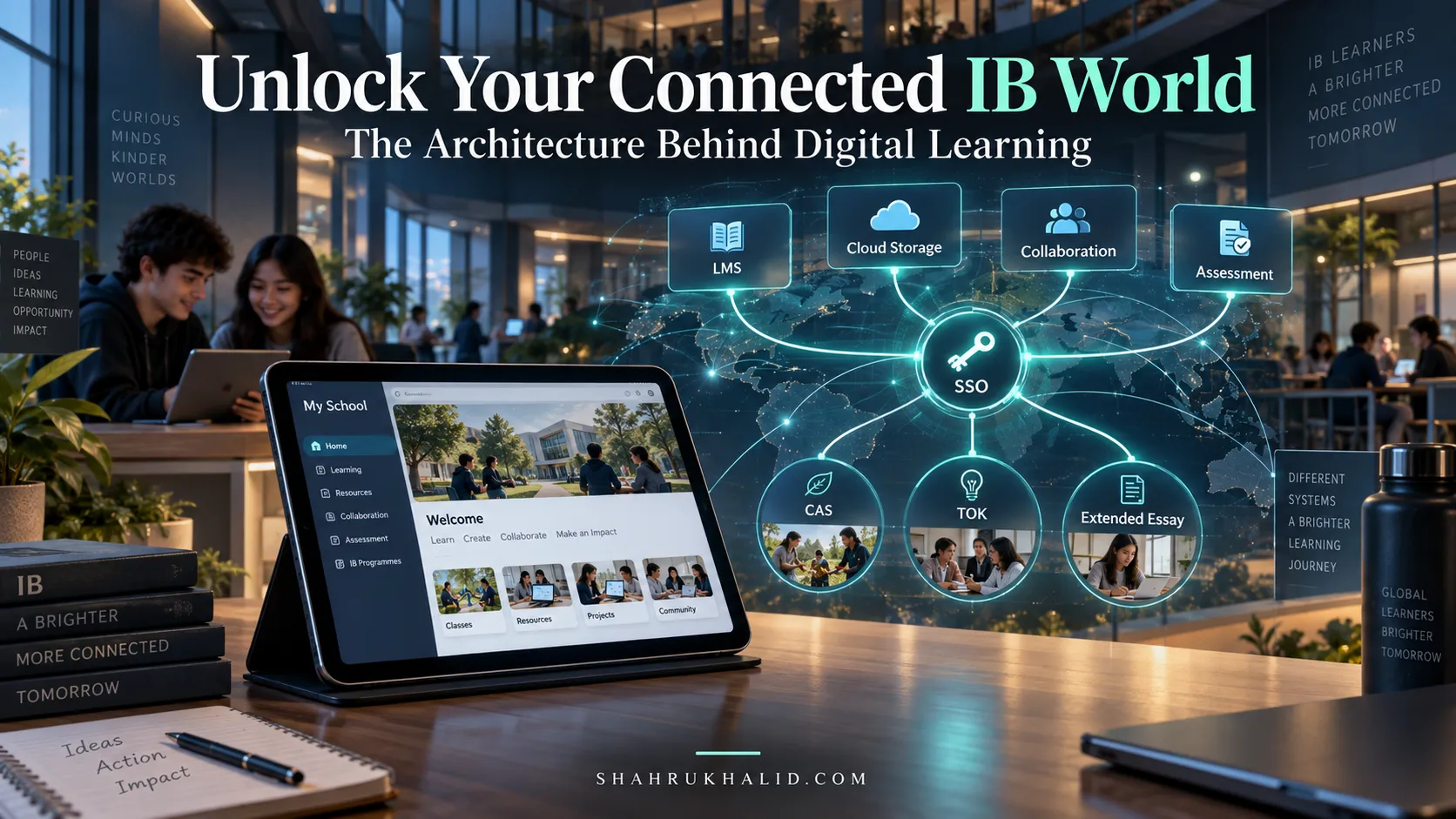
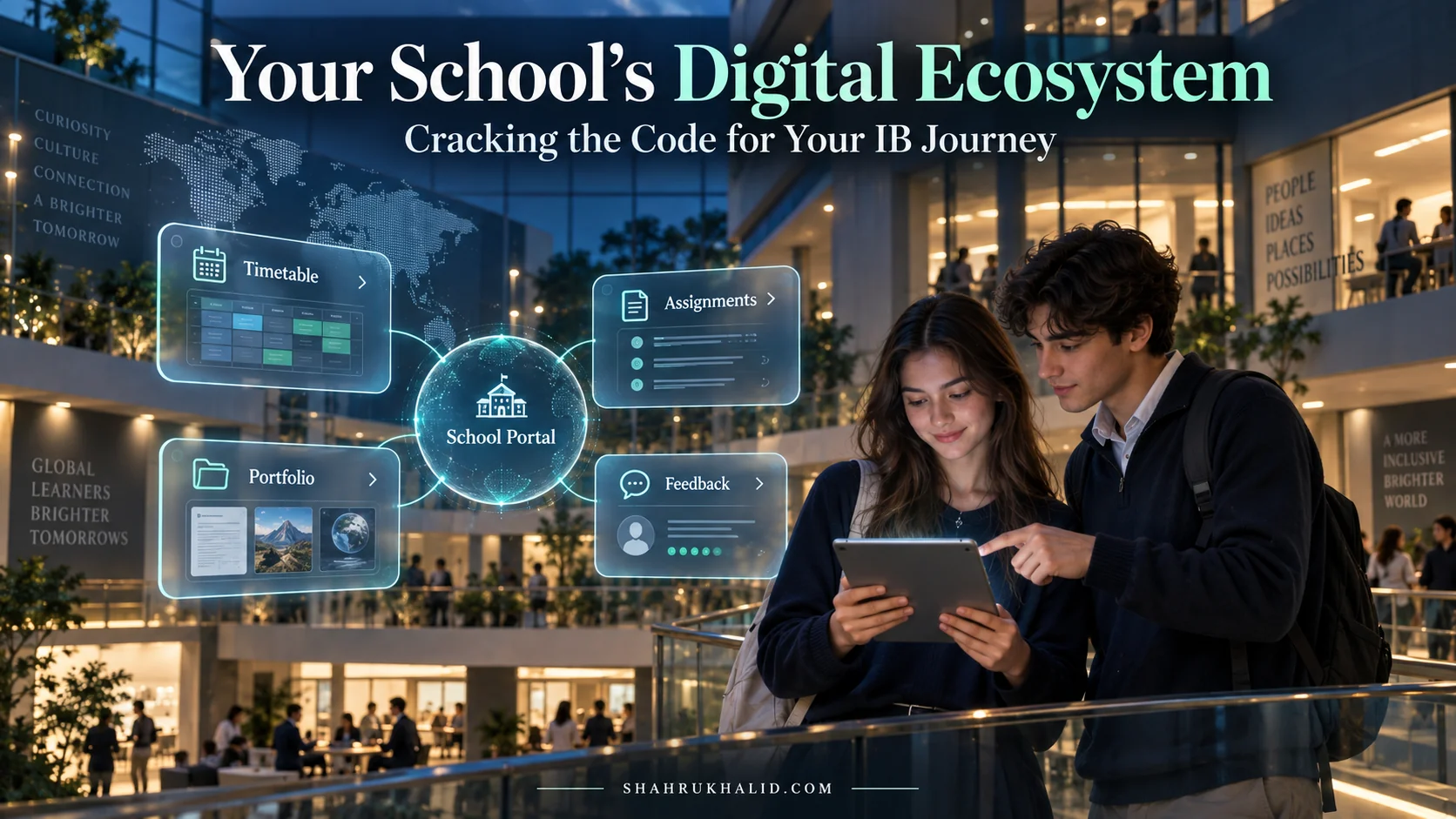
Education Perfect Unlocked: Your 2026 K-12 Student Guide to Gamified Mastery, Personalized Learning & Global Success

Key Takeaways
- Module 1: Comprehensive Foundations & Concept Primer
- The Big Idea: What is Education Perfect, Really?
- Why This is Your Essential Toolkit for 2026
- Decoding the Core Principles: Gamification, Personalization, and Global Success
- Module 2: Prerequisites & Complete Environment Setup
This isn’t just another guide about a school app. This is a masterclass designed for you, the student. We’re going to pull back the curtain on Education Perfect Unlocked: Your 2026 K-12 Student Guide to Gamified Mastery, Personalized Learning & Global Success. Together, we’ll move beyond simply ‘doing’ your homework on the platform. We will architect a strategy for you to transform it into your secret weapon for academic excellence, personal growth, and a future without borders. Let’s begin.
Comprehensive Foundations & Concept Primer
Before we dive into the nuts and bolts, the points, and the leaderboards, let’s start with the most important thing: the ‘why’. Why does your school invest in a platform like Education Perfect? Why am I, a researcher who has seen dozens of these tools, so convinced of its power when used correctly? It’s because the world you’re preparing for in 2026 and beyond isn’t just about what you know; it’s about how you learn, adapt, and connect.
The Big Idea: What is Education Perfect, Really?
On the surface, you might see Education Perfect (we’ll call it EP for short) as the place where your French vocabulary lists live or where your science teacher assigns pre-lab quizzes. That’s true, but it’s like describing a smartphone as just a device for making calls. It misses the entire universe of possibility.
Here’s a better analogy: Think of Education Perfect as your personal academic ‘holodeck’. If you’re a Star Trek fan, you know the holodeck is a room that can create any environment or scenario for training, recreation, or problem-solving. In the same way, EP creates a personalized digital environment for every subject. For Spanish, it becomes an immersive language lab with native speaker audio. For Maths, it’s an interactive problem-solving whiteboard that gives you instant feedback. For History, it’s a dynamic timeline and a source analysis toolkit.
It’s not just a collection of lessons; it’s an integrated ecosystem. This is a core principle we emphasize on `shahrukhalid.com`: technology should unify the learning experience, not fragment it. EP is designed to be one of the central hubs in your school’s technology stack, pulling everything into a cohesive, intelligent space. So, what is Education Perfect used for in K-12? It’s used to create a single, data-rich environment where you can learn, practice, get feedback, and revise across your entire curriculum, from English and Maths to Languages and Science.
Why This is Your Essential Toolkit for 2026
The nature of success is changing. The careers you’ll have might not even exist yet. The universities you’re aiming for are looking for more than just good grades; they’re looking for evidence of specific skills. This is where a platform like EP becomes more than just homework software—it becomes a training ground.
The International Baccalaureate (IB), a curriculum framework many of you will be familiar with, outlines this beautifully in its “Approaches to Learning” (ATLs), which you can explore on `ibo.org`. These are the skills you need to become a self-regulated learner: things like communication, research, self-management, and thinking skills.
EP is engineered to build these ATLs directly into your daily routine:
- Self-Management: The dashboard, with its clear ‘To-Do’ list and progress trackers, trains you to manage your time and prioritize tasks.
- Research & Information Literacy: Lessons are curated and vetted, teaching you to work with reliable, high-quality information—a critical skill in an age of misinformation.
- Thinking Skills: The ‘Smart Lesson’ engine doesn’t just ask “What is the answer?” It uses varied question types to make you analyze, evaluate, and apply your knowledge, pushing you beyond simple memorization.
By 2026, being able to say “I got an A” will be less impressive than being able to say, “I identified my own weaknesses in calculus using my learning data, created a personalized revision plan, and improved my performance by 30%.” EP is the tool that generates that data and gives you the power to act on it.
Decoding the Core Principles: Gamification, Personalization, and Global Success
This guide’s title isn’t just a catchy phrase. It’s the three-pillar foundation of the EP methodology. Let’s break down what these buzzwords actually mean for you.
1. Gamified Mastery
Jargon Alert: Gamification.
Plain English: Using elements from games—like points, badges, leaderboards, and streaks—to make learning more engaging and motivating.
This isn’t about turning your education into a video game. It’s about tapping into the same psychological drivers that make games so compelling. Is Education Perfect effective for gamified learning? Absolutely, and here’s how. When you correctly answer a question in EP, you earn points. When you complete a lesson, you might earn a star. When you maintain a daily study habit, you build a streak.
These aren’t just vanity metrics. They are a form of immediate, positive feedback. In a traditional classroom, you might wait days to get a test back. With EP, every single interaction gives you a data point. This creates a powerful feedback loop: Effort -> Reward -> Motivation -> More Effort. The annual Education Perfect World Championships are the ultimate expression of this, where you’re not just learning; you’re competing on a global stage, representing your school and your country. It transforms solitary study into a team sport.
2. Personalized Learning
Jargon Alert: Personalized Learning Pathways.
Plain English: A learning journey that adapts to your individual strengths, weaknesses, and pace.
Imagine you and your friend are both learning about photosynthesis. You might grasp the chemical equation instantly but struggle with the vocabulary. Your friend might be the opposite. In a one-size-fits-all model, you both sit through the same lecture, which is too slow for you in one part and too fast for your friend in another.
This is the problem personalized education platforms like EP are built to solve. How does Education Perfect personalize learning for students? It does this primarily through its ‘Smart Lesson’ technology. As you answer questions, the platform’s algorithm is learning about you.
- If you keep making mistakes on a specific concept, it will present that information again in a different way or give you more practice questions on that topic.
- If you master a section quickly, it will let you move on, not forcing you to repeat what you already know.
This creates a unique learning pathway for every student. The platform automatically differentiates the content, ensuring you are always working in your ‘Zone of Proximal Development’—that sweet spot where the material is challenging enough to promote growth but not so difficult that it causes frustration.
3. Global Success
This might sound like a grand claim for a learning platform, but it’s rooted in two very practical realities of the 21st century: cultural competence and a global talent pool.
Can Education Perfect help K-12 students achieve global success? Yes, by providing tangible opportunities and building a global mindset.
- Language Mastery: EP is one of the most powerful international school learning software tools for language acquisition. Its vast library, featuring everything from French and Spanish to Mandarin and Arabic, includes authentic native-speaker audio and video. In a globalized world, multilingualism is a superpower, and EP is your training gym.
- Global Competitions: Participating in the EP Championships isn’t just about winning points. It’s about realizing you are part of a global community of learners. When you see students from Japan, Germany, and Brazil on the same leaderboard, it fundamentally changes your perspective. It prepares you for a future where you will collaborate and compete with peers from around the world.
This global exposure is a key component of what universities and future employers are looking for. It demonstrates curiosity, resilience, and the ability to operate in a diverse, interconnected world—all hallmarks of the IB Learner Profile.
By understanding these three pillars, you’re no longer just a user of the software. You’re an architect of your own learning. In the next module, we’ll get practical and set up your environment to ensure you’re ready to build.
Prerequisites & Complete Environment Setup
Alright, let’s move from theory to practice. Before you can leverage the full power of EP, you need to ensure your digital environment is set up correctly. This might sound technical, but it’s really just about making sure you can log in, find your way around, and customize the platform to work for you. Think of this as setting up your workspace before starting a big project—organizing your desk, laying out your tools, and making sure the lighting is just right. A little preparation here will save you a ton of time and frustration later.
Step 1: The Golden Ticket – Your Account Invitation & First Login
You don’t just sign up for Education Perfect like you would for a social media app. Your access is granted by your school. This is a crucial point because it means your EP account is an official part of your academic identity.
How it usually works
- The School’s Role: Your school’s administration, working with their Student Information System (SIS)—a master database for all student data, often a system like Rediker’s AdminPlus (`rediker.com`)—creates accounts for all students.
- Your Invitation: You will typically receive an email to your official school email address. This email is your ‘golden ticket’. It will contain a unique link to set up your password. Alternatively, your teacher might give you a class code to join their class on EP.
- Single Sign-On (SSO): Many modern schools, following the integrated campus tech stack philosophy we advocate at `shahrukhalid.com`, use SSO. This is a fantastic feature that you should absolutely use if available. It means you can log in to EP using your existing school Google or Microsoft account, without needing to remember a separate password. Look for buttons that say “Log in with Google” or “Log in with Microsoft”.
Your Actionable Task
- Find the welcome email from Education Perfect in your school inbox. If you can’t find it, don’t panic! Just ask your teacher.
- Click the setup link and choose a strong, memorable password. If your school uses SSO, use that option instead.
- Bookmark the EP login page in your browser. The URL is usually `app.educationperfect.com`.
Step 2: The Command Center – A Guided Tour of Your Dashboard
Once you log in, you’ll land on your main dashboard. This is your command center. At first, it might look like a lot of information, but it’s logically organized around a single question: “What do I need to do now, and how am I progressing?”
Let’s break down the key components you’ll see:
Visual Card Structure: Your Dashboard Layout
Imagine your dashboard is divided into three main zones:
- Zone 1: The Immediate To-Do List (Left/Main Panel)
- What it is: This is the most important part of the dashboard. It shows you any tasks or homework that have been assigned by your teachers. Each task will show the subject, the name of the lesson, and the due date.
- Why it matters: This is your action list. Your first priority whenever you log in should be to check this panel. It cuts through the noise and tells you exactly what needs your attention.
- Zone 2: The Big Picture & Navigation (Top/Side Bar)
- What it is: This is your main navigation menu. You’ll find links to ‘Browse’ all subjects, view your ‘Tasks & Assessments’, check out ‘Competitions’, and access your ‘More’ menu for reports and settings.
- Why it matters: This is how you explore beyond your assigned homework. Want to revise a topic from last month? Curious about a subject you’re not currently studying? The ‘Browse’ section is your library.
- Zone 3: The Motivation Station (Right Panel/Bottom)
- What it is: This area is all about gamification and progress. You’ll see your total points earned, your accuracy percentage, and information about any ongoing competitions or leaderboards.
- Why it matters: This provides the instant feedback we talked about in Module 1. It’s a quick-glance summary of your effort and a great source of motivation. Seeing your point total climb is a tangible representation of the work you’re putting in.
Your Actionable Task
- Log in and spend five minutes just clicking around. Don’t try to complete any lessons yet.
- Locate your ‘Tasks’ list.
- Find the ‘Browse’ or ‘Content Library’ section and see what subjects are available to you.
- Find your points total. Get a feel for the layout of your command center.
Step 3: Make It Yours – Profile & Notification Configuration
A generic workspace is an uninspiring one. Taking a few minutes to personalize your EP account makes it feel more like your own space, which can have a surprising impact on your motivation to use it.
Accessing Your Settings
Look for your name or a profile icon, usually in the top-right corner. Clicking on this will reveal a menu where you can find ‘My Account’ or ‘Settings’.
Key Configurations to Make
- Your Avatar/Profile Picture: EP offers a range of fun avatars you can choose from. Pick one that you like! It’s a small thing, but it helps you take ownership of the account.
- Set a Goal: One of the most powerful, and often overlooked, features is the ability to set a weekly learning goal. You can set a target for the number of points you want to earn each week. I recommend starting with a manageable goal, like 500 or 1000 points, depending on your workload. This shifts your focus from just completing assigned tasks to a continuous habit of learning.
- Notification Preferences: In your settings, you can often control how and when EP communicates with you. Do you want an email reminder when a task is due? Do you want a notification when a teacher leaves you feedback? Customize these to suit your workflow. I suggest keeping feedback notifications ON, as this is crucial for your learning loop.
Your Actionable Task
- Navigate to your account settings.
- Choose an avatar.
- Set a weekly points goal. A good starting point is 1000 points. This translates to roughly 30-40 minutes of focused work.
- Review your notification settings.
Step 4: Verifying Your Setup – The ‘All Systems Go’ Check
How do you know you’re fully set up and ready to go? Let’s do a quick verification check.
- Can you log in and out successfully? Try it. Use your password or SSO.
- Can you see your subjects? Go to the ‘Browse’ section. You should see tiles for Maths, Science, English, your language classes, etc. If a subject you’re taking is missing, let your teacher know. It’s likely a simple rostering issue they can fix.
- Can you see your assigned tasks? If your teacher has assigned something, it should be clearly visible on your dashboard.
- Does your profile reflect your changes? Check if your new avatar and weekly goal are showing up.
If you can tick all four of these boxes, your environment is configured and you are ready to start implementing the powerful learning workflows we’ll cover in the next module. You’ve moved from being a passive recipient of an account to an active owner of a personalized learning environment.
Core Implementation Architecture & Workflow Blueprint
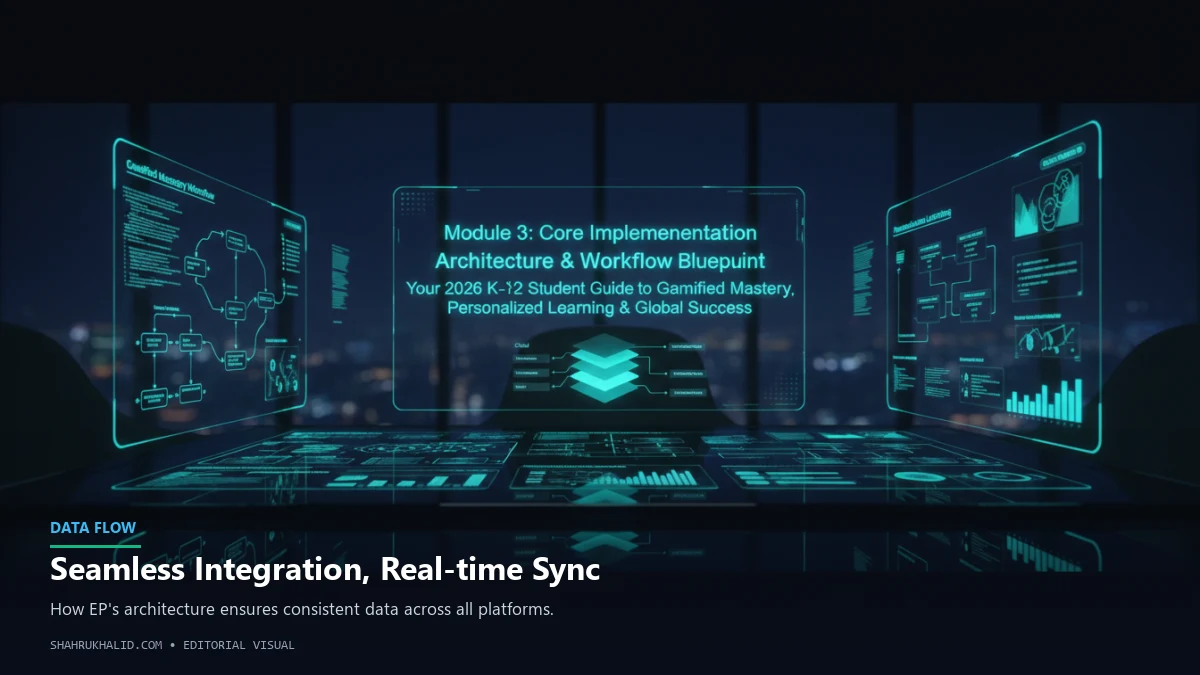
Now that your environment is set up, it’s time to understand the ‘how’. How does learning actually happen inside Education Perfect? It’s not random; there’s a deliberate architecture designed to guide you from initial exposure to a new concept all the way to long-term mastery. Understanding this architecture will allow you to use the platform with intention, not just reactively. We’re going to map out the blueprint for how you can build knowledge, brick by brick.
The Education Perfect Learning Loop: Your Four-Step Path to Mastery
At its heart, effective learning isn’t a single event; it’s a cycle. You learn something new, you try to use it, you see how you did, and you adjust. EP is built around a digital version of this cycle. I call it the Learning Loop.
Learn → Practice → Assess → Revise
- Learn: This is your first contact with new information. It’s the explanatory text, the diagrams, the videos, and the vocabulary lists within an EP lesson. The goal here is comprehension.
- Practice: This is where you actively engage with the material. It’s the ‘Smart Lesson’ questions that challenge you to recall, apply, and analyze what you just learned. The goal here is application.
- Assess: This can be a formal quiz or test assigned by your teacher, or it can be your own self-assessment by reviewing your performance data in the lesson. The goal here is evaluation.
- Revise: This is the crucial, often-skipped step. Based on the assessment, you revisit the areas where you were weak. EP makes this easy by flagging concepts you struggled with. The goal here is reinforcement.
Every time you complete a lesson or a task in EP, you are moving through this loop. Your goal as a strategic learner is to be conscious of which stage you’re in and what your objective is. Don’t just “do the lesson”; think, “Okay, I’m in the ‘Practice’ phase now, my goal is to apply this formula and see where I make mistakes.”
Visual Card Structure: The Anatomy of a Lesson
Let’s zoom in on the fundamental building block of learning in EP: the lesson. When you open a task, you’re not just getting a page of questions. You’re getting a carefully structured ‘learning card’.
Imagine a digital index card, but supercharged. It has distinct sections:
- Front of the Card: Information & Vocabulary
- Content: This is the ‘Learn’ part of our loop. It’s a scrollable section with text, images, embedded videos, and audio clips. It’s the core information your teacher wants you to know.
- Key Feature: Look for vocabulary lists or key term sections. You can often click on these words to hear them pronounced or see them used in a sentence. This is invaluable for both language and science subjects.
- Your Strategy: Don’t skip this! Before you jump to the questions, take 5-10 minutes to slowly read and absorb this information. Try to summarize each paragraph in your own head.
- Back of the Card: The Smart Lesson Questions
- Content: This is the ‘Practice’ part of our loop. It’s a series of interactive questions designed to test your understanding of the information on the front.
- Key Feature: The “Smart” part is key. The platform uses a variety of question types: multiple-choice, fill-in-the-blanks, drag-and-drop, and even long-form answers that your teacher can grade. Crucially, it adapts. If you get a question wrong, it will often explain the correct answer and may ask you a similar question later to check if you’ve learned from your mistake.
- Your Strategy: Answer every question thoughtfully. When you get one wrong, stop. Don’t just click ‘continue’. Read the feedback. Understand why your answer was wrong before moving on. This is where the real learning happens.
Diagram Grid: Visualizing Your Learning Pathway
Now, zoom out. A single lesson is just one brick. Your entire course is a wall built of these bricks. EP organizes these lessons into a logical sequence, creating a learning pathway.
You can visualize this as a grid:
| Unit 1: Cell Biology | Lesson 1.1: The Animal Cell | Lesson 1.2: The Plant Cell | Lesson 1.3: Mitosis | Unit 1 Assessment |
| :— | :— | :— | :— | :— |
| Unit 2: Genetics | Lesson 2.1: DNA Structure | Lesson 2.2: Mendelian Genetics | Lesson 2.3: Punnett Squares | Unit 2 Assessment |
| Unit 3: Ecology | Lesson 3.1: Ecosystems | Lesson 3.2: Food Webs | Lesson 3.3: Human Impact | Unit 3 Assessment |
Your teacher assigns lessons from this grid, guiding you through the curriculum. But the real power comes when you learn to navigate this grid yourself. This is the essence of Education Perfect for personalized learning pathways.
Let’s say you have a big exam coming up that covers Units 1 and 2. Your assigned homework might be on Unit 3. A strategic learner will use the ‘Browse’ or ‘Content Library’ feature to go back to the grid and actively work through lessons from the earlier units. You can re-do the Smart Lessons, review the information slides, and use the platform’s content as your own personal, interactive textbook. You are no longer limited to the path your teacher sets day-by-day; you have access to the entire map.
The Workflow Blueprint: A Week in the Life of a Strategic EP User
Let’s put all this together. What does this look like in a typical school week? Here’s a blueprint for transforming your EP usage from a chore into a powerful study habit.
- Monday (Task Arrival):
- Action: Your French teacher assigns a new vocabulary list and a grammar lesson on the passé composé, due Friday. You see it on your dashboard.
- Strategic Move: Instead of doing it immediately, you open the task to gauge its length and difficulty. You decide to block out 20 minutes on Tuesday and Wednesday to work on it. You are practicing self-management.
- Tuesday (First Pass – Learn & Practice):
- Action: You spend your scheduled 20 minutes on the task. You first read the information slides about the passé composé (Learn). Then, you start the Smart Lesson questions (Practice).
- Strategic Move: You get a few questions wrong about which verbs use être as the auxiliary. Instead of getting frustrated, you make a quick note in your physical notebook: “Review Dr. & Mrs. Vandertramp verbs.” You have identified a specific weakness.
- Wednesday (Second Pass – Practice & Assess):
- Action: You spend another 20 minutes. Before you start, you quickly review your note about être verbs. You then finish the rest of the Smart Lesson questions. You complete the task and get a score of 85%.
- Strategic Move: You don’t just close the window. You click on the ‘Analysis’ or ‘Report’ for that lesson. You see that you missed 4 questions, and 3 of them were indeed about être verbs. Your self-assessment (Assess) confirms your initial diagnosis.
- Thursday (Active Revision):
- Action: You have no new EP tasks today.
- Strategic Move: You decide to spend 15 minutes on active revision (Revise). You go into the French content library, find the lesson on être verbs, and specifically re-do the questions. You also use the vocabulary list feature to drill the new words from Monday’s