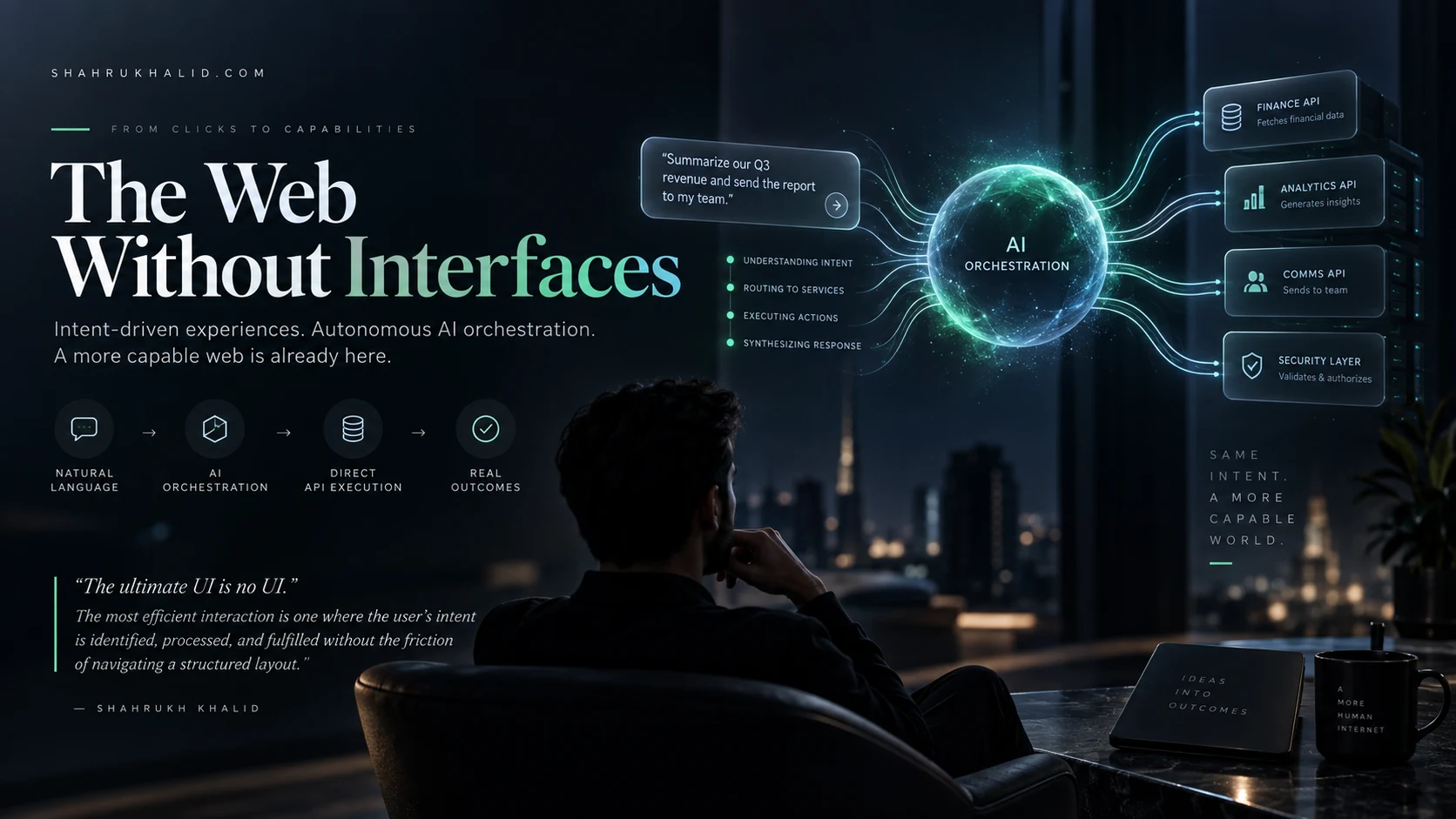
Music Player Design
Key Takeaways
- Modern music players require a three-layered architecture: Data, Audio Engine, and Presentation.
- Offload heavy audio processing to background services (e.g., Web Workers) for fluid UI.
- Achieve sub-millisecond precision UI synchronization with the audio clock to prevent visual lag.
- Decouple playback logic from UI components via a service-oriented architecture.
- Implement network resilience (backoff, local cache) and robust memory management for sustained performance.
The Architecture of Sound: A Comprehensive Guide to Modern Music Player Design
In the digital age, music consumption has evolved from simple file playback to complex, data-driven streaming ecosystems. For developers and UI/UX designers, building a music player is no longer just about decoding an MP3; it is about managing state, latency, buffered memory, and highly responsive user interfaces. At Shahrukh Khalid | Technology News & Insights, we believe that great software is built on the intersection of deep technical architecture and intuitive user experience. This guide explores the engineering requirements for building a robust, production-grade music player.
1. The Anatomy of a Music Player
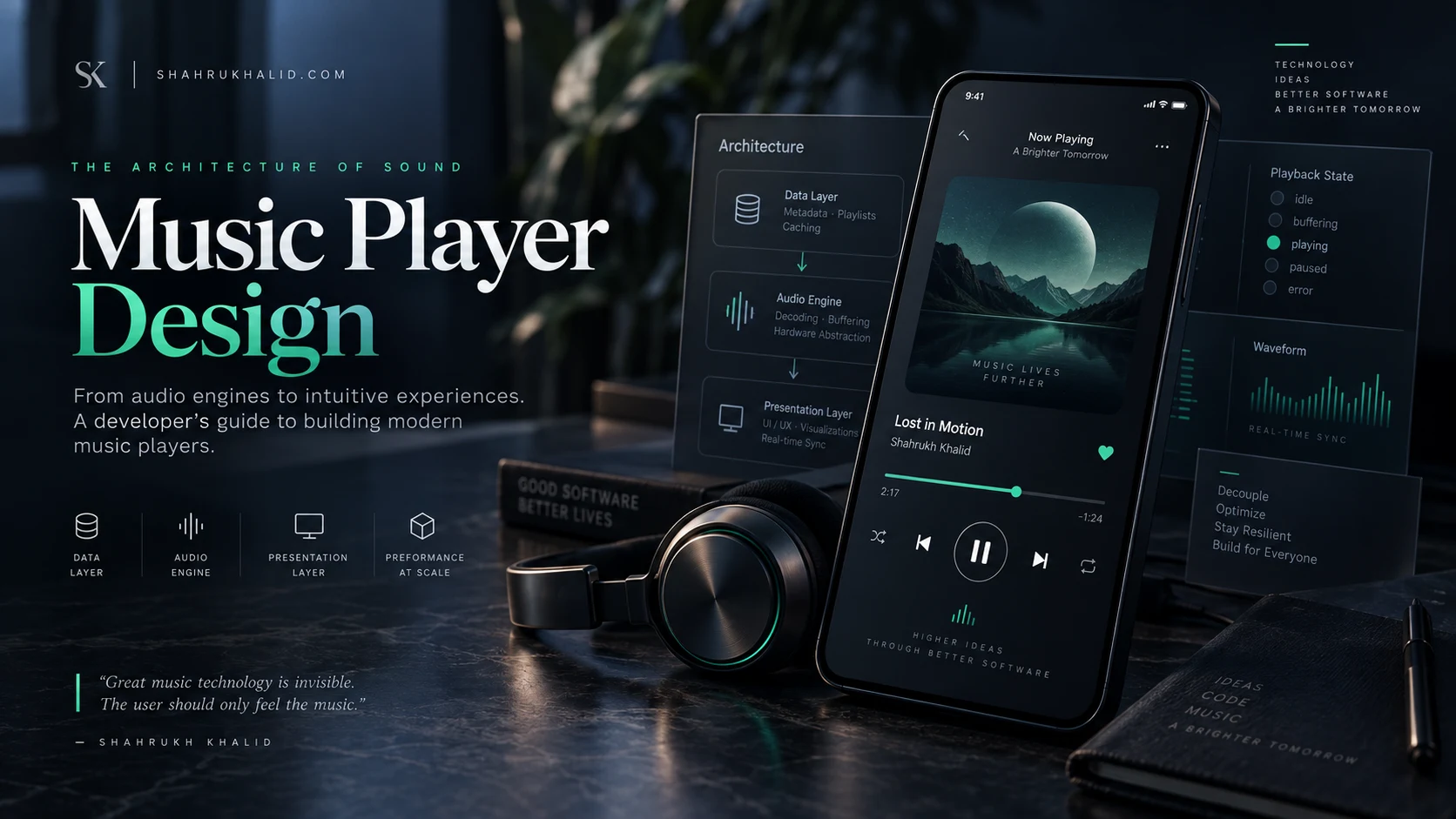
A modern music player is essentially a complex state machine. Whether you are building for Web (React/Web Audio API), iOS (AVFoundation), or Android (ExoPlayer), the core architectural requirements remain consistent. You must manage three distinct layers: the Data Layer, the Audio Engine, and the Presentation Layer.
The Data Layer (The Source of Truth)
The data layer handles metadata, playlist management, and local caching. In a streaming environment, this layer must be reactive. You are not just storing a file path; you are managing a stream of metadata that updates in real-time as the track progresses. Efficient data structures—like doubly linked lists for playback queues—are essential for seamless track transitions.
The Audio Engine (The Core)
The audio engine is the engine room. It handles decoding, buffering, and hardware abstraction. A common pitfall in music player design is offloading too much processing to the main thread. By utilizing Web Workers in the browser or background services in mobile environments, you ensure that the UI remains fluid even when the audio engine is performing heavy decoding tasks.
The Presentation Layer (The UI/UX)
The UI is where the user interacts with the state machine. It must reflect the audio engine’s progress with sub-millisecond precision. Visualizations, seek-bars, and album art transitions must be synchronized with the audio clock to prevent “stuttering” or visual lag.
2. Key Architectural Takeaways
- Decoupling Logic from UI: Never put your playback logic inside your UI components. Use a service-oriented architecture (e.g., a Singleton Audio Manager) that provides a stream of playback events to your components.
- State Management: Use a robust state management pattern (Redux, MobX, or Provider) to track playback status:
idle,buffering,playing,paused, anderror. - Memory Management: Audio files are memory-intensive. Always implement effective garbage collection and object pool patterns for track metadata to prevent memory leaks during long sessions.
- Network Resilience: Assume the network will fail. Implement exponential backoff for stream reconnection and a local cache (IndexedDB or Room) to store frequently played segments.
3. Step-by-Step Implementation Guide
Step 1: Establishing the Audio Service
Create a centralized service responsible for the audio lifecycle. This service should expose methods for play(), pause(), seek(), and setVolume(). It should also act as an event emitter, pushing updates to the UI layer regarding current time, duration, and buffer health.

Step 2: Implementing the Playback Loop
Do not rely on setInterval for updating progress bars. It is inaccurate and throttled by browsers. Instead, utilize the requestAnimationFrame API. This aligns your UI updates with the display refresh rate, ensuring that the seek-bar moves smoothly in sync with the audio playback.
Step 3: Handling Buffering and Latency
To provide a “gapless” playback experience, you must implement pre-fetching. When a track is 80% through, the player should begin downloading the metadata and initial buffer of the next track in the queue. This reduces the latency between songs to near zero.
Step 4: Designing for Accessibility
Music players are often operated by users who are multitasking. Ensure all controls are keyboard-accessible. Use ARIA labels for buttons (e.g., “Play,” “Pause,” “Next Track”) and ensure that the focus state is clearly visible for users relying on screen readers.
4. Performance Optimization Techniques
High-performance music players leverage hardware acceleration. On mobile devices, ensure your code interacts directly with low-level APIs like AVAudioSession on iOS or ExoPlayer on Android. These libraries provide built-in optimizations for battery consumption and background execution that custom JavaScript or high-level wrappers simply cannot match.
“The secret to a great music player isn’t just the sound quality; it’s the invisibility of the infrastructure. The user should never feel the weight of the networking or the decoding happening under the hood.”