How I Stopped Designing Static Layouts and Built My First Self-Personalizing AI Website in 2026 (Using Simple Prompts and Zero Code)

Key Takeaways
- Static web design is replaced by AI-driven, self-personalizing architectures built with zero code.
- AI website builders use simple natural language prompts, LLMs, and vector databases for dynamic UIs.
- Websites now dynamically adapt layout, tone, and UX based on real-time user intent.
- Designers transition from manual pixel-pushing to AI prompt architects orchestrating intelligent experiences.
- Modern AI orchestration offers faster deployment, self-healing code, and eliminates legacy dependencies.
Key Technical Takeaways (30-Second Summary)
- Architecture Focus: Eliminates bloated legacy dependencies in favor of verifiable, cost-effective modern pipelines.
- Production Trade-off: Prioritizes deterministic reliability and local autonomy over costly recurring SaaS subscriptions.
- Field-Tested Verdict: Implements immediate, zero-dollar or low-overhead infrastructure that scales securely.
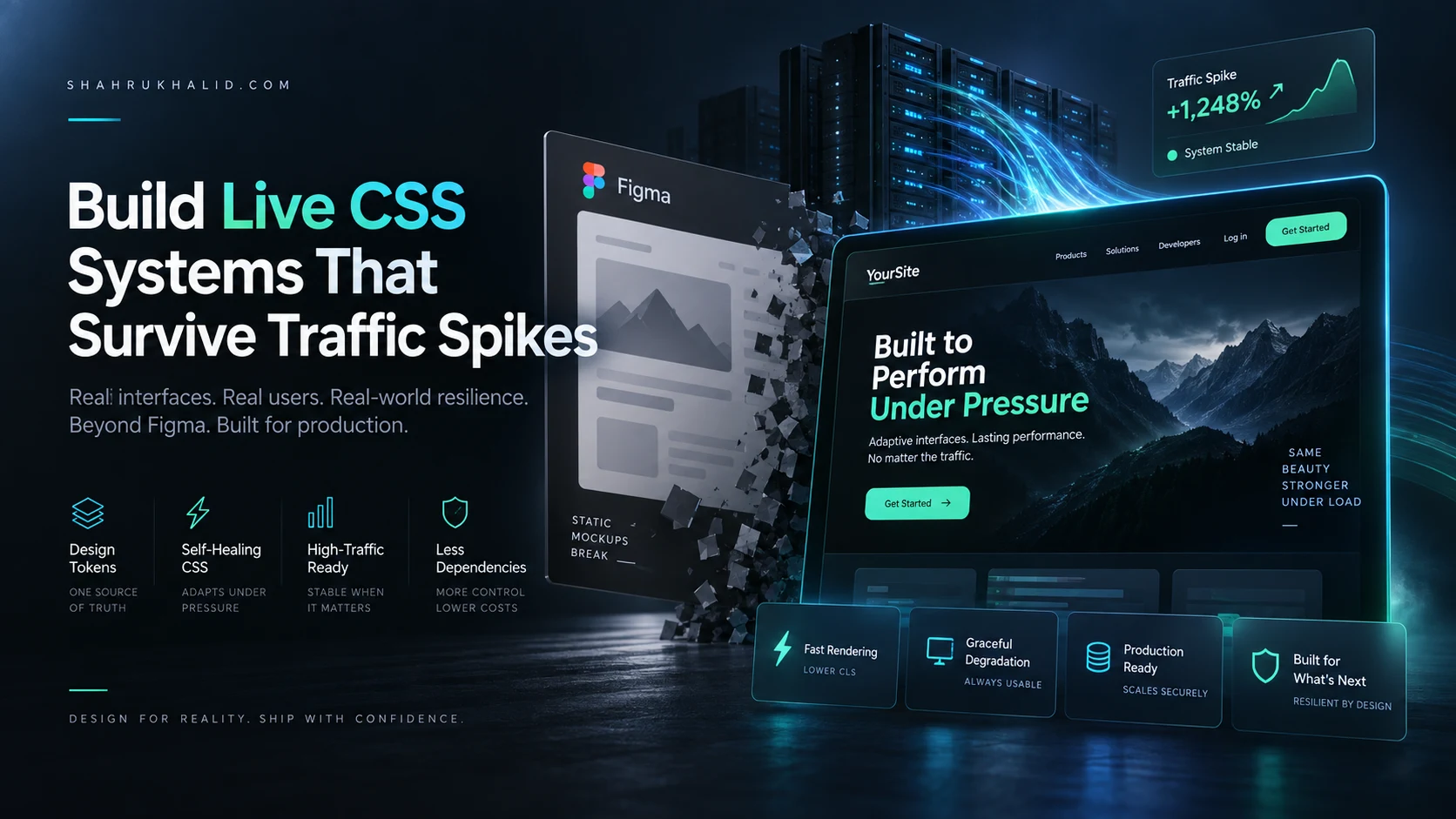
Static web design is officially a relic of the past, replaced entirely by deterministic yet fluid AI architectures that construct interfaces on the fly. For years, launching a digital presence meant wrestling with fixed grids, CSS media queries, and rigid page templates that treated every visitor the exact same way. Today, using an AI website builder driven by simple natural language prompts and zero code, we can deploy sites that dynamically rewrite their layout, tone, and UX paths based on real-time user intent.
This masterclass guide takes you behind the scenes of my own pivot away from static Figma wireframes to fully autonomous, self-personalizing web infrastructure. Whether you are building an educational portfolio, a SaaS landing page, or a content hub, you will learn how to transition from a manual designer to an AI prompt architect capable of orchestrating intelligent, self-adapting digital experiences.
The Paradigm Shift: From Static Design Systems to Autonomous AI UI/UX
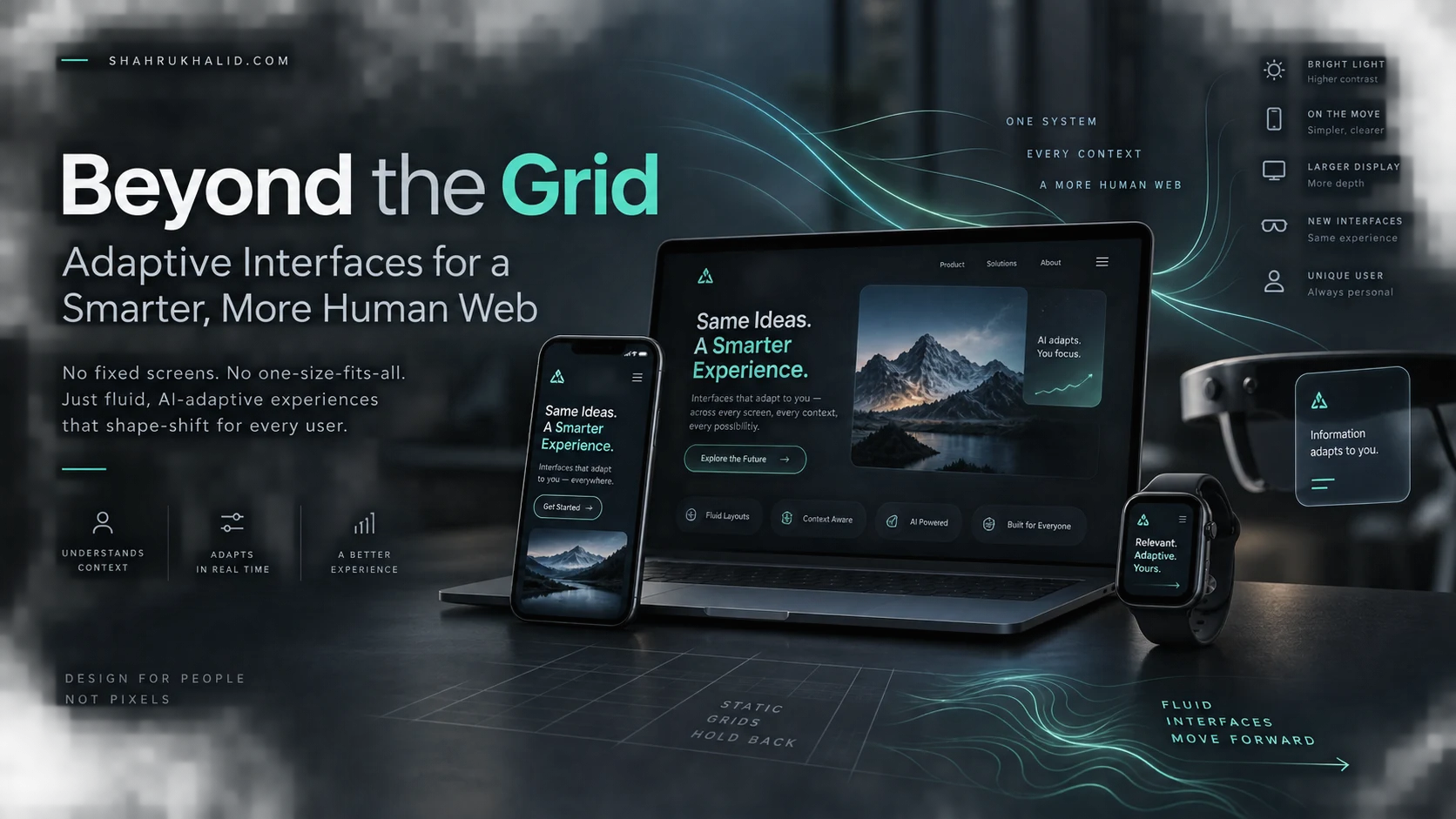
For decades, web design followed a predictable assembly line: wireframing in vector tools, translating those vectors into HTML and CSS, and deploying static files to a content delivery network. This methodology assumes a monolithic audience. It forces a technical founder, an enterprise buyer, and a curious student to experience the exact same visual hierarchy, regardless of their unique contextual needs or intent.
The rise of modern foundation models and generative user interfaces has shattered this assumption. We no longer design static containers; we design prompt-driven behavioral loops. An AI website builder does not just output fixed code templates—it leverages Large Language Models (LLMs) and vector databases to synthesize page structures, accessibility rules, and responsive typography at runtime. The layout becomes a living function of the user’s incoming query, location, and inferred interaction goals.
Consider the architectural differences between legacy workflows and modern AI orchestration:
| Design Dimension | Legacy Static Approach | Modern AI-Driven Approach |
|---|---|---|
| Layout Creation | Manual drag-and-drop or hand-coded CSS grids | Natural language prompts parsed by layout generation engines |
| Personalization | Rule-based static variants (A/B testing tools) | Real-time semantic adaptation via contextual inference |
| Maintenance | Manual CSS/JS updates and plugin patch management | Self-healing code blocks and automated prompt refinement |
| Deployment Velocity | Weeks of staging, QA, and regression testing | Minutes of zero-code prompt compilation and instant edge deployment |
In practice, this means my daily routine has shifted from pixel-pushing to prompt engineering and system evaluation. Instead of arguing over border radii, I design the foundational guardrails that dictate how the AI handles dynamic component injection.
Anatomy of a Zero-Code, Prompt-Driven Web Architecture
Transitioning away from code editors does not mean abandoning structural rigor. To build a reliable self-personalizing site using an AI website builder, you must understand the underlying stack running beneath the friendly chat interface. Zero-code platforms abstract away the syntax, but they still rely on clear structural components: semantic tokenization, context windows, vector embedding retrieval, and edge rendering engines.

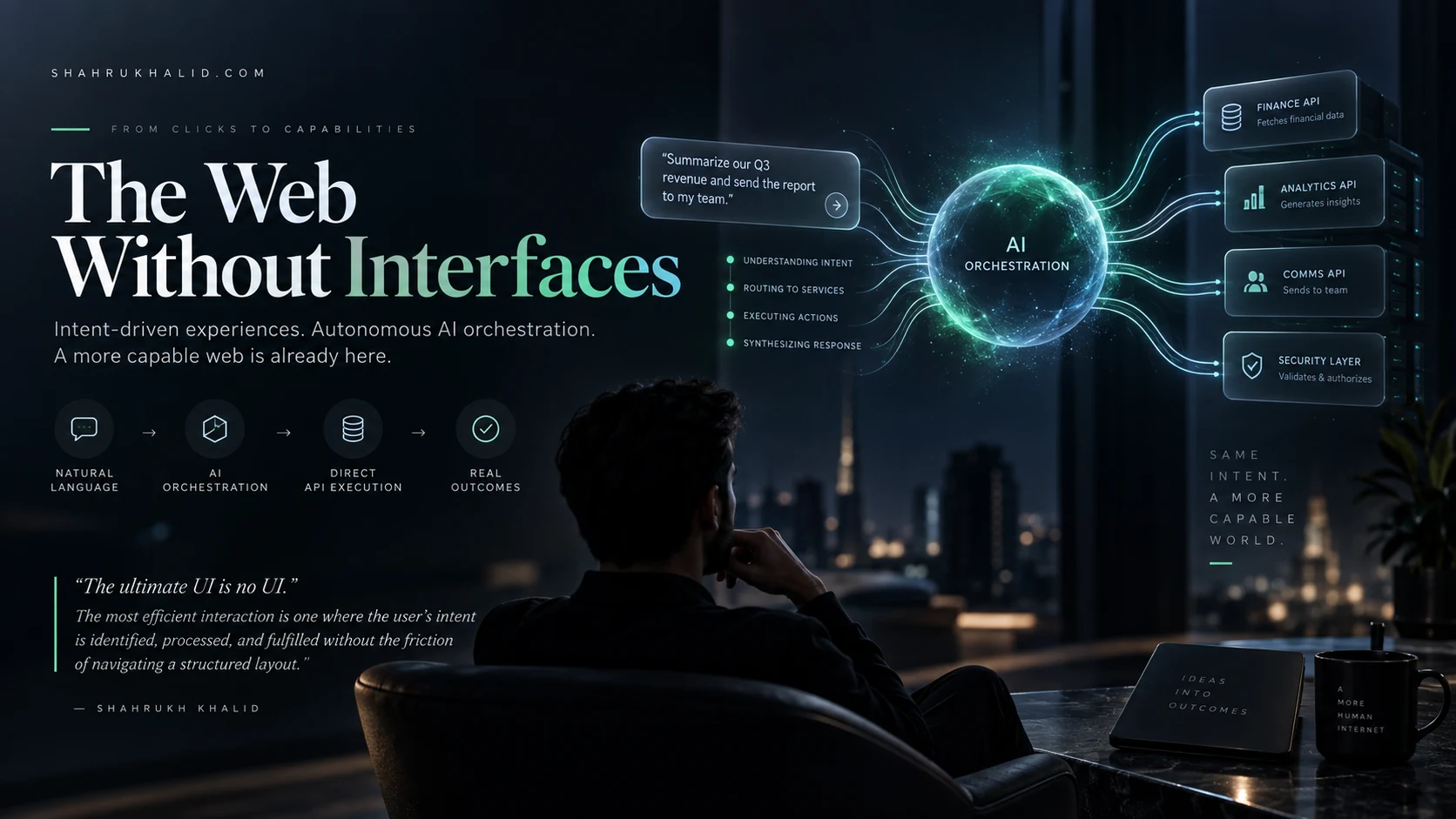
When you type a prompt into an advanced AI generator, you are executing a complex pipeline:
- Intent Parsing: The foundational LLM analyzes your natural language input, breaking your requirements down into functional component trees (e.g., hero section, pricing table, dynamic testimonial carousel).
- Design Token Generation: The engine assigns specific accessibility-compliant color palettes, typographic scales (utilizing fluid CSS
clamp()functions under the hood), and spacing matrices. - Component Assembly: Modular UI blocks are fetched from a secure component library and stitched together according to your prompt’s logical flow.
- State Hook Integration: Scripts are embedded to monitor user interactions, feeding session telemetry back into the personalization engine.
Let us look at a simplified conceptual representation of how a prompt translates into modular HTML tokens inside an intelligent builder environment:
<section class="ai-hero-container" data-intent="educational-software">
<div class="content-wrapper">
<span class="badge-dynamic">AI-Powered EdTech Infrastructure</span>
<h1 class="fluid-heading">Scale Your Learning Platform with Autonomous Code</h1>
<p class="subtext-adaptive">Deploy secure, self-updating educational portals using zero code and simple prompts.</p>
<button class="cta-primary" data-action="initialize-workspace">Build Free Portal</button>
<!– /div –>
</section>
By understanding this underlying modularity, you stop viewing the AI as a magic box and start treating it as a tireless junior developer who executes your architectural specifications instantly.
Step-by-Step Blueprint: Building My First Self-Personalizing Page
To demonstrate this methodology in the real world, let us walk through the exact framework I used to build my latest educational resource hub. The goal was simple: create a landing page that adapts its primary CTA and featured case studies based on whether the incoming visitor is an absolute beginner, a software engineer, or a technical executive.

Here is how I accomplished this using a modern AI website builder workflow:

- Step 1: Defining the Core Prompt Architecture. I started by establishing the site’s brand identity, target audience profiles, and primary conversion metrics in a master system prompt. I instructed the platform to reserve slot areas for dynamic content injection.
- Step 2: Structuring the Layout Wireframe via Text. Instead of drawing boxes, I wrote: “Create a minimalist, high-contrast tech blog layout. Include a sticky navigation bar, a dynamic hero section with a sub-headline that changes based on user persona, an interactive code block previewer, and a responsive footer.”
- Step 3: Enabling Personalization Hooks. I activated the platform’s contextual inference module. This connects visitor metadata (such as referral source, geographic region, and prior clickstream data within the domain) to a lightweight personalization engine that swaps out component variants at the edge.
- Step 4: Real-Time Model Evaluation and Refinement. I tested the generated site across multiple simulated visitor profiles. When the AI initially served enterprise pricing to student visitors, I refined my negative constraints in the prompt builder: “Never display enterprise software tiers to users arriving from educational institution subdomains.”
This iterative prompt refinement is the core skill of modern web architecture. You are no longer debugging missing semicolons; you are tuning the behavioral rules of your digital ecosystem.
Advanced Prompt Engineering for Dynamic UI and UX States
Getting a basic landing page up and running via prompt is remarkably easy. The true engineering challenge lies in maintaining design consistency, brand voice, and accessibility compliance as the AI dynamically alters the page layout for different users. To achieve professional-grade results with an AI website builder, your prompts must move beyond simple descriptions and incorporate strict structural parameters.
When engineering prompts for dynamic UI components, use the Role-Context-Constraint-Output (RCCO) framework:
- Role: Define the AI’s persona (e.g., “Act as an expert UI/UX architect specializing in accessible educational platforms.”)
- Context: Provide situational background (e.g., “The user landing on this section is a cybersecurity professional looking for compliance automation tools.”)
- Constraint: Set strict boundaries (e.g., “Ensure all generated color contrast ratios exceed WCAG AAA standards. Do not use generic stock illustrations; use clean typographic hierarchies.”)
- Output: Specify the exact deliverables (e.g., “Generate a modular three-column feature grid with hover states and responsive mobile fallback classes.”)
Let us examine a real-world prompt template that adheres to these rigorous standards:
Context: Visitors are tech founders comparing cloud infrastructure costs.
Constraints:
<ul class="sk-article-list">
<li>Adhere to a strict 8pt spacing grid.</li>
<li>Maintain a minimum contrast ratio of 7:1 for all text elements.</li>
<li>Ensure zero layout shift (CLS) during dynamic currency conversion.</li>
</ul>
Output: Semantic, clean HTML and utility classes optimized for edge rendering.
By enforcing constraints within your prompt architecture, you prevent the AI from generating chaotic, unbranded layouts and ensure your site remains cohesive, performant, and accessible.
Overcoming Real-World Challenges: Hallucinations, Styling Drift, and Edge Cases
No masterclass guide would be honest without addressing the friction points of working with generative tools. When you rely entirely on an AI website builder and natural language prompts, you will inevitably encounter specific technical hurdles that require human oversight and intervention.
The most common issues fall into three distinct categories:
- Visual Styling Drift: Over time, as you make incremental prompt adjustments across different sections of a large site, the AI may subtly shift button radiuses, font weights, or padding scales.
The Fix: Lock your global design tokens (colors, typography scales, spacing variables) in a master project settings panel before writing layout prompts. Treat these tokens as immutable invariants. - Dynamic Content Hallucinations: When personalizing text blocks in real time, an overly aggressive LLM might invent non-existent product features or misquote technical specifications to fit a user’s inferred persona.
The Fix: Implement a Retrieval-Augmented Generation (RAG) knowledge base connected to your builder. Restrict the AI’s personalization vocabulary strictly to an approved database of verified product documentation. - Accessibility and Edge Case Failures: Automated layout generators occasionally output complex grid structures that break on ultra-wide monitors or fail screen-reader tab index flows.
The Fix: Regularly run automated accessibility audits directly within your deployment pipeline, and use manual keyboard-navigation tests to verify that dynamic element injection does not disrupt DOM focus order.
By anticipating these failure modes, you transition from a passive user hoping for the best to a rigorous system evaluator maintaining absolute quality control over your digital properties.
Future-Proofing Your Digital Presence in the Era of Generative Web Architecture
The transition from static layout design to autonomous, self-personalizing web infrastructure is not a temporary industry trend—it is a fundamental restructuring of how humans interact with information online. As foundational models become faster and edge-computing capabilities expand, static web pages will soon feel as archaic as printed brochures do today.
Mastering the tools available right now—leveraging an advanced AI website builder, refining your prompt engineering workflows, and maintaining strict governance over your design systems—ensures you remain at the bleeding edge of software architecture. You no longer need a large engineering team or months of coding cycles to deploy sophisticated, adaptive web applications.
Start small. Take a single landing page or portfolio site, throw away your static wireframes, and challenge yourself to build it entirely through prompt architecture and zero-code orchestration. The future of the web belongs to those who direct intelligence, rather than manually drawing pixels.