Stop Managing Your OS: How to Configure Local Agentic Loops to Automate Your Entire Desktop Workflow in 2026
Key Takeaways
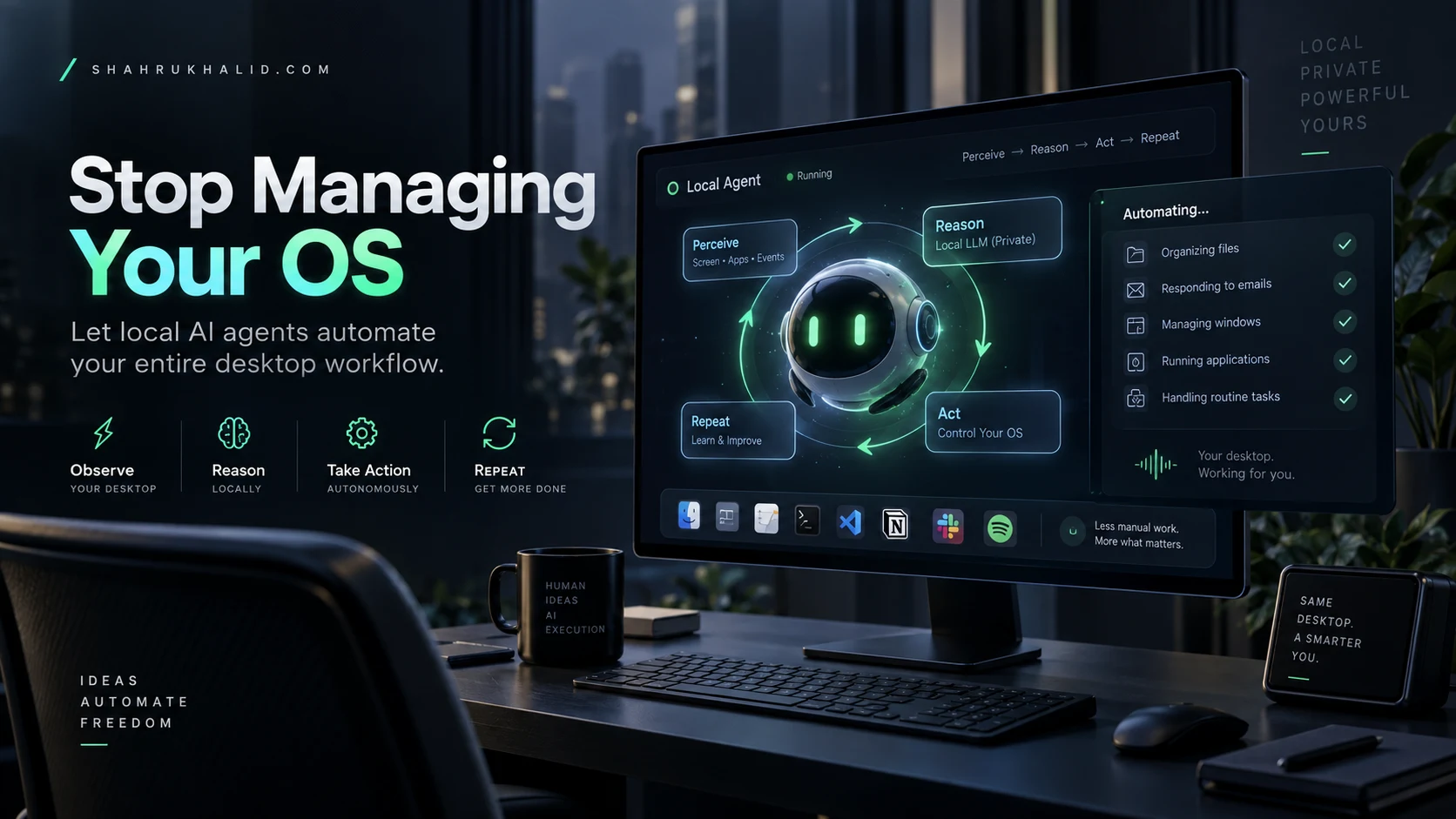
- Local Agentic Loops automate desktop workflows through intent-based orchestration and event-driven feedback cycles.
- These loops leverage local Large Action Models (LAMs) for context-aware Perception-Cognition-Action cycles.
- Local execution ensures low latency (sub-100ms) and privacy, enabling reflexive, proactive desktop automation.
- Implementation requires a Python orchestrator, local inference server, and system input/screen recording permissions.
- UI perception uses Computer Vision and vision-language models to interpret screen snapshots for navigation.
Table of Contents
- Theoretical Foundations & Modern Architecture
- Step-by-Step Implementation & Practical Code
- Enterprise Best Practices & Performance Optimization
- Security, Zero Trust & Common Pitfalls
- Future Projections & Industry Outlook
- Frequently Asked Questions
Theoretical Foundations & Modern Architecture
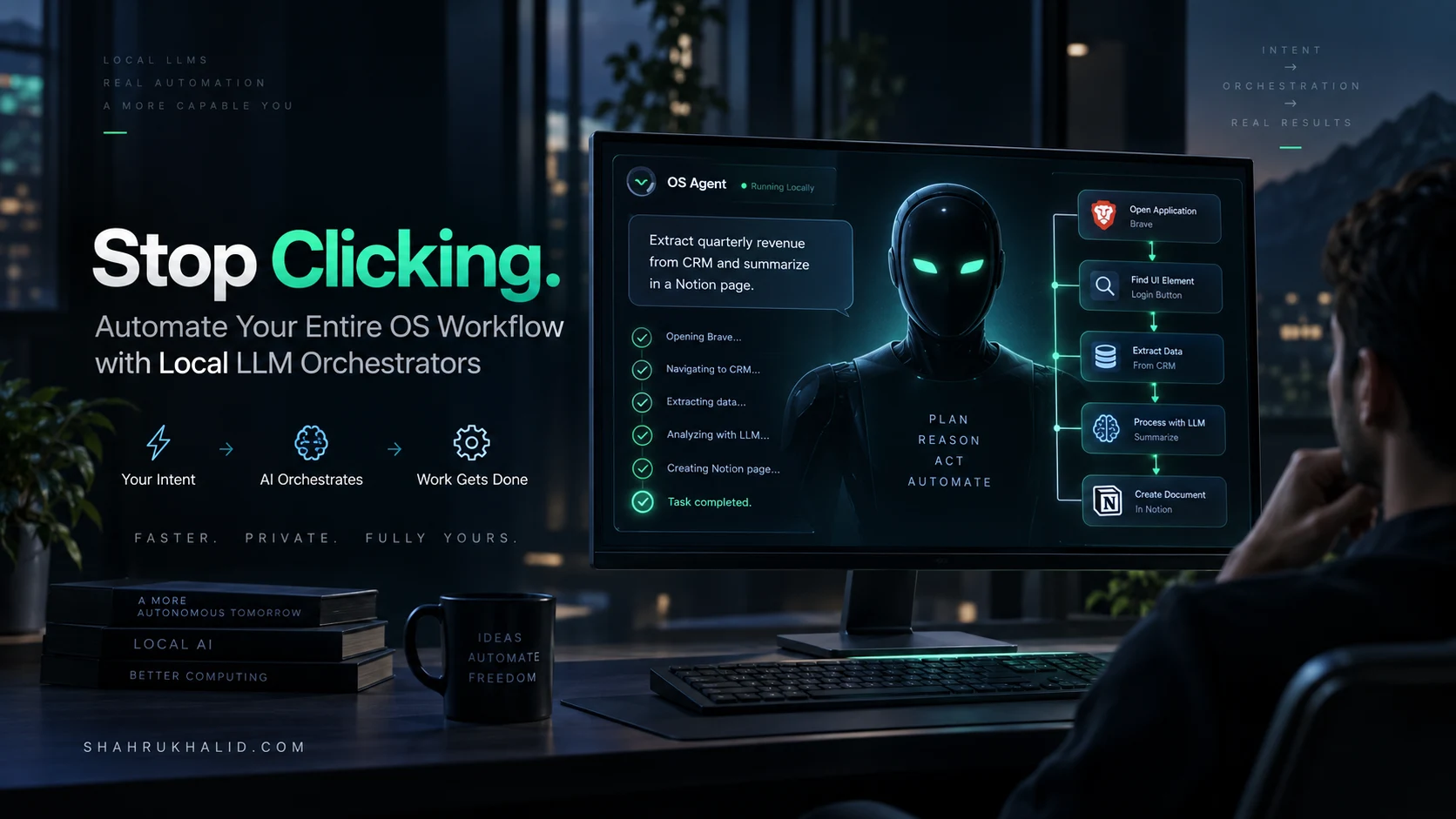
In 2026, the paradigm of “operating system management” has shifted from manual input to intent-based orchestration. We are moving beyond simple CLI scripts into Local Agentic Loops—autonomous, event-driven feedback cycles that reside on the edge (your local machine). Unlike cloud-based automation, these loops utilize local Large Action Models (LAMs) that possess context-awareness of your desktop environment without exfiltrating sensitive data.
The Anatomy of an Agentic Loop
An agentic loop is defined by the Perception-Cognition-Action cycle. Perception involves hooking into the Accessibility APIs (macOS) or UI Automation (Windows/Linux). Cognition is handled by local LLM inference engines (e.g., Llama-4 or specialized vision-language models), and Action is executed via system-level input synthesis.
Why Local?
Latency and privacy are the primary drivers. By keeping the model local, you eliminate round-trip overhead to API endpoints, allowing for sub-100ms reaction times to system events. This enables “reflexive automation” where the OS responds to your workflow patterns before you explicitly trigger them.
Step-by-Step Implementation & Practical Code
To build a robust agentic loop, you must bridge the gap between your local kernel events and the LLM reasoning engine.
Step 1: Environment Setup
Deploy a local inference server using Ollama or vLLM optimized for your hardware. Ensure you have the necessary system permissions for screen recording and input simulation.
Step 2: The Core Python Orchestrator
Utilize an event loop to monitor system state changes. Below is a conceptual implementation of an agentic listener.
import ollama
from pynput import mouse
def agent_loop(event_context):
# Analyze context using local model
response = ollama.chat(model='agent-v2', messages=[
{'role': 'user', 'content': f"Analyze this event and decide the next action: {event_context}"}
])
# Execute action based on model output
execute_action(response['message']['content'])
def on_click(x, y, button, pressed):
if pressed:
agent_loop(f"Mouse clicked at {x}, {y}")
with mouse.Listener(on_click=on_click) as listener:
listener.join()
Step 3: Integrating UI Perception
Use Computer Vision (CV) libraries to feed screen snapshots into your vision-language model. This allows the agent to “see” buttons, windows, and error prompts, enabling it to navigate UIs that lack traditional API hooks.
Enterprise Best Practices & Performance Optimization
Running agentic loops at scale requires strict resource management to prevent system thrashing.
Resource Throttling
- Quantization: Always use 4-bit or 8-bit quantized weights (GGUF/EXL2) to keep VRAM usage under 6GB.
- Context Window Management: Implement a sliding window buffer for the agent’s memory to prevent token bloat, which degrades inference speed over time.
Event Filtering
Do not pass every system event to the LLM. Use a high-performance heuristic filter (e.g., regex-based log parsing or window title monitoring) to trigger the agent only when specific patterns are detected, saving compute cycles.
Security, Zero Trust & Common Pitfalls
Automating your OS creates a high-privilege attack surface. If your agent is compromised, the attacker inherits your desktop access.
The Zero Trust Checklist
- Sandboxing: Run your agentic orchestration script within a virtual environment or container with restricted filesystem access.
- Human-in-the-loop (HITL): For high-risk actions (e.g., deleting files, sending emails), implement a mandatory visual confirmation prompt.
- Input Validation: Never pass unvalidated model output directly to
os.system()orsubprocess.run(). Always parse the agent’s output into a strictly defined JSON schema.
Future Projections & Industry Outlook
By 2027, we expect the emergence of “OS-native” agents integrated directly into the kernel scheduler. Instead of installing third-party Python scripts, future operating systems will feature a “Cognitive Layer” that allows users to define workflows in natural language, which the OS then translates into micro-tasks managed by an onboard hardware-accelerated NPU (Neural Processing Unit).