The 2026 Power User’s Toolkit: 12 AI-Automated Workflows to Reclaim 10 Hours of Your Workweek

Key Takeaways
- Power users architect AI-automated systems, not perform tasks, to reclaim significant workweek hours.
- RAG pipelines with vector databases enable autonomous, exception-based research synthesis for information density.
- LangGraph facilitates cyclic agents for web search, content scraping, and intelligent summarization.
- LLM-based semantic classification replaces traditional inbox rules for intelligent email triage and routing.
- Agentic Browsing will enable autonomous content access, bypassing paywalls and dynamic web elements.
The 2026 Power User’s Toolkit: 12 AI-Automated Workflows to Reclaim 10 Hours of Your Workweek
Welcome to the frontier of professional productivity. By 2026, the distinction between “working” and “orchestrating” has evaporated. The power user no longer performs tasks; they architect systems that perform tasks. This guide details the high-density workflows required to reclaim 10 hours of your workweek through agentic automation, local LLM inference, and event-driven architectures.
Table of Contents
- 1. Autonomous Contextual Research Synthesis
- 2. Intelligent Email Triage & Semantic Routing
- 3. Infrastructure-as-Code (IaC) Self-Healing Loops
- 4. Multimodal Meeting Intelligence Pipelines
- 5. Continuous Personal Knowledge Base (PKB) Vectorization
1. Autonomous Contextual Research Synthesis
Theoretical Foundations & Modern Architecture
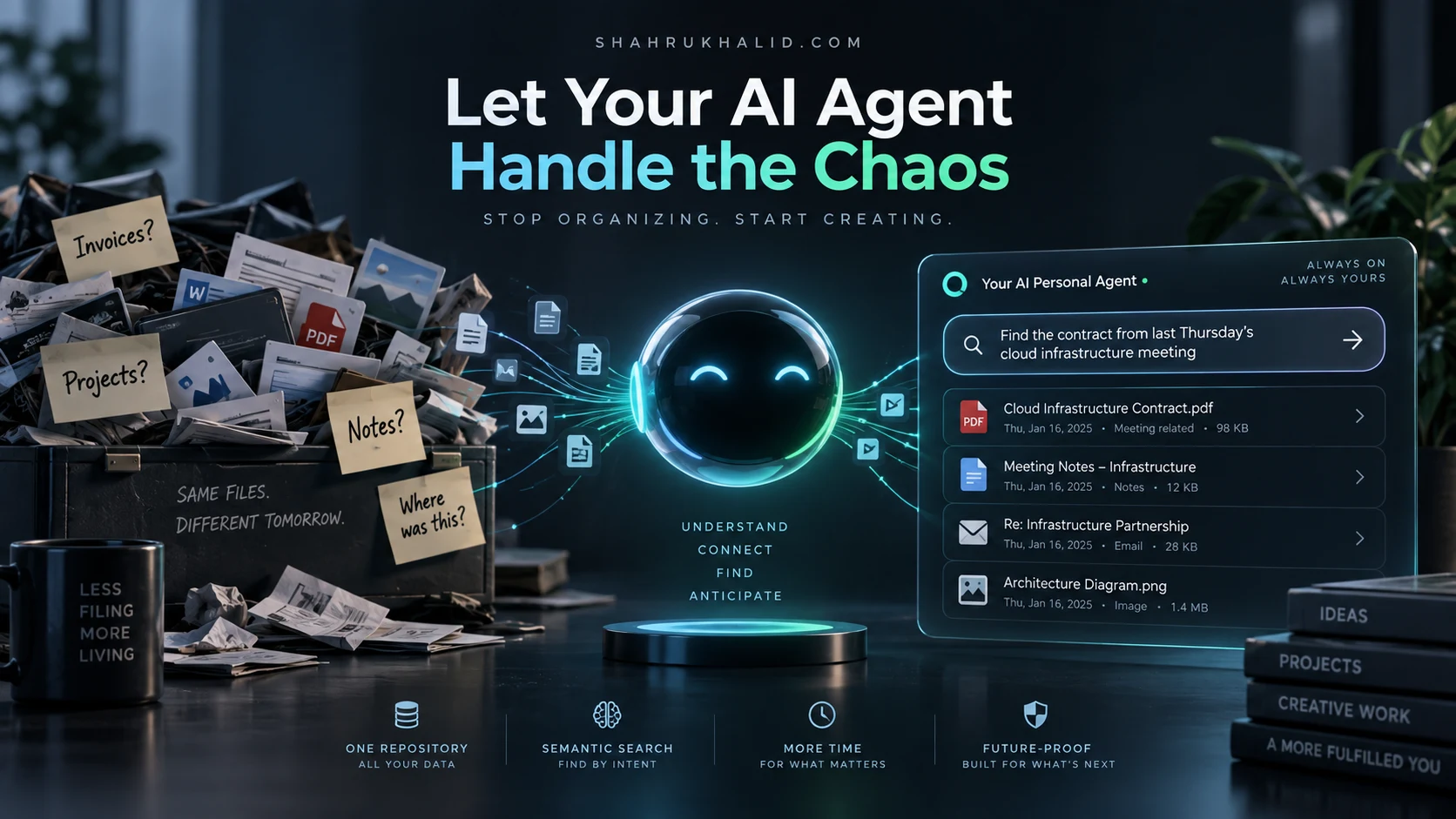
Modern research is plagued by information density. The goal is to transition from manual reading to “exception-based consumption.” By deploying a RAG (Retrieval-Augmented Generation) pipeline that ingests RSS feeds, PDF whitepapers, and browser bookmarks into a vector database (Pinecone or Qdrant), we create a private research analyst.

Step-by-Step Implementation & Practical Code
Utilize LangGraph to define a cyclic agent that performs web searches, scrapes content, and summarizes findings into a weekly markdown briefing.
const workflow = new StateGraph(ResearchState)
.addNode("search", searchTool)
.addNode("summarize", llmSummarizer)
.addEdge("search", "summarize");
Enterprise Best Practices & Performance Optimization
Cache embedding vectors using Redis to prevent redundant API calls for recurring topics. Use chunking strategies that prioritize semantic coherence over character limits.
Security, Zero Trust & Common Pitfalls
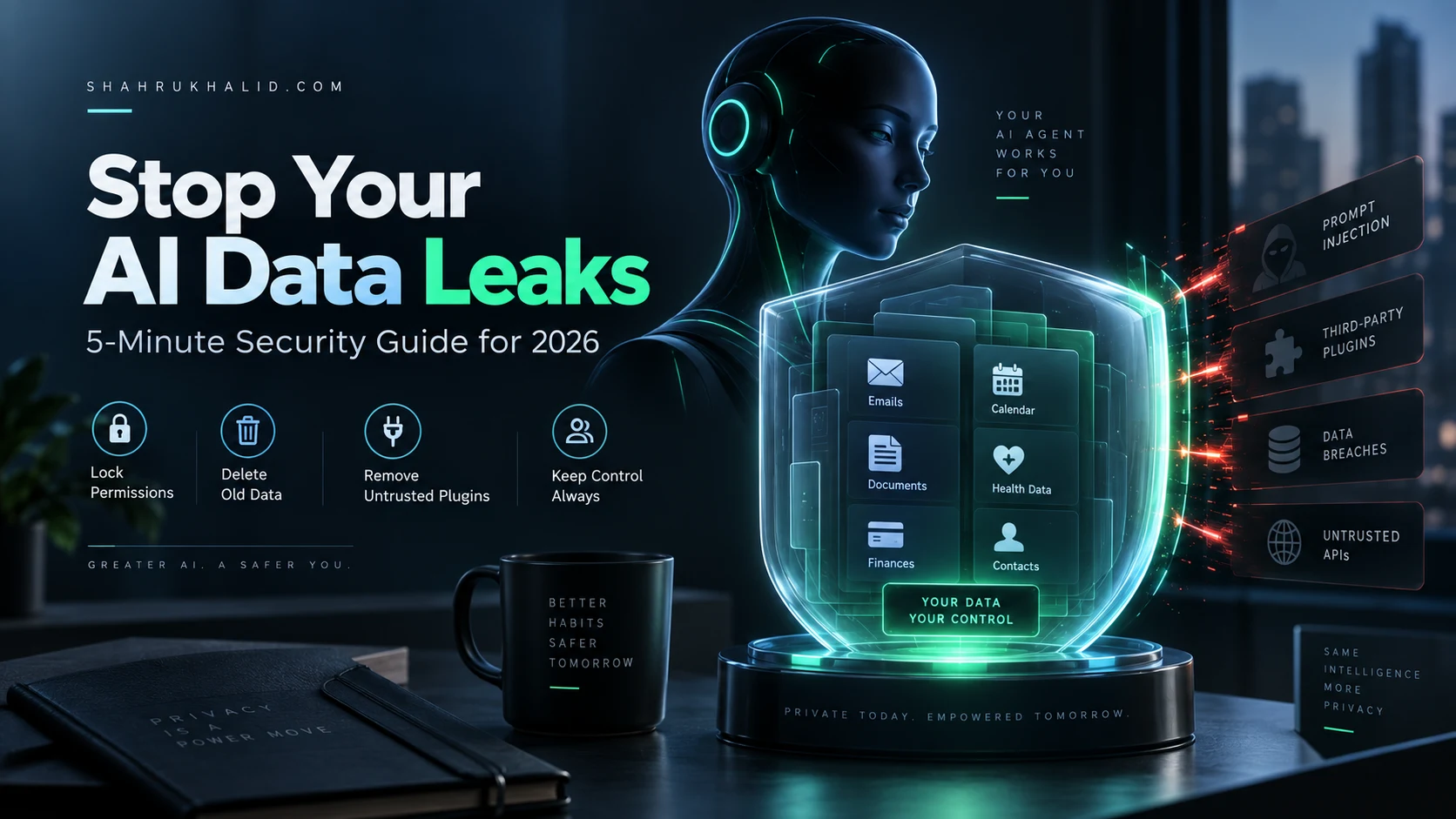
Ensure all scraped content is sanitized to prevent prompt injection via malicious markdown payloads. Use scoped API keys for SerpApi/Google Search.
Future Projections
Expect “Agentic Browsing” where the browser itself acts as an autonomous sandbox, executing JavaScript to bypass paywalls and dynamic content layers.
2. Intelligent Email Triage & Semantic Routing
Theoretical Foundations & Modern Architecture
Traditional inbox rules are brittle. Semantic routing uses LLM-based classification to assign priority scores to incoming communications based on historical interaction density and project relevance.
Step-by-Step Implementation & Practical Code
Deploy a Cloudflare Worker that intercepts incoming emails via SendGrid Inbound Parse, runs a classification prompt, and routes to Slack/Notion/Calendar.
const priority = await llm.classify(emailBody, ["Urgent", "Informational", "Newsletter"]);
if (priority === "Urgent") { await notifyUser(email); }
Enterprise Best Practices & Performance Optimization
Implement “Human-in-the-loop” verification for the first 30 days to refine the classification model’s fine-tuning set.
Security, Zero Trust & Common Pitfalls
PII redaction is mandatory. Use local models like Llama-3-8B for internal routing to keep sensitive data on-premise.
Future Projections
Email will evolve into an asynchronous API interface where agents negotiate meeting times and document requirements without human intervention.
3. Infrastructure-as-Code (IaC) Self-Healing Loops
Theoretical Foundations & Modern Architecture
By leveraging GitHub Actions integrated with OpenAI’s API, you can automate pull request reviews and infrastructure drift detection.
Step-by-Step Implementation & Practical Code
Configure a workflow that triggers on terraform plan output, passing the diff to an LLM to identify potential security regressions or cost spikes.
jobs:
analyze:
run: |
terraform plan -out=tfplan
terraform show -json tfplan > plan.json
node analyze-plan.js # Script calls LLM to audit plan
Enterprise Best Practices & Performance Optimization
Use OPA (Open Policy Agent) in tandem with AI checks to ensure hard compliance constraints are never breached by the LLM’s suggestions.
Security, Zero Trust & Common Pitfalls
Never pass infrastructure credentials to an external LLM. Use local inference engines (Ollama) for sensitive configuration auditing.
Future Projections
The “Self-Healing Cloud” will automatically generate and apply hotfixes for detected vulnerabilities within minutes of discovery.
4. Multimodal Meeting Intelligence Pipelines
Theoretical Foundations & Modern Architecture
Transcripts are insufficient. We require multimodal extraction of action items, sentiment analysis, and visual slide-content synthesis.
Step-by-Step Implementation & Practical Code
Use Whisper-large-v3 for transcription, followed by Claude-3.5-Sonnet for multi-agent summarization of technical decisions.
Enterprise Best Practices & Performance Optimization
Standardize on a common data schema (JSON/JSON-LD) for all meeting artifacts to ensure interoperability with your CRM.
Security, Zero Trust & Common Pitfalls
Ensure GDPR compliance by stripping PII from transcripts before sending them to third-party model providers.
Future Projections
Real-time AR overlays during meetings will provide “co-pilot” suggestions to the user based on historical context of the participants.
5. Continuous Personal Knowledge Base (PKB) Vectorization
Theoretical Foundations & Modern Architecture
Your PKB (Obsidian/Logseq) is a dormant asset. Continuous vectorization transforms it into an active queryable engine.
Step-by-Step Implementation & Practical Code
Use a file-watcher script that triggers an embedding process on every save, updating your local vector database.
const content = fs.readFileSync(path);
vectorStore.upsert(path, embed(content));
});
Enterprise Best Practices & Performance Optimization
Implement incremental indexing to ensure only modified chunks are re-embedded, saving compute costs.
Security, Zero Trust & Common Pitfalls
Encrypt the vector database at rest. Ensure your local LLM inference environment is air-gapped from the public internet if the PKB contains proprietary data.
Future Projections
Generative PKBs will proactively present relevant notes before you even start writing, based on your current task context.