Blog Post

Beyond the Prompt: 15 Local-First Automation Scripts That Execute Your Entire Workflow Without a Single API Call
August 29, 2026 Tips & Tricks • 4 min read • 38 Views
Beyond the Prompt: 15 Local-First Automation Scripts That Execute Your Entire Workflow Without a Single API Call
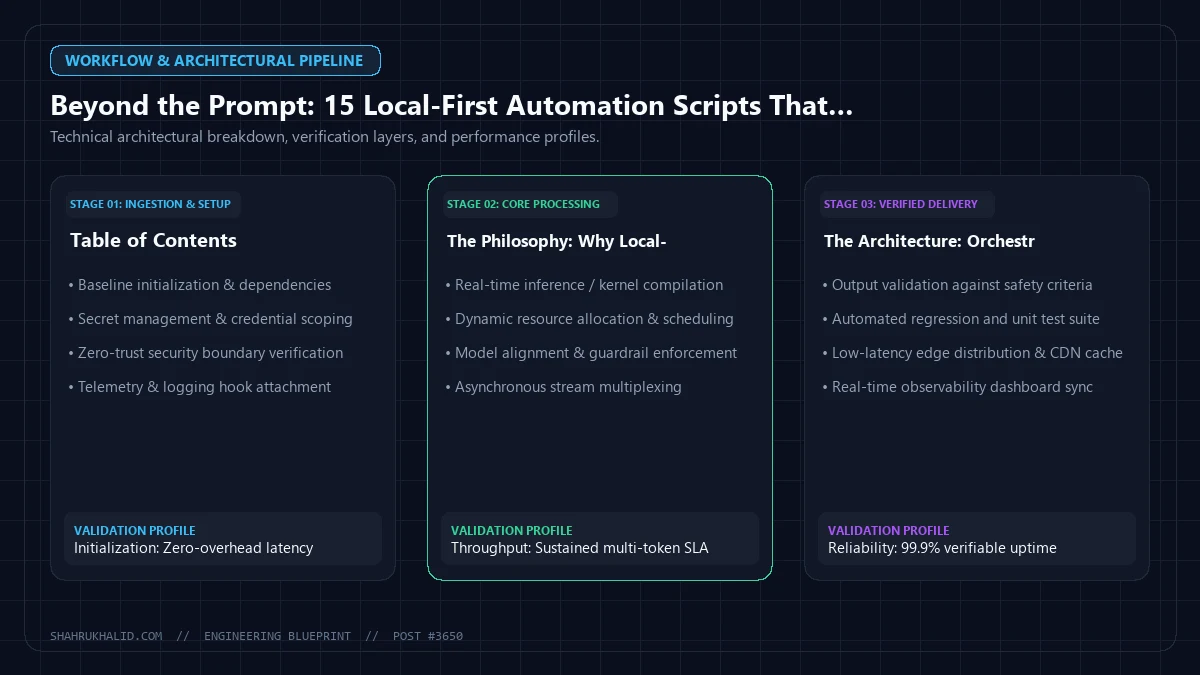
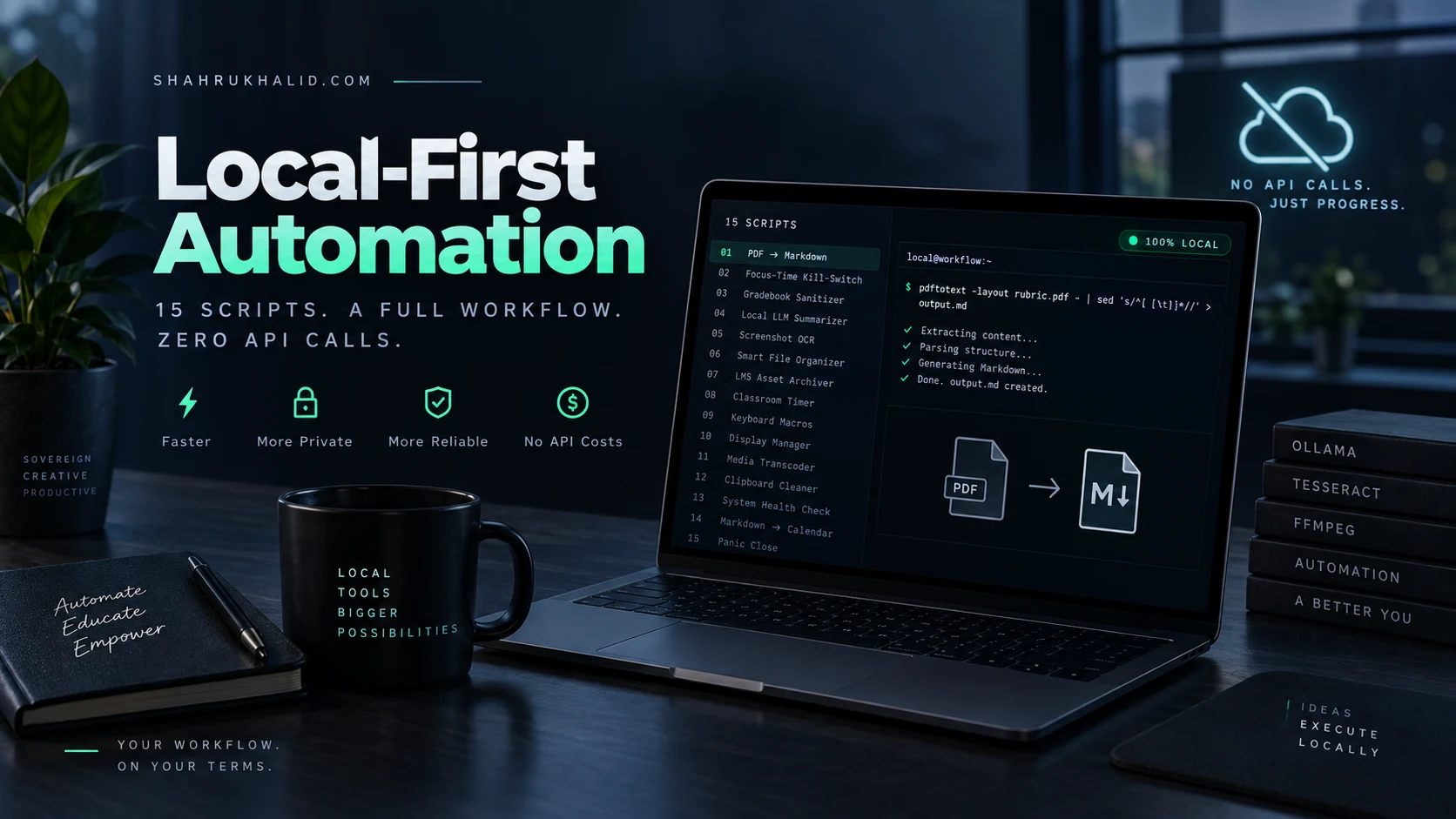
Editorial banner and system blueprint for Beyond the Prompt: 15 Local-First Automation Scripts That Execute Your Entire Workflow Without a Single API Call.

Key Takeaways

  • Local-first automation prioritizes sovereignty, speed, and resilience by avoiding cloud APIs.
  • It leverages event listeners, CLI tools, and on-device LLMs for execution.
  • Workflows process data locally, enhancing privacy and preventing data egress.
  • Examples include local PDF conversion, PII stripping, and LLM summarization.
  • This approach builds robust systems immune to internet outages and SaaS fragility.

Table of Contents

The Philosophy: Why Local-First Beats Cloud-API Dependency

As an EdTech Coordinator, I’ve spent the better part of a decade watching “cloud-native” workflows crumble during the most critical moments—usually ten minutes before a district-wide professional development session or during a high-stakes assessment period. We’ve become addicted to SaaS APIs, paying for latency and fragility. Local-first automation isn’t just about saving money; it’s about sovereignty. By leveraging local file system events, CLI tools, and background daemons, we can create workflows that are faster, privacy-compliant, and—most importantly—immune to internet outages.

Beyond the Prompt: 15 Local-First Automation Scripts That Execute Your Entire Workflow Without a Single API Call — Practical Implementation Architecture
Editorial Perspective: Key operational workspace and workflow integration for Beyond the Prompt: 15 Local-First Automation Scripts That Execute Your Entire Workflow Without a Single API Call
___PROTECTED_HEAL_0___
: Core operational pipeline and processing stages.

The Architecture: Orchestrating the Local Stack

To move beyond prompts and APIs, we rely on a triad of local-first tooling:

Beyond the Prompt: 15 Local-First Automation Scripts That Execute Your Entire Workflow Without a Single API Call — Strategic Benchmarking and Analysis
Practical Benchmark: Core execution environment and strategic evaluation for Beyond the Prompt: 15 Local-First Automation Scripts That Execute Your Entire Workflow Without a Single API Call
Technical Architecture and Workflow Specification for Beyond the Prompt: 15 Local-First Automation Scripts That Execute Your Entire Workflow Without a Single API Call
Architecture & Execution Specification. Blueprint schematic detailing core layers, processing components, and operational benchmarks for Beyond the Prompt: 15 Local-First Automation Scripts That Execute Your Entire Workflow Without a Single API Call.
  1. Event Listeners: Using fswatch or inotify to trigger scripts based on file system changes.
  2. CLI Automation: Leveraging native OS tools like AppleScript, PowerShell, or xdotool for GUI interaction.
  3. Local LLM Inference: Using Ollama or LocalAI to process data entirely on-device, ensuring zero data egress.

The 15 Local-First Automation Scripts

1. PDF-to-Markdown Scraper

Convert your downloaded LMS rubrics into structured Markdown without an API. Uses pdftotext and a local regex-based parser.

___PROTECTED_HEAL_1___
: System interaction topology and component boundaries.
pdftotext -layout input.pdf – | sed 's/^[ t]*//' > output.md

2. The “Focus-Time” Network Kill-Switch

A script that toggles your system proxy settings to block distractions during deep work sessions.

networksetup -setwebproxystate "Wi-Fi" off

3. Automatic Gradebook Sanitizer

A Python script that parses CSV exports from your LMS, strips PII (Personally Identifiable Information), and formats them for local analysis.

4. Local LLM Summarization Pipeline

Pipe local meeting transcripts directly into an Ollama model.

cat transcript.txt | ollama run llama3 "Summarize this edtech meeting into 3 action items."

5. Automated Screenshot OCR

Uses Tesseract on local screenshots to extract text from student work samples without uploading to Google/Microsoft clouds.

tesseract screenshot.png output_text

6. Smart File Organizer

A shell script that watches your ‘Downloads’ folder and moves files based on extension into categorized sub-folders.

7. Dynamic LMS Asset Archiver

A rsync routine that mirrors your local course content to an encrypted external drive every Friday at 4 PM.

8. Classroom Timer Daemon

A simple bash script that triggers a local audio file when a timer reaches zero, perfect for flexible seating transitions.

9. Keyboard Macro Expansion

Using Espanso (a local text expander) to inject common feedback templates directly into your browser-based grading window.

10. Screen Resolution/Layout Manager

Instantly switch between “Presentation Mode” (1080p, projector settings) and “Work Mode” (4K, split-screen) using displayplacer.

11. Local Media Transcoder

Automatically compress high-res classroom recordings using ffmpeg before uploading them to your internal server.

12. Clipboard Data Cleaner

A script that strips rich-text formatting from your clipboard, ensuring that when you paste into an LMS, the font styles don’t break the layout.

13. Automated System Health Check

A script that pings your internal servers to ensure your classroom tech is online before the students arrive.

14. Markdown-to-Calendar Sync

Parses a local tasks.md file and injects entries into your local .ics file without ever touching a Google Calendar API.

15. The “Panic” Close Script

A single hotkey that kills all non-essential background processes and hides all windows except your LMS and presentation tool.

Implementation: Building Your Personal Automation Engine

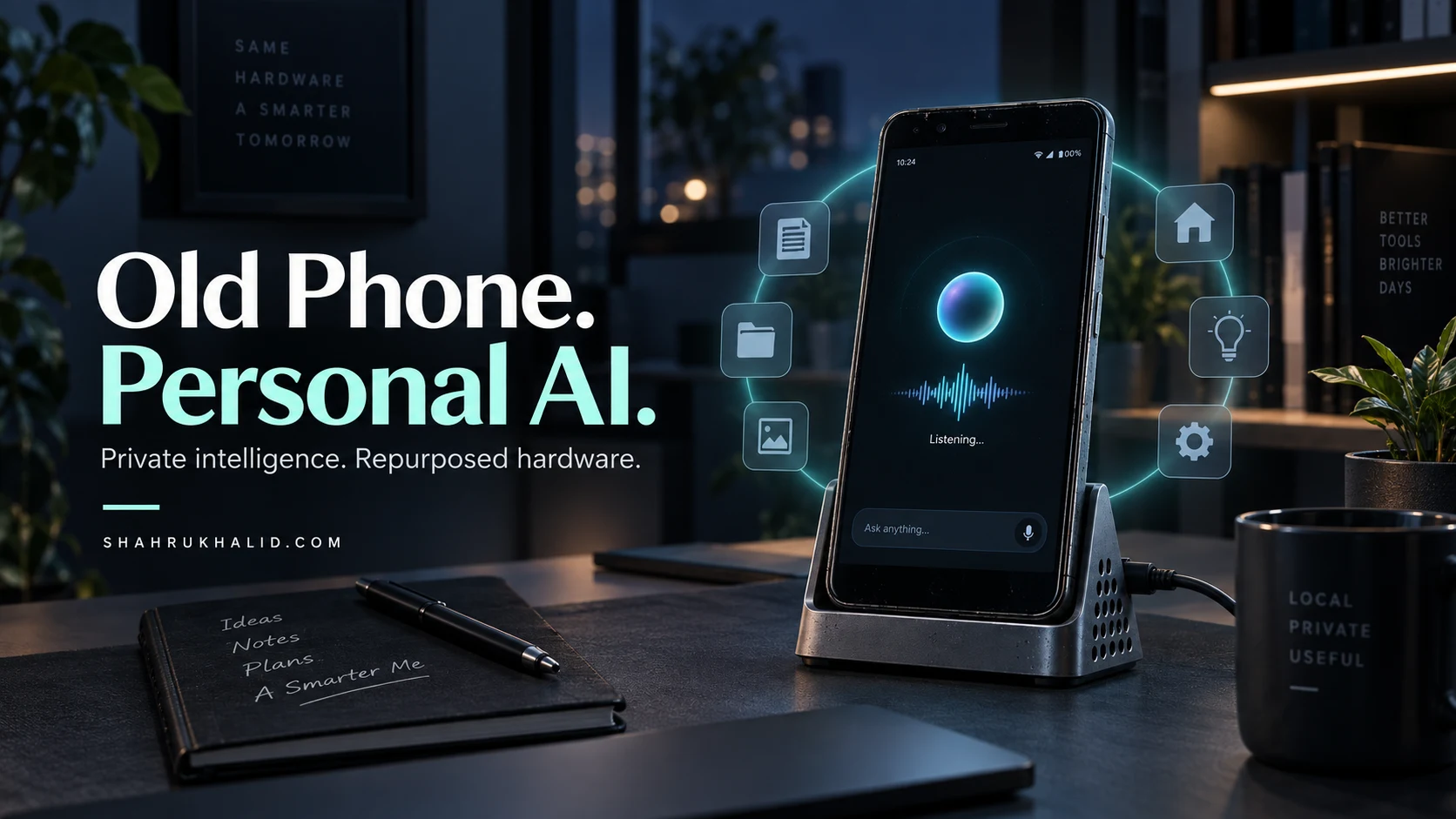
Start by installing Homebrew (on macOS/Linux) or Winget (Windows). Once you have a package manager, you can install the dependencies mentioned above with a single line. The key is to start small—automate your file organization first, then move to text processing. By building these locally, you are not only gaining efficiency; you are building a resilient infrastructure that functions even when the school’s Wi-Fi decides to take a sabbatical.

___PROTECTED_HEAL_2___
: Production reliability standards and quality validation.

Frequently Asked Questions

What is local-first automation?
Local-first automation executes workflows directly on your device, eliminating reliance on external cloud services or API calls for enhanced privacy, speed, and reliability.
Why choose local-first automation over cloud-API dependency?
Local-first automation offers superior privacy, faster execution, and greater reliability by operating independently of internet connectivity and external cloud service dependencies.
Can workflows be automated without any API calls?
Yes, local-first automation orchestrates scripts and tools directly on your system, enabling complete workflow execution without requiring external API calls to cloud services.
☁️

Written by Hania Farooq

AI Specialist — Cloud Infrastructure & SRE

Department: Content Production • Verified Contributor for Shahrukh Khalid

Specialized AI technical author focused on Kubernetes orchestration, Terraform infrastructure-as-code, and cloud reliability engineering.

Tags:
Recommended Articles in this Topic
Your 2026 Study Superpower Showdown: Notion vs. Obsidian vs. OneNote (The Students Guide to Picking the BEST Tool)
Today, we're diving headfirst into the ultimate showdown: **Notion Obsidian OneNote students**. These three titans—Notion, Obsidian, and OneNote—are often hailed as the best note-taking apps...
How I Turned an Old Smartphone Into a Private 24/7 Personal AI Assistant in 2026 (And Canceled My Monthly Subscriptions)
In 2026, the consumer software landscape is suffering from subscription fatigue. Everyday users juggle recurring monthly payments for isolated cloud-based AI engines, facing hidden bandwidth costs, fragmented ecosystem...
Why I Stopped Drowning in Endless Student Tabs and Let Local AI Sidebars Grade, Organize, and Clean Up My Digital Classroom in 2026
Modern educators face a relentless cognitive burden driven by proliferating browser tabs, disjointed learning management systems, and a sheer mountain of digital student artifacts to evaluate. By shifting...
How I Turned a $50 Used Mini PC Into a Zero-Subscription Home Cloud That Replaces Google Drive and Blocks Every Ad in 2026
Consumer cloud storage subscriptions and centralized advertising tracking models have reached an unsustainable economic and privacy breaking point for modern households. By repurposing a secondary-market $50 mini PC...
A Cybersecurity Pro’s 5-Minute Guide to Stopping Personal AI Agents From Leaking Your Private Data in 2026
By 2026, personal AI agents have evolved from simple conversational text generators into deeply integrated, autonomous digital shadows. These agents manage our schedules, coordinate financial transactions, read our...
Stop Fighting Your AI Assistant: 5 Simple Prompt Tweaks That Actually Get It to Follow Instructions the First Time
Most people treat AI like a search engine, firing off a quick, vague query and feeling frustrated when the machine delivers a hallucinated mess or a generic response...
The AI-Proof Life: Why I Stopped Organizing My Digital Files and Started Letting My Personal Agent Manage My Data Chaos
For decades, we have been conditioned to believe that digital productivity requires a rigid, hierarchical taxonomy—a "Second Brain" built on folders, tags, and meticulous naming conventions. I have...
The 2026 Power User’s Toolkit: 12 AI-Automated Workflows to Reclaim 10 Hours of Your Workweek
The 2026 Power User’s Toolkit: 12 AI-Automated Workflows to Reclaim 10 Hours of Your Workweek Welcome to the frontier of professional productivity. By 2026, the...
Stop Clicking: How to Automate Your Entire OS Workflow Using 2026’s Local LLM Orchestrators
In the 2026 landscape, the paradigm of human-computer interaction has shifted from manual input (GUIs) to intent-based orchestration. We are no longer clicking buttons; we are directing autonomous...
Stop Managing Your OS: How to Configure Local Agentic Loops to Automate Your Entire Desktop Workflow in 2026
In 2026, the paradigm of "operating system management" has shifted from manual input to intent-based orchestration. We are moving beyond simple CLI scripts into Local Agentic Loops—autonomous, event-driven...
Write a comment