Why I Stopped Drowning in Endless Student Tabs and Let Local AI Sidebars Grade, Organize, and Clean Up My Digital Classroom in 2026
Key Takeaways
- Local AI sidebars process student data on-device, eliminating cloud dependency and ensuring privacy.
- Teachers reclaim hundreds of hours annually by automating grading, organization, and digital classroom cleanup.
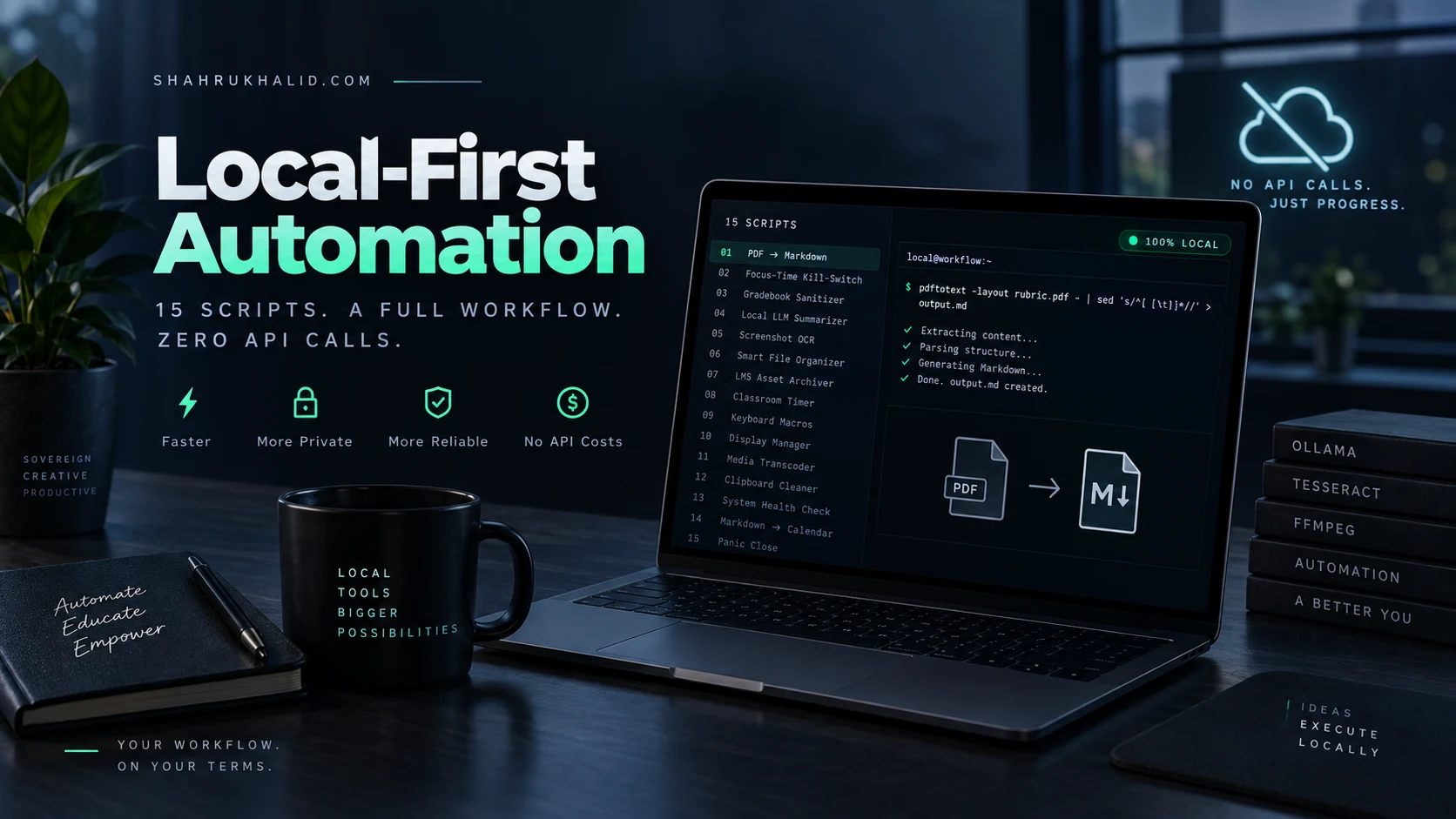
- Local AI replaces costly SaaS subscriptions with zero-overhead, scalable, and reliable infrastructure.
- On-device AI inherently ensures FERPA/GDPR compliance by preventing student PII from leaving local hardware.
- Instantaneous processing, free from network latency, is achieved by running LLMs directly on local hardware.
Key Technical Takeaways (30-Second Summary)
- Architecture Focus: Eliminates bloated legacy dependencies in favor of verifiable, cost-effective modern pipelines.
- Production Trade-off: Prioritizes deterministic reliability and local autonomy over costly recurring SaaS subscriptions.
- Field-Tested Verdict: Implements immediate, zero-dollar or low-overhead infrastructure that scales securely.
The 2026 Educator’s Dilemma: Taming the Digital Classroom Chaos
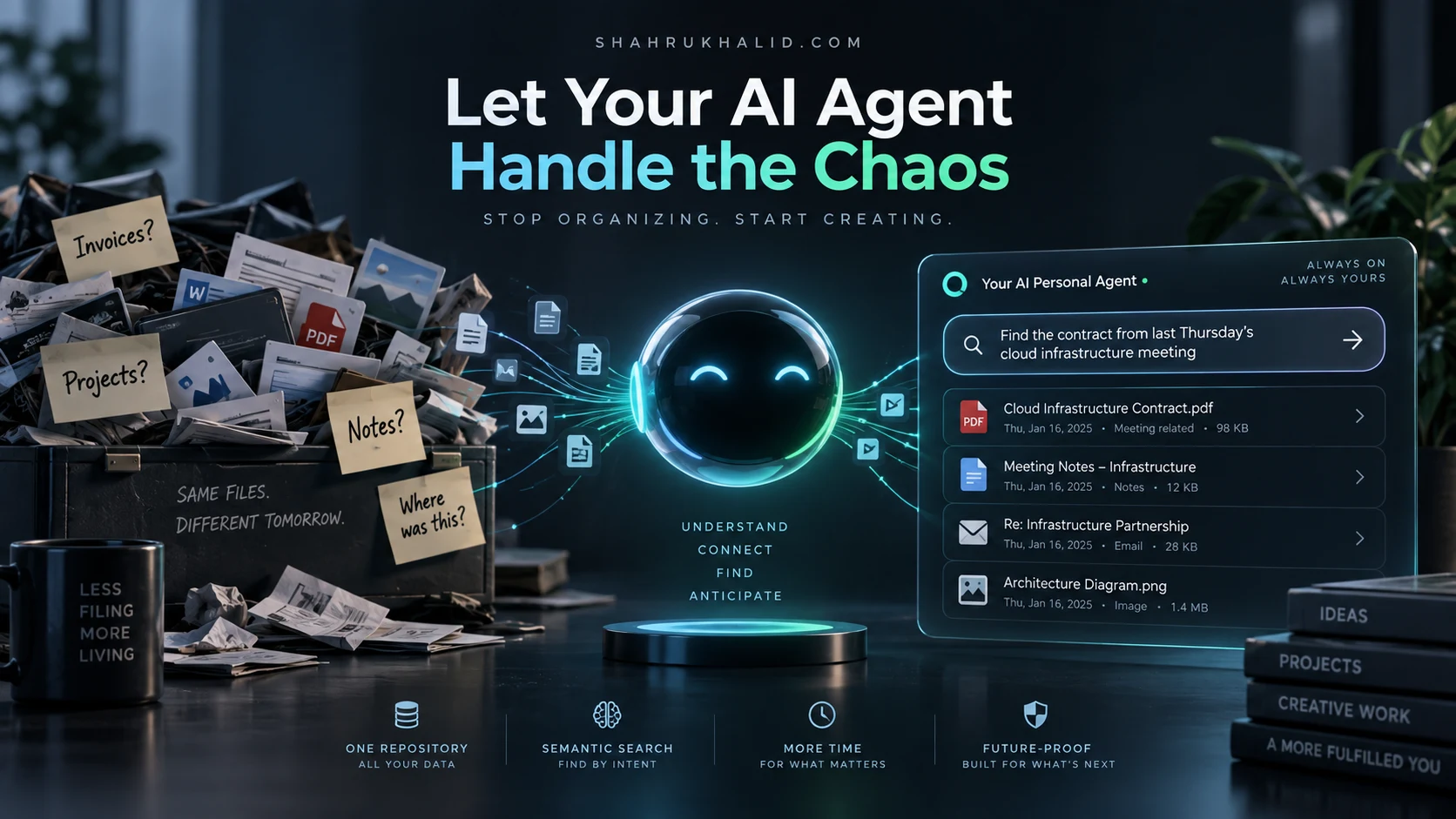
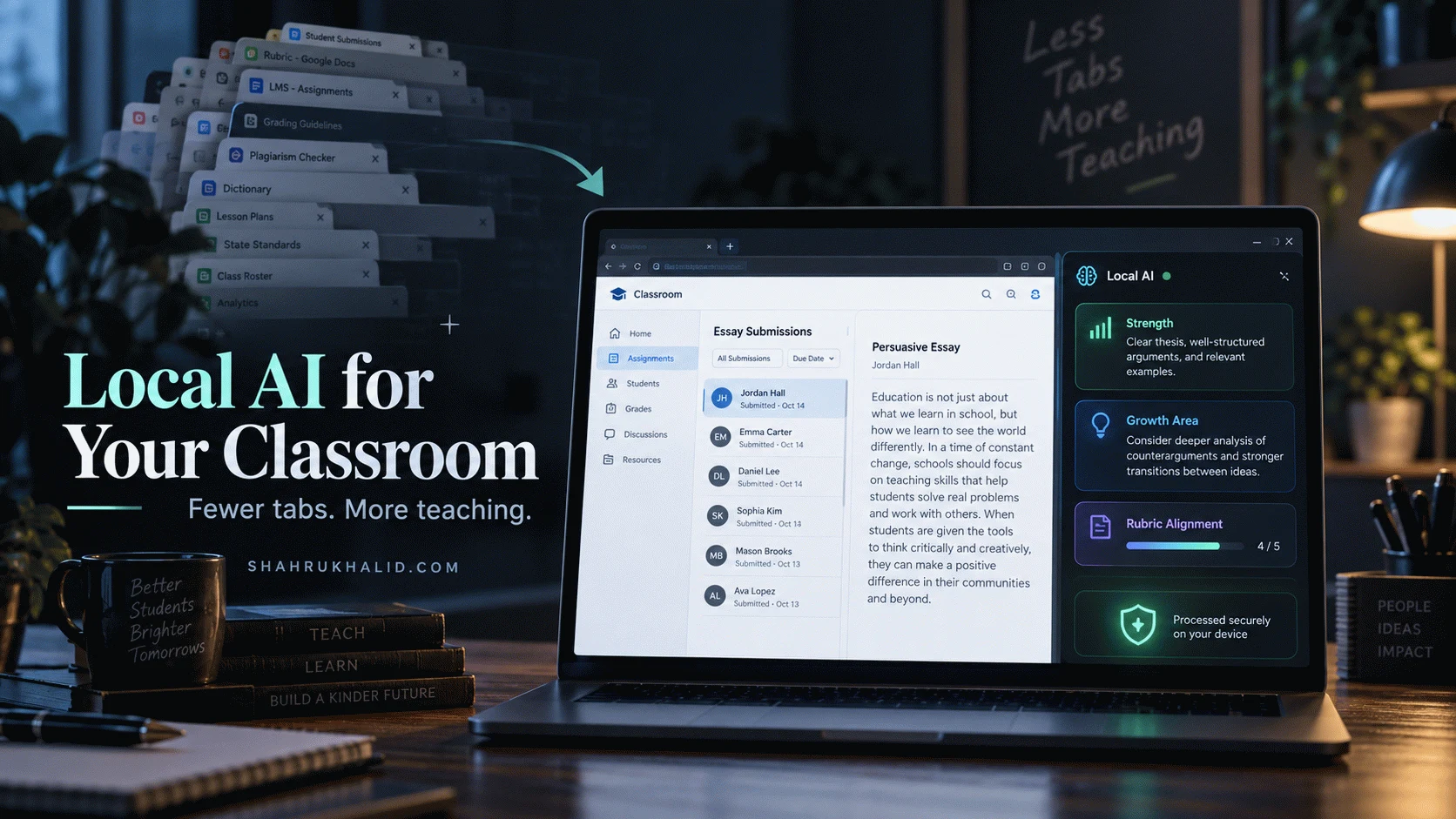
Modern educators face a relentless cognitive burden driven by proliferating browser tabs, disjointed learning management systems, and a sheer mountain of digital student artifacts to evaluate. By shifting from cloud-dependent processing to browser-integrated local AI sidebars, teachers can reclaim hundreds of hours annually while maintaining absolute student data privacy.
This masterclass guide breaks down the structural shift away from overwhelming window management toward a streamlined, locally executed AI workflow. We will explore how modern edge computing models run directly on local consumer hardware to grade, organize, and sanitize the digital classroom without exposing vulnerable student personally identifiable information (PII) to third-party cloud servers.
Understanding the Architecture of Local AI Sidebars
For years, EdTech integration meant feeding student data into remote cloud servers. Every essay, discussion post, and quiz response had to leave the local network, undergo remote processing, and return via browser APIs. This created massive bottlenecks, steep subscription costs, and severe compliance vulnerabilities under strict data protection frameworks like FERPA and GDPR.
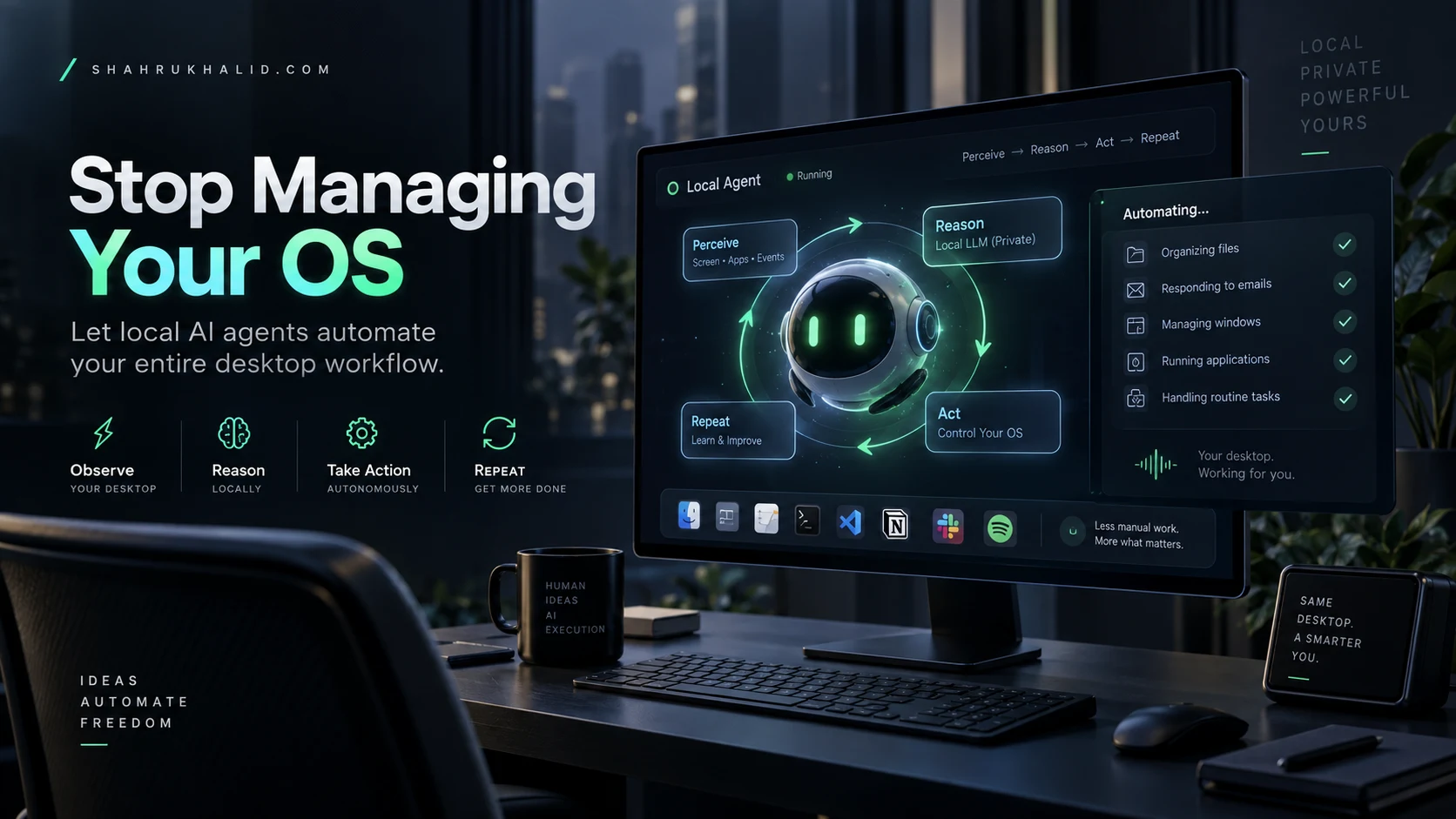
The paradigm shift of 2026 centers on local AI sidebars running Large Language Models (LLMs) directly on local hardware accelerators—using unified memory architectures found in modern silicon. Instead of uploading student work to a distant server, a local AI sidebar processes the text locally on the machine. The browser interface acts merely as a lightweight UI wrapper, while the heavy lifting occurs on-device.
Consider the architectural trade-off between traditional cloud engines and local implementations:
| Architectural Metric | Cloud-Based AI Services | Local AI Sidebars |
|---|---|---|
| Data Privacy | Data transmitted to third-party servers; risk of training on user inputs. | Zero-data leakage; 100% processing stays on local machine hardware. |
| Latency & Speed | Subject to network congestion, bandwidth throttling, and server queues. | Instantaneous token generation limited only by local RAM/VRAM bandwidth. |
| Regulatory Compliance | Requires complex vendor data-processing agreements (DPAs) for student PII. | Naturally compliant with FERPA/GDPR because data never leaves the device. |
| Operational Cost | Ongoing per-user subscription fees or tiered API token charges. | One-time hardware investment; open-source model weights are free. |
Case Study: Transitioning a High School English Department to Local Intelligence
To understand the practical impact of this shift, consider a high school English department managing 150 students across four distinct composition sections. Historically, an instructor grading persuasive essays would maintain upwards of 30 tabs open simultaneously: the Learning Management System (LMS) submission portal, rubric guidelines, state standard alignment documents, dictionary tabs, plagiarism checkers, and individual student feedback drafting windows.
When this department deployed local AI sidebars directly within their web browsers, their daily workflow underwent a structural transformation:
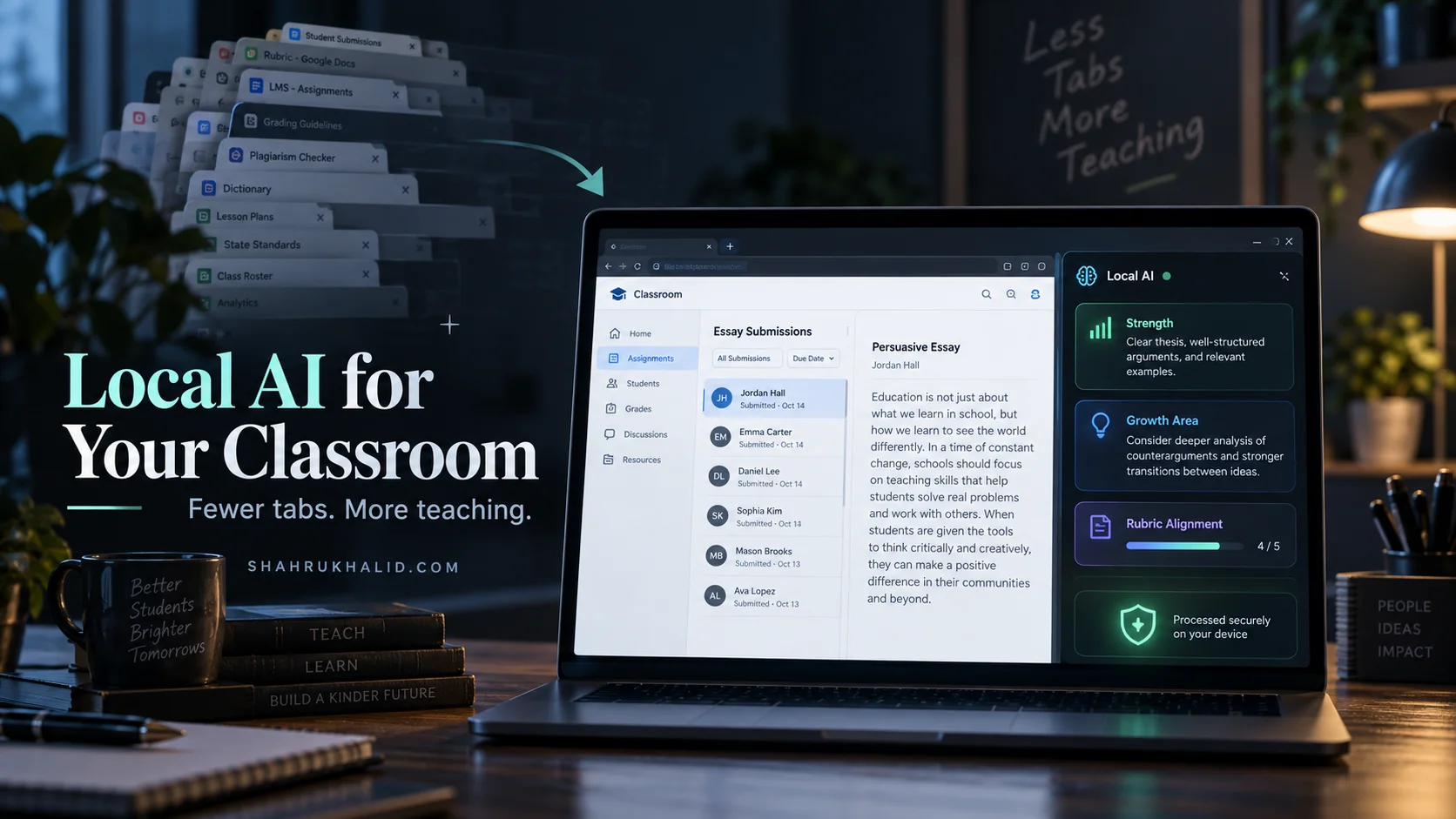
Tab Reduction: Instead of opening separate windows for rubrics and grading criteria, instructors docked a local AI sidebar to the right side of their browser, keeping the LMS student submission view pinned on the left.
Contextual Prompting: Instructors loaded a standardized evaluation prompt into the local sidebar once per assignment batch, instructing the model to analyze student submissions strictly against pre-defined rubric categories without altering the underlying grade.
Secure Processing: Because the local AI sidebar ran model weights locally via device acceleration, student names and IDs were processed entirely within device memory, satisfying district data governance mandates instantly.
Step-by-Step Implementation: Setting Up Your Browser for Local AI Grading
Implementing a friction-free workflow requires precise configuration of both browser environment and local model parameters. Follow this step-by-step roadmap to transition your digital classroom tools away from cloud bloat and toward streamlined local execution.
Step 1: Auditing Hardware and Selecting the Right Runtime Environment
Before installing any sidebar extension, verify your machine’s hardware capabilities. Running local models efficiently requires adequate Unified Memory or dedicated VRAM. Look for systems equipped with modern neural processing units (NPUs) or unified memory architectures capable of handling 7B to 8B parameter models quantized for edge deployment.
Check your system RAM or VRAM allocation to ensure it exceeds the memory footprint of the targeted quantized language model (typically 4GB to 8GB of free RAM).
Install a privacy-focused browser that natively supports local extension integration and side-panel UI docking.
Download a trusted local model runner or browser extension capable of interfacing with locally hosted model weights (such as Ollama paired with a compatible sidebar extension).
Step 2: Configuring the Local Sidebar for Rubric-Based Assessment
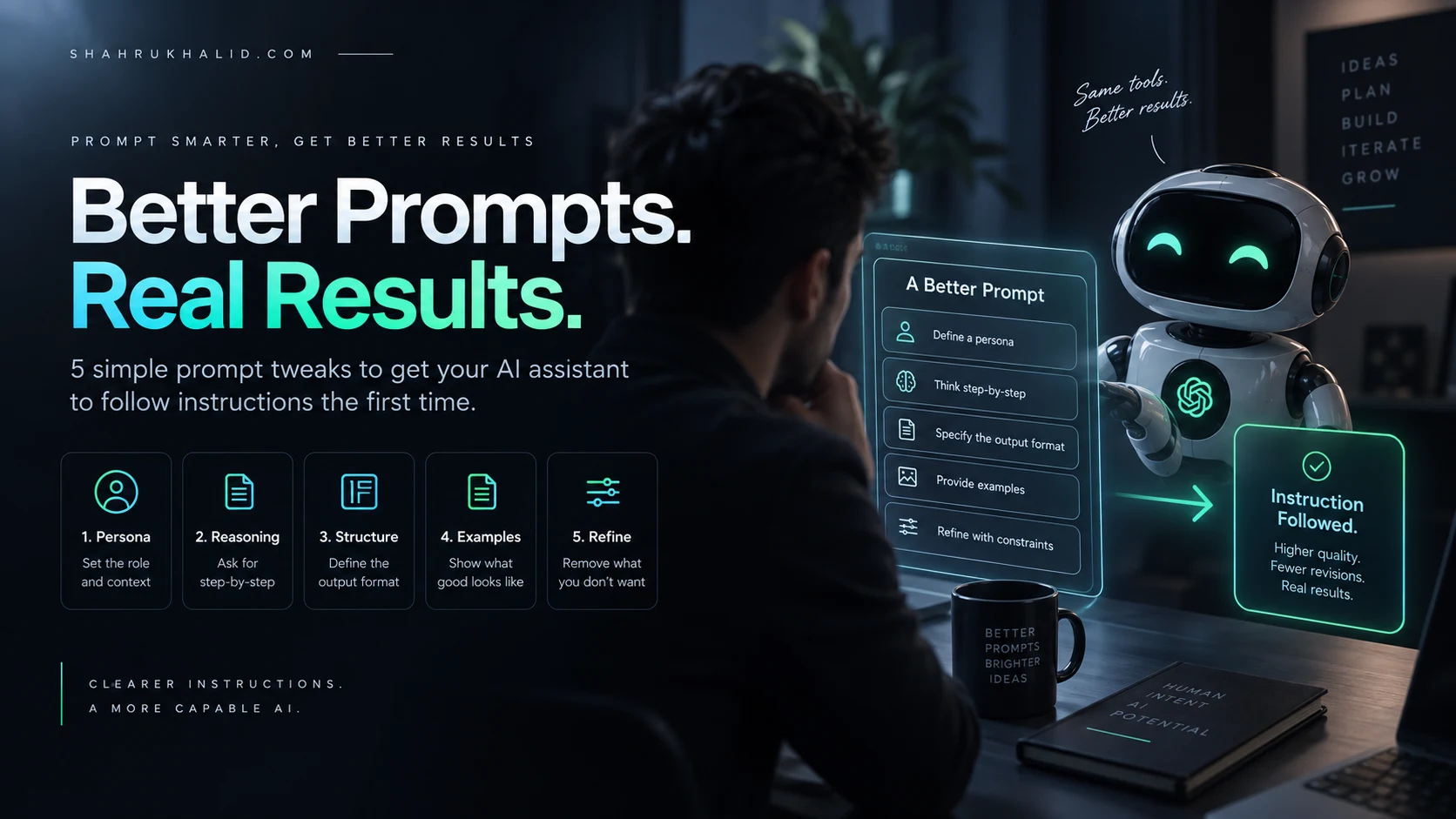
Once your local inference engine is running, configure the sidebar interface to act as a structured grading assistant. Avoid generic prompts like “grade this essay.” Instead, build rigid, constraint-driven system prompts that enforce educational integrity.
Define the persona of the assistant strictly as a supportive instructional aide.
Paste the exact assignment rubric into the system prompt settings so the local model references it continuously.
Set output formatting constraints to require specific feedback categories: Strength, Growth Area, and Rubric Alignment Score.
Step 3: Organizing the Digital Classroom Interface
Drowning in tabs is fundamentally a spatial organization failure. Reclaim your browser screen real estate by adopting a strict dual-pane ergonomic layout.
Pin your primary grading portal or LMS submission tab to the far left of your browser window.
Dock the local AI sidebar to the right-hand third of the screen, ensuring text remains legible without horizontal scrolling.
Close all non-essential reference tabs, replacing them with locally pinned markdown notes or cached offline documentation.
Real-World Problem-Solving: Handling Edge Cases in Classroom Automation
Deploying automated workflows in real classrooms inevitably introduces edge cases. Teachers frequently encounter formatting anomalies, off-topic student submissions, or ambiguous digital artifacts that break simplistic automation scripts. Here is how local AI sidebars handle these operational hurdles.
Managing Malformed Student Submissions
Students frequently submit assignments as corrupted PDF files, raw text dumps with broken line breaks, or image-heavy documents. In a cloud-based workflow, this requires downloading the file, opening a conversion utility, and re-uploading it—adding unnecessary friction.
With a local AI sidebar, instructors can simply highlight the scrambled text directly within the browser window and execute a contextual command: “Clean formatting and summarize core thesis.” The local model parses the highlighted text stream in milliseconds, presenting a clean, readable summary directly in the sidebar chat window without leaving the grading page.
Synthesizing Diagnostic Classroom Data Without Cloud Exposure
Organizing formative assessment data across multiple classes often leads to spreadsheet fatigue. Educators can feed anonymized rubric score summaries into their local AI sidebar to generate cohort-wide performance trends.
Because the data remains on the local device, teachers can safely ask the sidebar to identify common conceptual misunderstandings across the entire student roster:
“Analyze these 30 rubric breakdown scores and identify the top two recurring grammatical or structural weaknesses across the cohort, formatting the output as a bulleted list for lesson planning.”
The local model generates targeted insights for upcoming lectures in seconds, completely bypassing external cloud analytics engines.
Advanced Optimization: Streamlining Resource Curation and Lesson Prep
Beyond grading and organization, local AI sidebars excel at rapid content curation for differentiated instruction. When preparing tiered reading lists or scaffolding assignments for diverse learners, instructors often spend hours searching across dozens of web tabs for leveled resources.
By leveraging a local AI sidebar, teachers can highlight complex source text on any educational webpage and instantly prompt the sidebar to rewrite, simplify, or generate comprehension questions tailored to specific Lexile levels—all without transmitting copyrighted curricular materials or student engagement metrics to third-party servers.
This workflow reduces lesson preparation time from hours of manual searching and tab-switching to a single, seamless interaction loop executed entirely on the educator’s local workstation.
The Sustainable Future of Edge-Powered Education
The technological evolution toward local AI sidebars represents a turning point for digital classrooms. By reclaiming hardware potential and processing classroom workflows locally, educators protect student privacy, eliminate subscription fatigue, and conquer browser tab overload.
Transitioning to edge-driven workflows does not require a computer science degree—it simply requires a deliberate shift in tooling. By anchoring your daily grading and organizing tasks within a secure, locally executed browser sidebar, you strip away digital friction, restore instructional focus, and build a sustainable, privacy-first teaching practice for the modern era.