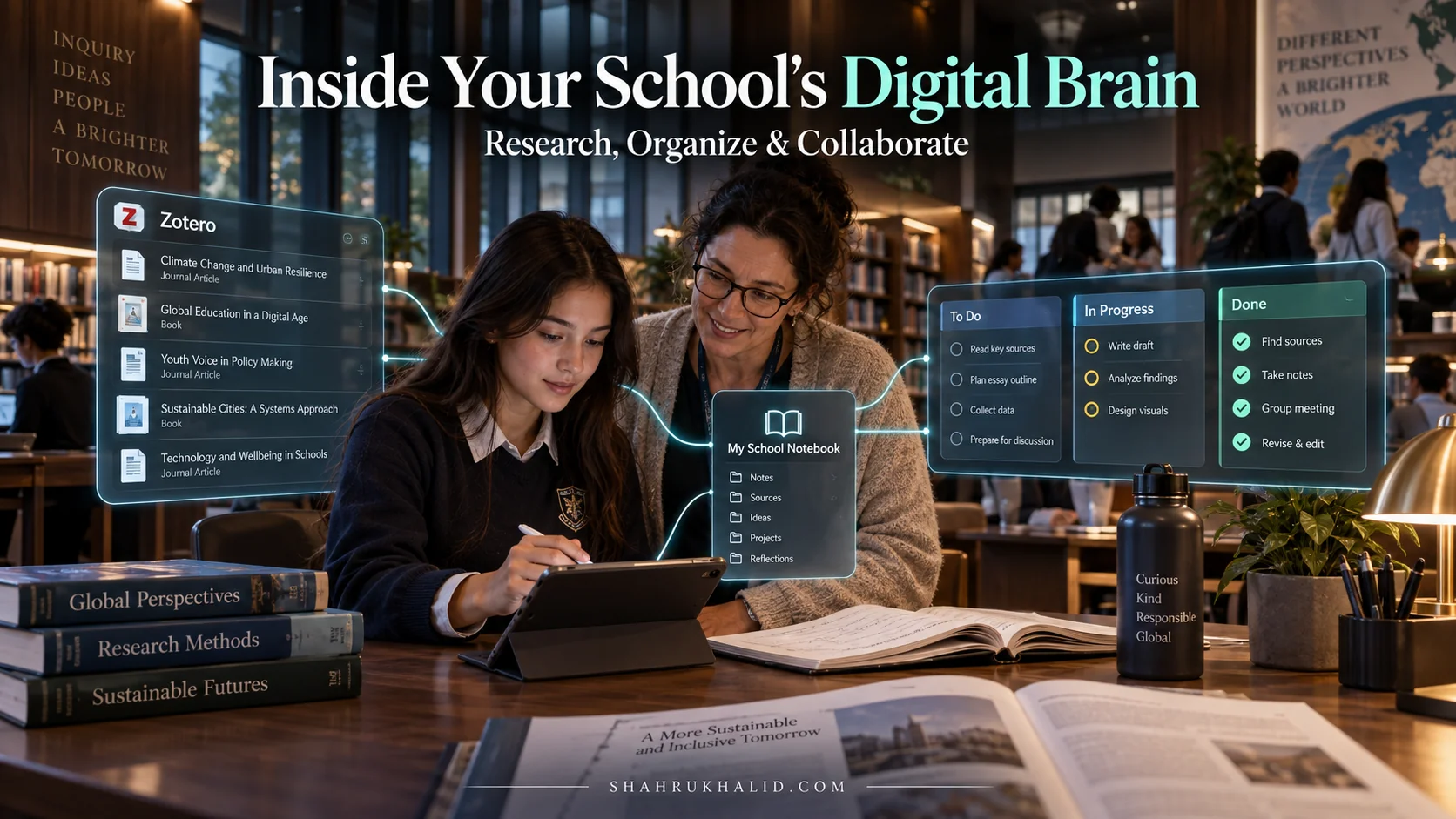
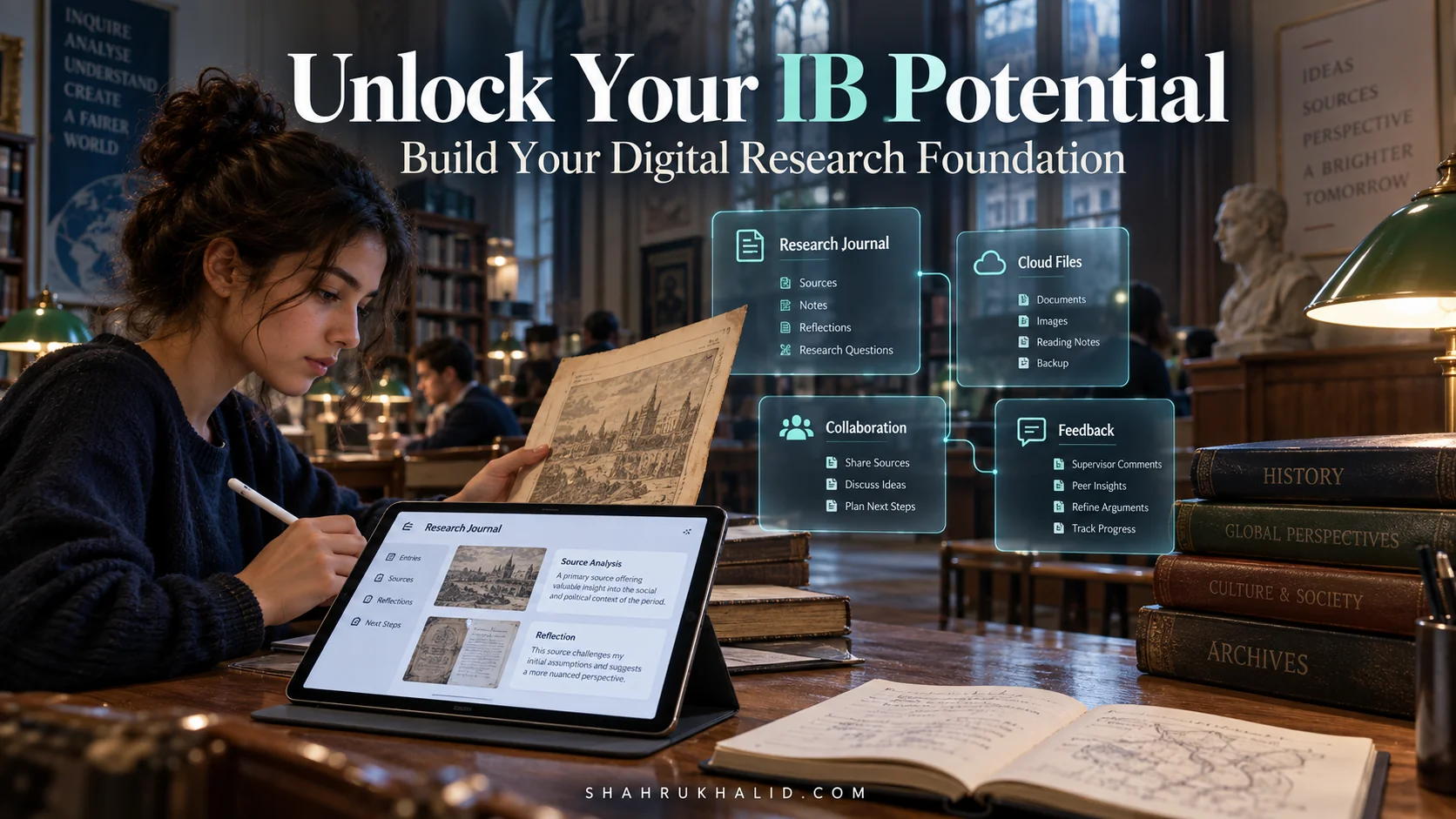
Level Up Your Learning: The 2026 K-12 Tech Making IB & Digital Classes *Actually* Work
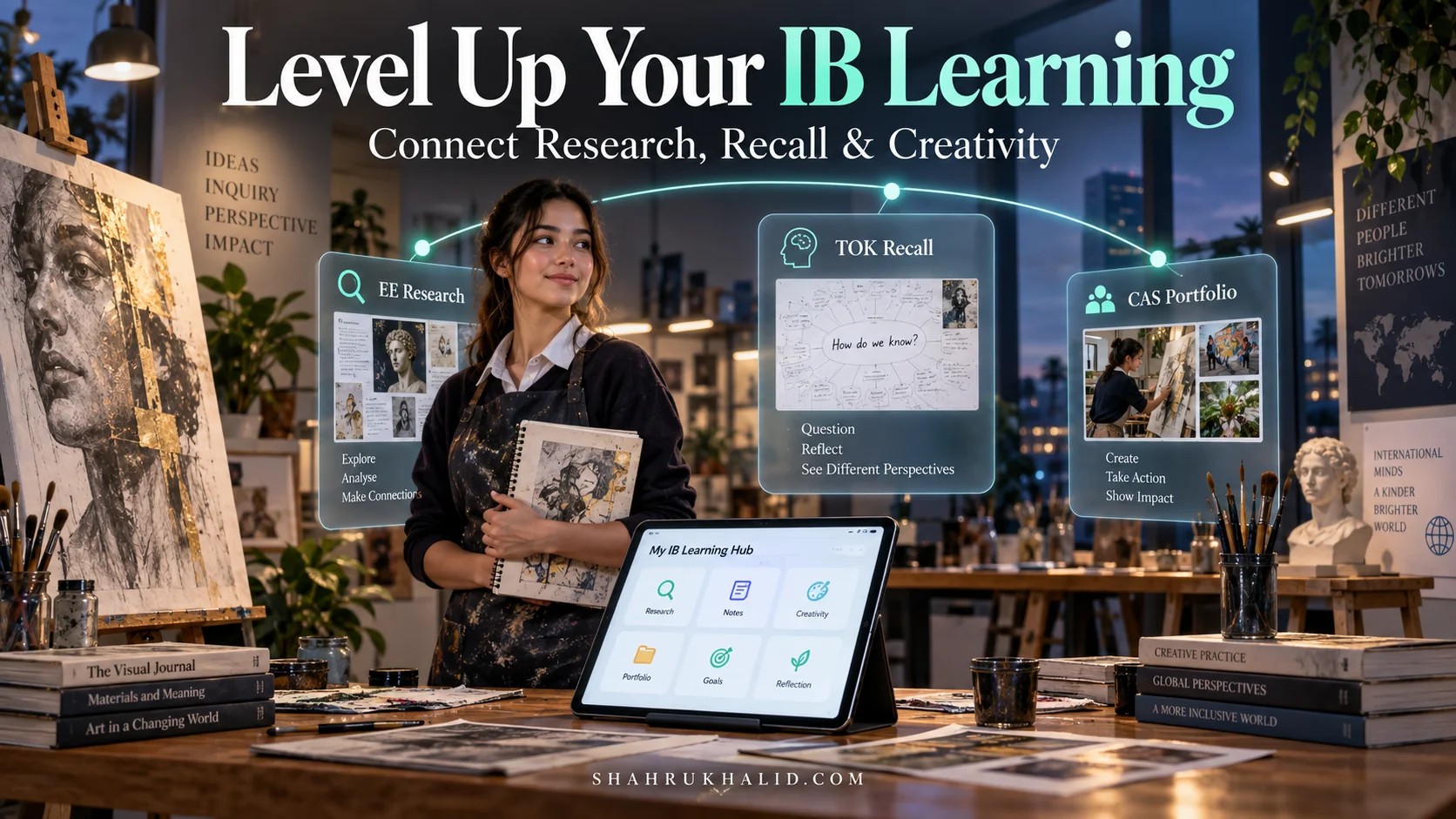
Today, I’m writing this for you, the student on the front lines of this change. You’re navigating the rigors of your K-12 education, perhaps even the demanding International Baccalaureate (IB) program, and you’re doing it in an era of unprecedented technological shifts. The buzzwords are flying around—AI, adaptive learning, virtual reality—and it can feel overwhelming.
My goal with this guide is simple: to cut through the noise. We’re going to build, step-by-step, a personal learning system that makes your digital classes and IB studies not just manageable, but more engaging, effective, and even exciting. This isn’t about futuristic fantasy; it’s a practical masterclass for what’s happening right now and what you need to master for 2026. Let’s begin.
Comprehensive Foundations & Concept Primer
Before we dive into specific tools and strategies, we need to build a solid foundation. Think of this module as learning how an engine works before you try to drive a car. Understanding the why behind the technology will empower you to use it creatively and effectively, rather than just following a set of instructions. The goal here is to demystify the core ideas shaping the Future K-12 Tech landscape.
Why This Matters for You, Right Now, in 2026
Let’s be honest. School can be tough. Juggling six IB subjects, Theory of Knowledge (TOK), the Extended Essay (EE), and Creativity, Activity, Service (CAS) feels like a monumental task. Now, add the layer of digital classes, online submissions, and a constant stream of notifications. It’s easy to feel like you’re drowning in digital noise.
The technology we’re about to discuss isn’t just another app to add to your crowded phone screen. It’s a life raft. When used correctly, these tools can become your personal research assistant, your tireless study partner, and your creative muse. They can help you manage your time, deepen your understanding, and showcase your learning in ways a traditional pen-and-paper approach never could. By 2026, proficiency with these tools won’t be a bonus; it will be as fundamental as knowing how to write an essay. Mastering this now gives you an incredible advantage, not just in school, but for the rest of your life.
Demystifying the Core Concepts: Simple Analogies for Big Ideas
The world of EdTech is filled with jargon. Let’s break down the most important concepts with some simple, everyday analogies.
- Adaptive Learning Platforms: Imagine having a personal fitness trainer for your brain. You wouldn’t walk into a gym and do the same workout as an Olympic athlete. A good trainer assesses your current strength, identifies your weak spots, and creates a workout plan just for you. Adaptive learning platforms do the same for your studies. They give you a quiz, see that you’ve mastered algebra but are struggling with trigonometry, and then serve you practice problems, videos, and explanations tailored specifically to help you conquer trigonometry. This is a core component of improving online classroom effectiveness because it personalizes learning at scale.
- AI Learning Assistants (like Gemini): Think of this as the world’s most knowledgeable, patient, and instantly available librarian or tutor. You can ask it to explain a complex scientific concept (like quantum mechanics) using an analogy you’d understand. You can ask it to help you brainstorm ideas for your English paper, act as a debate partner for a TOK prompt, or even summarize a dense 30-page research article for your EE. The key is that it’s a collaborator, not a replacement for your own thinking. The capabilities of these models are advancing rapidly, as evidenced by the detailed documentation from research labs like Google, which outlines how these tools can process and reason across text, images, and code. You can explore some of these foundational models and their capabilities through resources like the Google AI developer documentation to get a sense of the power under the hood.
- Digital Portfolios & Second Brains: For generations, a student’s work ended up in a folder or a dusty box. A digital portfolio is a living, breathing showcase of your best work—your essays, your art projects, your CAS reflections, your code. It’s a website or a structured document that tells the story of your growth. A “Second Brain” is the system behind it. It’s a personal, digital space (we’ll look at tools like Notion or Obsidian later) where you connect ideas, store notes, and manage projects. It’s not just for storage; it’s for thinking. It helps you see the connections between your History class and your Economics class, turning separate subjects into a web of interconnected knowledge.
- AR/VR for Learning: Imagine reading about the human heart in a textbook. Now, imagine putting on a headset and holding a pulsating, three-dimensional heart in your hands. You can walk around it, look inside the chambers, and watch the blood flow in real-time. That’s the power of Augmented Reality (AR) and Virtual Reality (VR). It turns abstract concepts into tangible experiences. For subjects like Biology, Chemistry, Physics, or even History (imagine walking through ancient Rome), this technology is a game-changer for understanding.
Prerequisites & Complete Environment Setup
Alright, theory is great, but let’s get our hands dirty. A master craftsperson is only as good as their workshop. In the digital world, your “workshop” is your learning environment—the collection of apps, folders, and systems you use every day. A messy, disorganized digital space leads to a messy, disorganized mind. In this module, we’ll build your “Digital Command Center” from the ground up. This isn’t about buying expensive software; it’s about being intentional with free and powerful tools.
Step 1: Choosing Your “Second Brain” – The Central Hub
Your Second Brain is the most important piece of your digital environment. It’s where everything will connect. This is where you’ll take notes, plan your Extended Essay, track your CAS projects, and connect ideas. You have two main choices here, each with a different philosophy.
- Notion: Think of Notion as digital LEGOs. It’s incredibly flexible and visual. You can build databases, calendars, project boards, and beautiful notes all in one place. It’s perfect for students who like a structured, all-in-one solution.
- Obsidian: Think of Obsidian as a digital garden. It’s based on simple text files stored on your computer. Its superpower is linking ideas. You can create a web of interconnected notes that helps you discover surprising connections between topics—perfect for TOK and interdisciplinary thinking.
Action Step: Go to the websites for Notion and Obsidian. Watch a 5-minute intro video for each. Choose the one that feels more intuitive to you. Don’t overthink it. The best tool is the one you’ll actually use. Download and install it.
Step 2: The “Filing Cabinet” – Your Directory Structure
You wouldn’t just throw all your papers into a single drawer. The same goes for your digital files. A clean folder structure is non-negotiable. It saves you from the panic of “Where did I save that draft?!” minutes before a deadline.
Action Step: Open your computer’s file explorer (Finder on Mac, Windows Explorer on PC). In your main `Documents` folder, create a new folder called `IB_Programme` (or `My_Schoolwork`). Inside that folder, create the following structure:
├── 00_Admin/ (For school calendars, forms, etc.)
├── 01_Group1_Studies_in_Language_and_Literature/
│ ├── English_HL/
│ │ ├── Paper_1_Analysis/
│ │ └── Individual_Oral/
├── 02_Group2_Language_Acquisition/
│ └── Spanish_B_SL/
├── 03_Group3_Individuals_and_Societies/
│ └── History_HL/
├── 04_Group4_Sciences/
│ └── Biology_SL/
├── 05_Group5_Mathematics/
│ └── Math_AI_SL/
├── 06_Group6_The_Arts/
│ └── Visual_Arts_HL/
├── Core_Components/
│ ├── CAS/
│ │ ├── Activity/
│ │ ├── Creativity/
│ │ └── Service/
│ ├── Extended_Essay/
│ │ ├── Research/
│ │ ├── Drafts/
│ │ └── Sources/
│ └── TOK/
│ ├── PPD/
│ └── Essay/
Why this works: This structure is predictable. It mirrors the IB curriculum. The numbers (`01`, `02`) keep the folders in the correct order. You will always know where to save a file and where to find it later. Customize it with your specific subjects.
Step 3: The “To-Do List” – Your Task Manager
Your brain is for having ideas, not for holding them. A task manager is a dedicated place to offload all your deadlines, assignments, and study goals so you can free up mental space.
Action Step: Choose a simple task manager. Tools like Todoist, Microsoft To Do, or even the Reminders app on your phone are perfect. Don’t pick something complicated. The goal is to capture tasks quickly.
- Download your chosen app on your phone and computer.
- Create projects that mirror your subjects (e.g., `History HL`, `Math AI SL`, `EE`).
- Take 15 minutes and add every single upcoming assignment and deadline you can think of. Get it all out of your head and into the system.
Step 4: Verification – Is Your Command Center Ready?
Let’s do a quick check to make sure you’re set up for success.
- [ ] You have chosen and installed a “Second Brain” app (Notion or Obsidian).
- [ ] You have created the complete IB folder structure on your computer.
- [ ] You have chosen and installed a task manager.
- [ ] You have populated your task manager with at least 10 upcoming tasks or deadlines.
If you’ve checked all these boxes, congratulations. You’ve just built a digital environment that is more organized than 90% of your peers. This foundation will make every other strategy we discuss 10x more effective.
Core Implementation Architecture & Workflow Blueprint
Now that your workshop is set up, it’s time to design the blueprints for how you’ll actually work. An “architecture” or “workflow” sounds complex, but it’s just a fancy way of saying “a repeatable recipe for getting things done.” Having a plan for common academic tasks—like writing an essay or studying for a test—removes decision fatigue and ensures you’re using your tools and time effectively. This is where we connect your new environment to the core challenges of IB digital learning.
The “Deep Dive” Workflow: From Blank Page to Brilliant Essay
This workflow is your battle plan for any research-based project, from a simple history paper to your 4,000-word Extended Essay. We’ll visualize this as a series of steps, or “cards,” in a project pipeline.
Visual Card Structure: The Research Pipeline
`[Card 1: Deconstruct & Brainstorm]` -> `[Card 2: Intelligent Research]` -> `[Card 3: Synthesize & Connect]` -> `[Card 4: Outline & Draft]` -> `[Card 5: Refine & Cite]`
Let’s walk through each card:
- Card 1: Deconstruct & Brainstorm:
- The Problem: You get an essay prompt like, “To what extent were economic factors the primary cause of World War I?” and you just stare at the blank page.
- The Workflow:
- Open your Second Brain (Notion/Obsidian). Create a new note for the essay.
- Copy the prompt. Bold the key terms: “To what extent,” “economic factors,” “primary cause.”
- Use an AI Assistant. Prompt it: “Act as an IB History teacher. Deconstruct this essay prompt for me: ‘[Paste Prompt]’. What are the key arguments and counter-arguments I need to consider? Suggest 5 initial research avenues.”
- Use a mind-mapping tool (like Miro or MindMeister) to visually brainstorm the ideas the AI gave you. This helps you see the big picture.
- Card 2: Intelligent Research:
- The Problem: You type “causes of WWI” into Google and get 500 million results, most of which are low-quality blogs.
- The Workflow:
- Use your school’s academic databases (like JSTOR or EBSCO). This is your source for high-quality, peer-reviewed material.
- Use an AI-powered search engine like Perplexity AI. Unlike Google, it synthesizes information from multiple sources and provides direct citations. Prompt it with specific questions from your brainstorm, like “What were the specific trade rivalries between Britain and Germany before 1914?”
- As you find good sources (PDFs, articles), immediately save them to a citation manager like Zotero or Mendeley. These tools are non-negotiable for serious research. They save your sources and automatically format your bibliography later.
- Card 3: Synthesize & Connect:
- The Problem: You have 20 PDFs saved on your desktop, but you don’t know how they fit together.
- The Workflow:
- For each source you read, create a “literature note” in your Second Brain.
- The Golden Rule: Do NOT just copy and paste quotes. Summarize the key argument of the source in your own words. What is the author’s main point? What evidence do they use?
- Now, the magic step: Link your notes. In Obsidian, you can use `[[double brackets]]` to link to other notes. You might write, “This argument from Historian A `[[Note on Historian A]]` directly contradicts the point made by Historian B `[[Note on Historian B]]` about naval spending.” This is how you build a web of knowledge and start forming your own unique argument.
- Card 4: Outline & Draft:
- The Problem: You start writing from the introduction and run out of steam after two paragraphs.
- The Workflow:
- Never start with the intro. Start with the body.
- Drag and drop your literature notes from Card 3 into a logical sequence in a new document. This is your outline. Each note becomes a paragraph or a section.
- Write your topic sentences first. Each topic sentence should state the main point of its paragraph. Read just your topic sentences aloud. Do they form a coherent argument? If so, you’re ready to write.
- Now, “fill in” the paragraphs using the summaries and quotes you gathered.
- Card 5: Refine & Cite:
- The Problem: Your first draft is a mess, and formatting your bibliography is a nightmare.
- The Workflow:
- Read your essay aloud. This is the single best way to catch awkward phrasing and typos.
- Use your citation manager’s plugin (Zotero/Mendeley) for Word or Google Docs. Click a button to insert in-text citations and generate a perfectly formatted bibliography in seconds. This will save you hours of pain.
- Use an AI assistant as a final check. Prompt: “Act as a strict editor. Review this paragraph for clarity, conciseness, and academic tone: ‘[Paste Paragraph]’.”
The “Active Study” Workflow: From Passive Review to Deep Retention
This workflow is for preparing for tests. The enemy of learning is passive review—simply re-reading your notes or textbook. This creates the “illusion of competence.” We need active, effortful recall.
Diagram Grid: The Study Cycle
| Phase | Action | Tool(s) |
| :— | :— | :— |
| 1. Diagnose | Take a practice test or use an adaptive quiz to find your weak spots. | Adaptive learning platform, past papers |
| 2. Clarify | For concepts you got wrong, seek new explanations. | AI Assistant, Khan Academy, YouTube |
| 3. Encode | Re-process the information into a memorable format. | Digital flashcards (Anki), mind maps |
| 4. Retrieve | Actively test your memory without looking at your notes. | Flashcard review, teaching the concept to a friend |
| 5. Apply | Solve new, unseen problems using the concept. | Practice problem sets, textbook exercises |
This cycle transforms studying from a passive chore into an active, engaging process that leads to real, durable learning.
Hands-on Practical Implementation & Real-World Configuration
Theory and blueprints are essential, but the real learning happens when you put your hands on the keyboard. This module is all about practical, step-by-step walkthroughs. We’re going to take the workflows from Module 3 and implement them with specific, heavily-commented examples. This is how you’ll start to see the Future K-12 Tech not as an abstract idea, but as a powerful tool in your own hands.
Walkthrough 1: Supercharging Your EE Research with an AI Assistant
Let’s say you’re writing your Extended Essay in Economics on the topic: “To what extent has the adoption of a national minimum wage in Germany affected youth unemployment?”
Goal: Go from a broad topic to a set of specific, researchable questions and a list of potential academic sources.
Tool: An AI Learning Assistant (like Google’s Gemini, or ChatGPT).
Step-by-Step Implementation
- Initial Brainstorming & Keyword Generation:
- Your Action: Open your AI assistant.
- Your Prompt:
# This is a comment for you: The "Act as" part is crucial. It sets the context for the AI.
        Act as an IB Economics HL teacher and expert academic researcher. My Extended Essay research question is: "To what extent has the adoption of a national minimum wage in Germany affected youth unemployment?"

        # This is a comment for you: Be specific in your request. Don't just say "help me."
First, help me break this down. What are the key economic theories I should consider? (e.g., price floors, labor market dynamics). Second, generate a list of 10-15 specific keywords and phrases I can use in academic databases like JSTOR and Google Scholar.- Expected Output: The AI will likely list theories like neoclassical labor supply/demand, monopsony power, and efficiency wages. It will give you keywords like “German minimum wage,” “Jugendarbeitslosigkeit” (youth unemployment in German), “Geringfügige Beschäftigung” (marginal employment), “SOEP data” (a key German dataset), etc.
- Developing Counterarguments (Crucial for a High-Scoring Essay):
- Your Action: Continue the same chat conversation.
- Your Prompt:
# This is a comment for you: Building on the previous conversation saves time.
That's helpful. Now, to ensure a balanced argument, propose three strong counterarguments or alternative factors that could explain changes in youth unemployment in Germany during the same period. For each counterargument, suggest the type of data I would need to investigate it.- Expected Output: The AI might suggest: 1) The overall strength of the EU economy, 2) Changes in Germany’s vocational training (“Ausbildung”) system, 3) Demographic shifts. For data, it might suggest looking at EU GDP growth rates, enrollment statistics for vocational schools, and German census data.
- Finding Real Scholars and Sources:
- Your Action: Now, let’s get specific.
- Your Prompt:
# This is a comment for you: Asking for specific authors is a pro-level move.
Excellent. Based on this topic, who are 3-5 of the most cited economists or labor market researchers who have published on the German minimum wage? Please provide the title of one of their key papers on the subject.- Expected Output: The AI will search its vast database and might return names like David Card, Alan Krueger (for general minimum wage theory), and more specific German labor economists. This gives you actual author names to search for in your school’s databases, which is far more effective than just using keywords.
By the end of this 15-minute session, you haven’t written a single word of your essay, but you have a research plan, key theories, counterarguments, and a list of expert sources. This is how you use AI to work smarter, not harder.
Walkthrough 2: Building an “Active Recall” Study System for TOK
Theory of Knowledge is all about concepts, arguments, and real-life situations. Passively re-reading notes is the worst way to study for it. We need an active system.
Goal: Create a digital flashcard system that forces you to actively recall TOK concepts and connect them to examples.
Tool: A spaced-repetition flashcard app like Anki (powerful, free, but has a learning curve) or a simpler alternative like Quizlet. We’ll use the Anki model here because it’s the gold standard for long-term retention.
Step-by-Step Implementation
- Download and Install Anki: It’s free for desktop. Create a new “Deck” called `TOK`.
- Adopt the “Question/Evidence” Card Format: Don’t make simple “Term/Definition” cards. That’s too easy. We need to create cards that force you to think.
- Go to `Add` in Anki.
- Card Type 1: The Concept Explainer
- Front (The Question):
In your own words, explain the "Problem of Induction" as it relates to the Natural Sciences. What is a key limitation of this problem?- Back (The Answer/Evidence):
# This is a comment for you: Write the answer in your own words.
            The Problem of Induction (popularized by David Hume) is that we can't logically justify making universal claims based on a limited number of observations.
            Example: We've seen a million white swans, so we conclude "All swans are white." But this is a generalization, not a logical certainty (as the discovery of black swans in Australia proved).
Limitation: While it's a valid philosophical problem, science has to proceed using induction to make progress. It relies on probability and falsifiability (Karl Popper) rather than absolute proof.- Card Type 2: The Real-Life Situation (RLS) Connector
- Front (The Question):
Connect the TOK concept of "Confirmation Bias" to a specific Real-Life Situation from the news in the last year.- Back (The Answer/Evidence):
# This is a comment for you: Be specific.
            RLS: The echo chambers on social media regarding political news.
Connection: Confirmation bias is our tendency to favor information that confirms our existing beliefs. Social media algorithms learn what we like and show us more of it, creating a feedback loop. A person who believes a certain political theory will be fed articles and videos that support it, reinforcing their bias and making them less likely to engage with opposing evidence. This directly impacts the reliability of "shared knowledge."- The Daily Review Habit:
- Your Action: The most important step. Every day, open Anki and do your reviews. It will only show you the cards you are about to forget.
- How it Works: When you review a card, you’ll tell Anki if it was `Again`, `Hard`, `Good`, or `Easy`. Based on your answer, Anki’s algorithm will schedule the next time you see that card. An “Easy” card might not show up for months. A “Hard” card will show up tomorrow. This is spaced repetition, and it’s scientifically proven to be one of the most effective ways to learn.
This system transforms your TOK preparation from a last-minute cram session into a daily, manageable habit that builds deep, connected knowledge over time. It’s a perfect example of how effective digital learning strategies for international schools can be implemented by students themselves.
Real-World Enterprise Use Cases & Case Studies
When we say “enterprise,” it sounds corporate and distant. But for you, the “enterprise” is your own education. It’s the large-scale project of getting through your K-12 or IB program successfully. In this module, we’ll move from individual actions to holistic stories. We’ll look at end-to-end user journeys of fictional (but very realistic) students who are successfully integrating international school technology into their daily lives. These case studies will show you how all the pieces we’ve discussed can come together.
Case Study 1: “The Overwhelmed Artist” – Maya’s Digital CAS & Visual Arts Portfolio
The Student: Maya, a DP1 student at an international school in Dubai. She’s passionate about Visual Arts but feels completely swamped by the documentation requirements for both her art portfolio and her CAS project. Her reflections are scattered across a Google Doc, photos are unorganized on her phone, and she feels like she’s doing more admin than art.
The Challenge: How can Maya streamline her documentation process to focus more on her creative work while still producing a high-quality, reflective portfolio that showcases her journey?
The Solution Journey
- Choosing a Central Hub: Maya’s friend shows her Notion. She’s immediately drawn to its visual nature. She creates a main page in her “Second Brain” called `My IB Journey`.
- Building the CAS Dashboard: Inside Notion, Maya creates a database for CAS. The properties for each entry are: `Project Name`, `Type` (Creativity, Activity