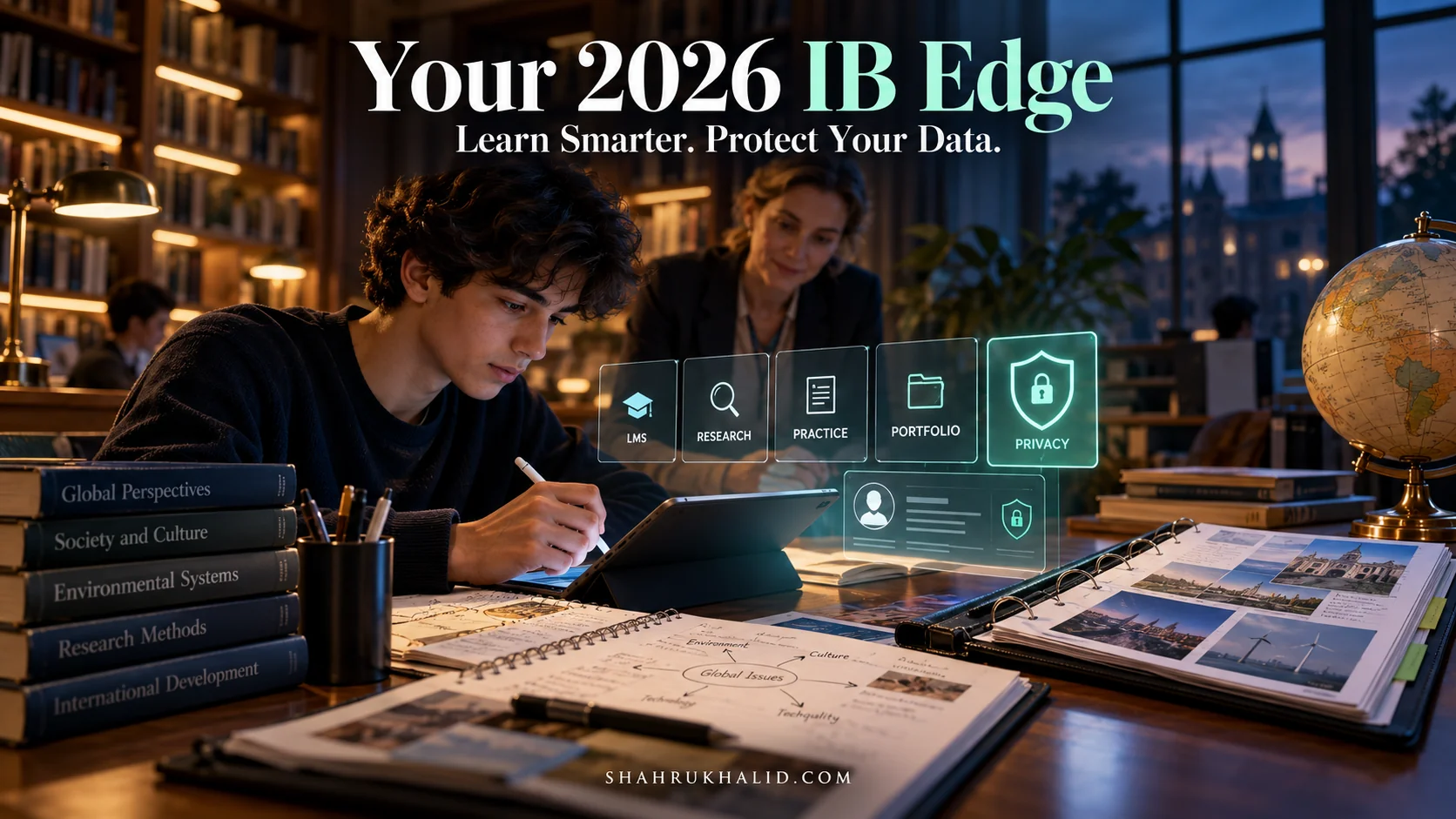
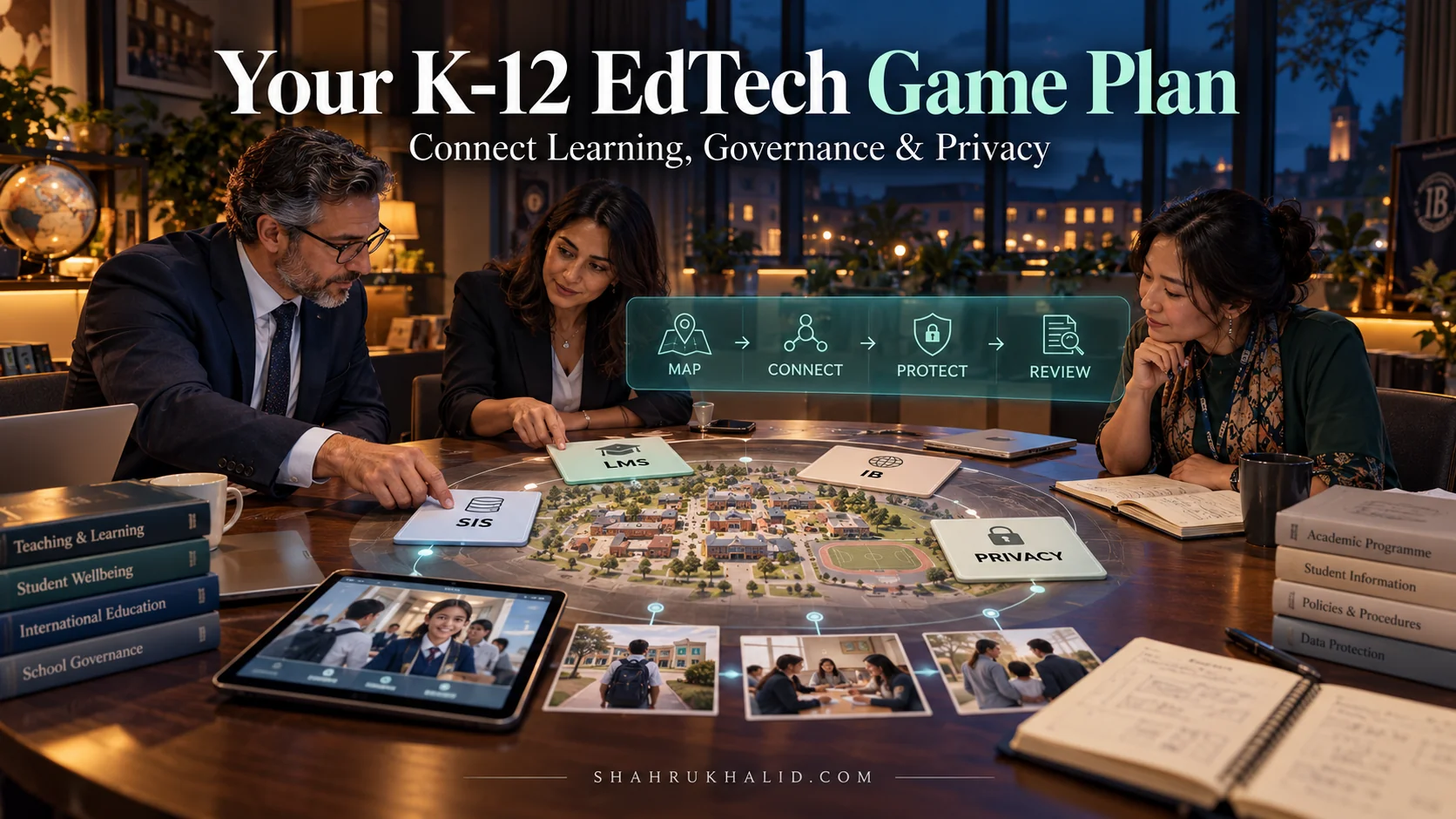
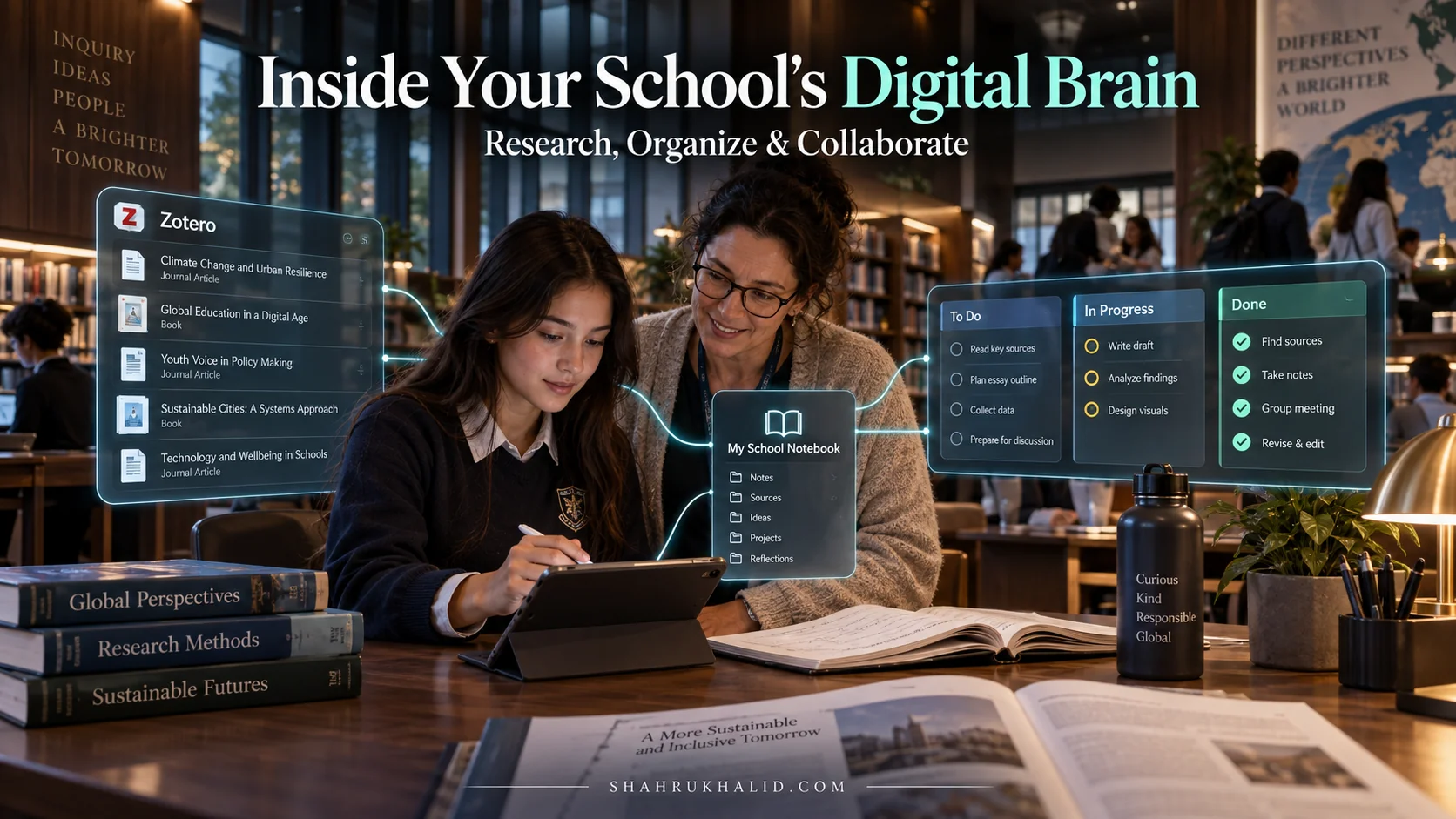
The K-12 International Students 2026 Zoom Masterclass: Engage, Connect & Secure Your Virtual Classroom Journey

This isn’t just another article. This is your definitive masterclass, your personal guide to not just surviving, but truly thriving in the digital learning landscape. We’re about to embark on a journey together, one that will equip you with the skills, mindset, and confidence to master the virtual classroom. Think of me as your personal curriculum author, and this guide as the most important textbook you’ll read this year. We’re going to build your virtual classroom journey from the ground up, step-by-step, ensuring you feel empowered and ready for what lies ahead in 2026 and beyond. Let’s begin.
Comprehensive Foundations & Concept Primer

Before we dive into the nuts and bolts of clicking buttons and setting up your webcam, let’s take a step back. I want to talk about the ‘why’ and the ‘what’. Why is mastering the virtual classroom so critical for you as a K-12 international student? And what, fundamentally, has changed about school? Answering these questions is the foundation upon which all your future success will be built.
What is The K-12 International Students 2026 Zoom Masterclass?
Let’s be clear: this masterclass is about so much more than just learning how to use Zoom. That’s the easy part. This is a masterclass in becoming a successful, engaged, and connected digital learner. By 2026, the lines between the physical and virtual classroom will be permanently blurred. Your ability to navigate this new environment with confidence will define your academic experience.
Think of it this way: anyone can walk into a library, but not everyone knows how to use the card catalog, find the right books, take effective notes, and synthesize that information into a brilliant essay. This masterclass is designed to teach you the ‘how’ of the virtual world. We’ll cover:
- The Mindset: Shifting from being a passive viewer of a screen to an active participant in a digital community.
- The Skillset: The practical, technical abilities you need to use the tools of the trade—like Zoom—not just competently, but masterfully.
- The Strategy: The workflows and habits that will keep you organized, focused, and ahead of the curve.
This is your answer to the question, “How do I succeed in virtual K-12 international classrooms?” It’s not a secret code; it’s a methodology. And by the end of our journey, you’ll have it.
The Virtual Classroom: An Analogy for the Real World
To eliminate the jargon and make this all feel a bit more familiar, let’s use an analogy. Your new virtual school is, in many ways, just like your physical one. It just has a different architecture.
- Your Computer/Laptop is your new school desk. It’s your personal space where learning happens. Keeping it organized is just as important as keeping your physical desk tidy.
- The Zoom Main Session is your classroom. The teacher is at the front, and your classmates are all around you. The same rules of respect and attention apply.
- The Chat Box is like passing a note, but with a few more options. You can pass a note to the whole class (“Everyone”) or discreetly to a friend or the teacher (“Direct Message”). We’ll talk later about the etiquette for this!
- Breakout Rooms are the small group tables in the corner of the classroom. It’s where you huddle with a few classmates to collaborate on a task, discuss a question, or work on a project.
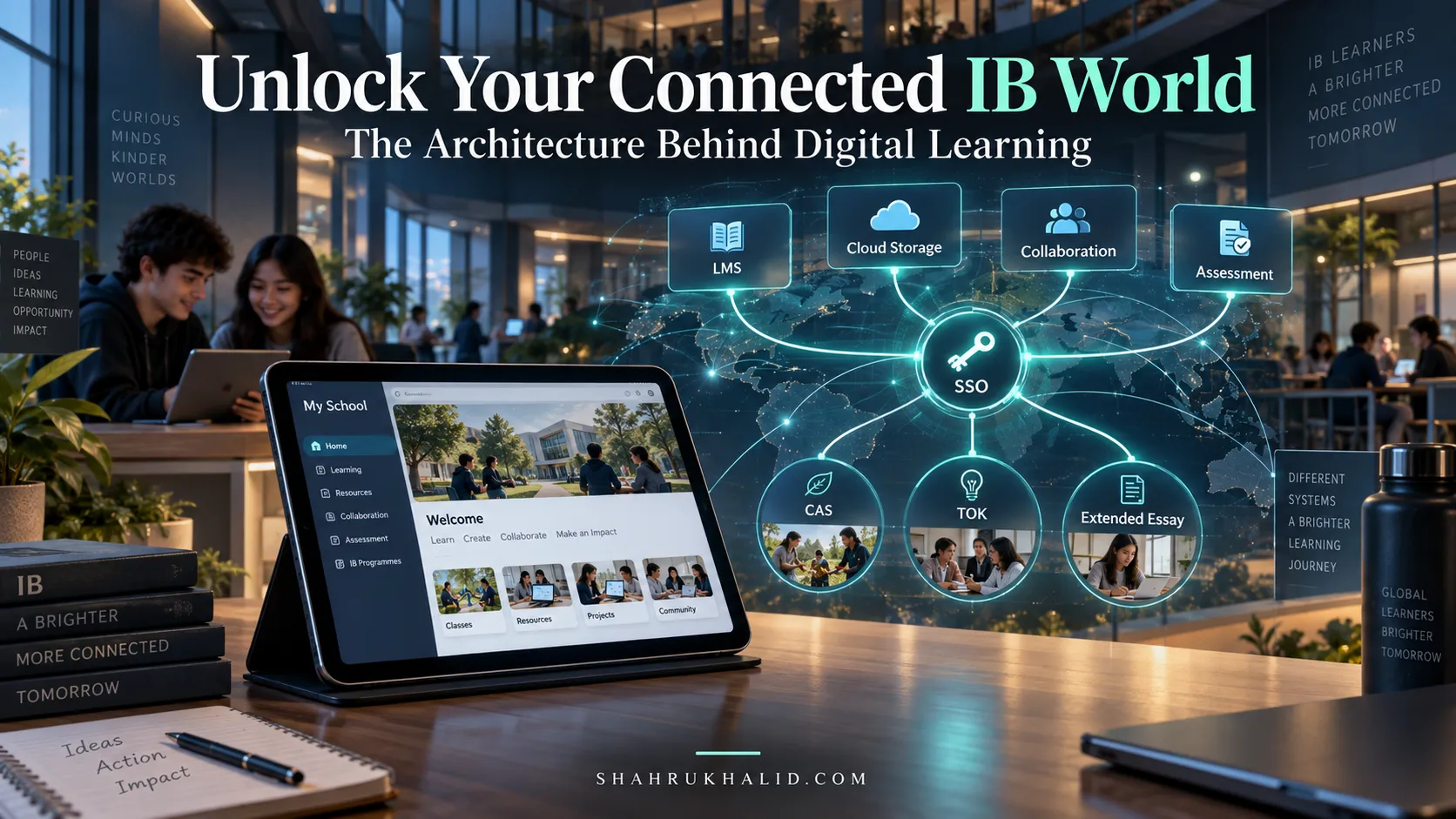
- Your School’s LMS (Learning Management System)—like Canvas, Blackboard, or Google Classroom—is your new locker, planner, and assignment submission tray all rolled into one. It’s the central hub where you find your schedule, access resources, and turn in your work.
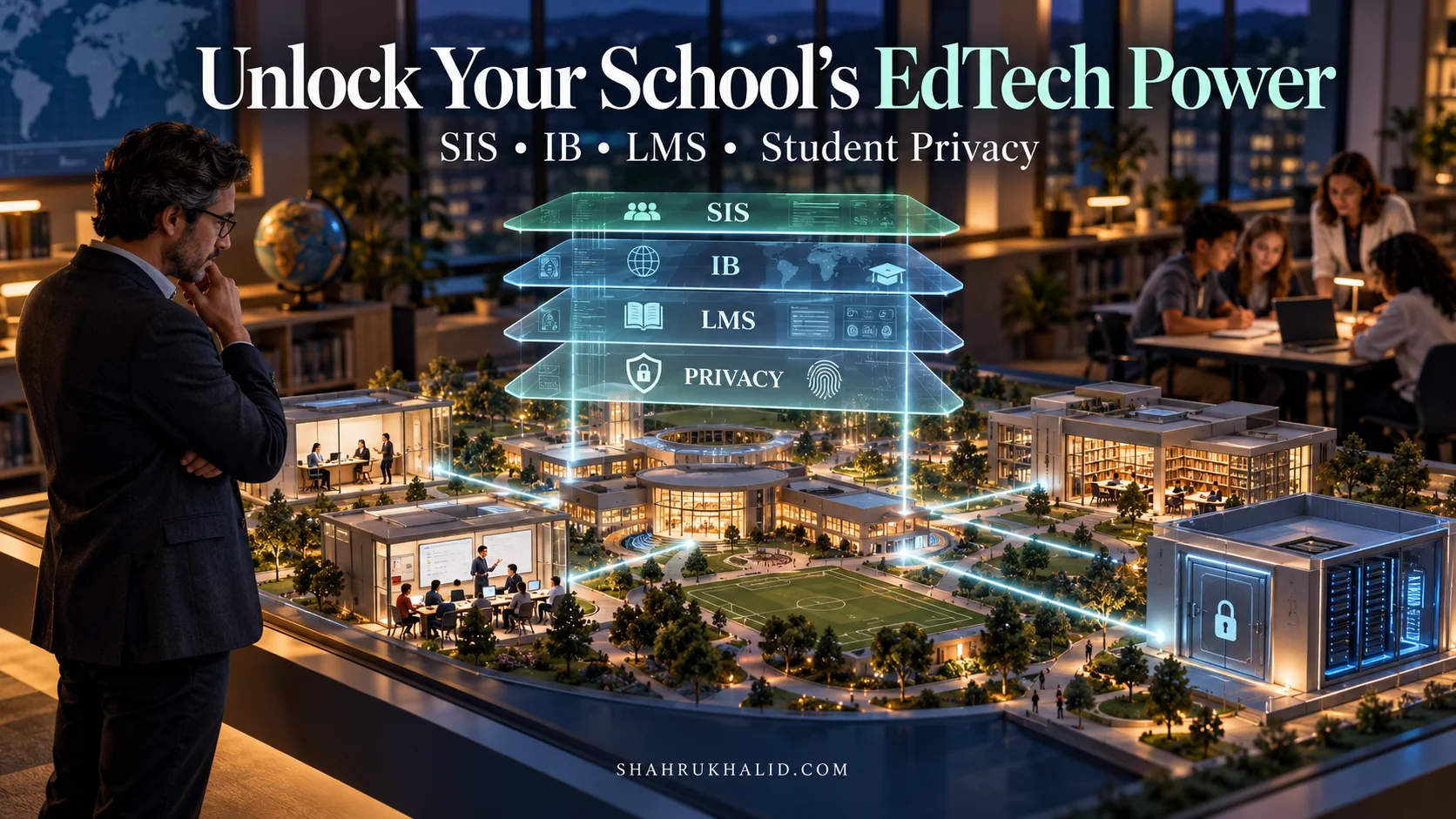
- The School’s SIS (Student Information System)—like the powerful Rediker.com AdminPlus platform that many top schools use—is the school’s main office. It’s the official record-keeper for your grades, attendance, and personal information. When your teacher marks you present on Zoom, that data often flows directly into the SIS, creating a seamless, official record of your school day. Understanding this connection helps you see the “scaffolding” that holds your digital school together.
By framing it this way, you can see that the core principles of school haven’t changed. We’re just using new tools to achieve the same goals: learning, connection, and growth.
Why This is Essential in 2026: The New Era of Global Education K-12
I speak with school heads and admissions directors all the time, and the message is unanimous: the skills you build in the virtual classroom are no longer a temporary “pandemic” measure. They are the new, permanent foundation for a truly global education.
By 2026, your life as a K-12 international student will be a hybrid of physical and digital experiences. You might have a math class with a teacher in your city, followed by a history debate with students from London, Tokyo, and Nairobi, all orchestrated through a platform like Zoom. You might collaborate on a science project using shared digital whiteboards and cloud documents. When you apply for international school admissions K-12, your interview will almost certainly be virtual. The admissions officer won’t just be evaluating your answers; they’ll be observing your digital fluency. Can you communicate clearly? Can you share your screen to show your portfolio? Do you present yourself professionally in a digital format?
Mastering this environment now is not just about getting good grades. It’s about preparing for a future where collaboration, communication, and work are increasingly borderless. The benefits of online K-12 international education are immense, but they are only accessible to those who have the keys. This masterclass will give you those keys.
Core Principles of the Digital Learner
Before we build, we need a blueprint. Here are the three core principles that will guide everything we do.
- Digital Citizenship: This is the most important one. It’s the idea that you are a citizen of a digital community, and with that comes rights and responsibilities. It means being respectful in the chat, using technology ethically, and understanding the impact of your digital footprint. It means citing your sources when you pull information from the internet and respecting the privacy of your classmates. This directly reflects the ‘Principled’ attribute of the IB Learner Profile, a standard championed by the IBO.org. A great digital citizen is a great student, period.
- Active vs. Passive Learning: It’s incredibly easy to become a passive learner online. You sit back, the video streams, and you feel like you’re learning. But real learning is an active process. It’s about engaging your mind. In our context, this means:
- Passive: Watching the teacher’s lecture with your camera off while scrolling through your phone.
- Active: Camera on (if you’re comfortable and it’s school policy), nodding to show you’re following, using the “Raise Hand” feature to ask a question, taking detailed notes, and contributing thoughtfully in the breakout room. We will focus relentlessly on turning you into an active, engaged learner.
- Synchronous vs. Asynchronous Learning: You’ll hear these terms a lot. Let’s make them simple.
- Synchronous (Live): This is when everyone is learning together at the same time. Your live Zoom class is the perfect example. It’s real-time, interactive, and immediate.
- Asynchronous (On Your Own Time): This is when you learn on your own schedule. Examples include watching a pre-recorded video lecture from your teacher, completing an online quiz, or contributing to a discussion forum.
A successful student masters the rhythm of both. You need the focus and discipline for asynchronous work and the communication and collaboration skills for synchronous sessions. Our goal is to make you an expert in both modalities.
Prerequisites & Complete Environment Setup
Alright, the conceptual foundation is laid. Now, let’s get our hands dirty. This module is all about preparing your space—both physical and digital—for success. Think of this as packing your school bag and setting up your desk for the first day of school. Getting this right from the start will save you countless headaches and make your daily routine smooth and professional.
Step 1: The Hardware Audit (Your Digital Toolkit)
Your computer is your portal to the classroom. While you can join a Zoom call from a phone or tablet, for a serious K-12 international student, a laptop or desktop computer is non-negotiable. It gives you the screen real estate, processing power, and keyboard you need for multitasking and serious work.
- The Machine: Aim for a computer with at least 8GB of RAM. RAM is like your desk’s surface area; the more you have, the more applications (like Zoom, a web browser, and a word processor) you can run smoothly at once without everything slowing to a crawl.
- The Webcam: Your laptop’s built-in webcam is usually fine. The key isn’t having a 4K Hollywood camera; it’s about how you use it. We’ll cover lighting in a moment.
- The Audio: Your Most Important Tool: This is critical. Your classmates and teacher will forgive grainy video, but they won’t be able to engage with you if they can’t hear you clearly.
- AVOID: Using your laptop’s built-in microphone if you can. It picks up every keyboard tap, every rustle of paper, and every echo in the room.
- INVEST IN: A headset with a built-in microphone. It doesn’t have to be expensive. A simple USB headset or even the earbuds that came with your phone will isolate your voice and eliminate background noise. This is the single biggest upgrade you can make to your virtual presence.
Step 2: Software Installation & Account Configuration
Let’s get the core software installed and set up professionally.
- Install the Zoom Desktop Client: Go to the official Zoom website and download the “Zoom Client for Meetings.” Don’t just rely on the web browser version. The desktop client is more stable, has more features, and gives you greater control over your settings.
- Create/Sign in to Your Account: Always use your official school-provided email address. This is crucial because your school has likely configured special settings and security protocols for student accounts. It’s also how your attendance is tracked within the school’s ecosystem, which, as we discussed, often links back to the main Student Information System (Rediker.com).
- Configure Your Profile: This is your digital first impression.
- Your Name: Set your display name to your full, real name as the school has it on record (e.g., “Ananya Sharma,” not “Ananya S” or “asharma2026”). Some schools may have a preferred format, like “Ananya Sharma (Grade 10).” Check your school’s guidelines.
- Your Profile Picture: Upload a clear, simple, forward-facing headshot. It should look like a school ID photo: well-lit, with a neutral background, and a friendly-but-professional expression. This picture is what your classmates and teachers see when your camera is off. A good photo makes you seem present and engaged even when you’re not on video. Avoid avatars, cartoon characters, or group photos.
Step 3: Architecting Your Physical Environment (The Digital Desk)
Where you learn matters just as much as how you learn. You need to be intentional about creating a space that is conducive to focus.
- Location, Location, Location: If possible, set up your desk in a quiet area with a door you can close. Avoid high-traffic areas like the kitchen or living room. Your goal is to minimize interruptions.
- Lighting is Everything: The most common mistake students make is having a bright window or light source behind them. This turns you into a dark silhouette. Always position your primary light source in front of you. A simple desk lamp or even just facing a window will illuminate your face, making you look clear and present.
- The Background Story: Your background sends a message.
- Real Background: Make sure it’s tidy. A clean bookshelf, a neat wall, or a simple corner is perfect. Avoid unmade beds, piles of laundry, or distracting posters.
- Virtual Background: These can be fun, but use them wisely. For everyday classes, choose a simple, non-distracting, professional background. Many schools provide an official school-branded virtual background—use it! It shows school spirit and professionalism. Save the beach and outer space backgrounds for informal club meetings.
- Ergonomics: You’ll be sitting for long periods. Try to have your screen at eye level (use a stack of books to raise your laptop if needed) and use a comfortable chair.
Step 4: Architecting Your Digital Environment (The Digital Desktop)
An organized digital life is the secret weapon of successful online students. Let’s build a system. This is a core part of how to prepare for virtual learning.
- The Master Folder Structure: This will change your life. On your computer, create a clear, logical folder system. Don’t just save everything to your Desktop or Downloads folder.
- Open your `Documents` folder.
- Create a main folder called `My School`.
- Inside `My School`, create a folder for the current academic year, e.g., `2025-2026`.
- Inside the year folder, create a folder for each of your subjects: `IB English A`, `AP Calculus BC`, `IGCSE Physics`, etc.
- Inside each subject folder, you can create sub-folders for `Unit 1`, `Unit 2`, or `Homework`, `Class Notes`.
Example Directory Layout
└── My School/
└── 2025-2026/
├── IB History HL/
│ ├── Unit 1 – The Move to Global War/
│ │ ├── Notes_2025-09-15.docx
│ │ └── Presentation_Italy_Abyssinia.pptx
│ └── Unit 2 – Authoritarian States/
└── AP Biology/
├── Lab Reports/
└── Study Guides/
When you download a file or save a document, you’ll know exactly where it goes. No more frantic searching for that one worksheet five minutes before it’s due.
- Browser Bookmarks for a Quick Launch:
- In your web browser, create a new bookmark folder called “School.”
- Inside, save direct links to:
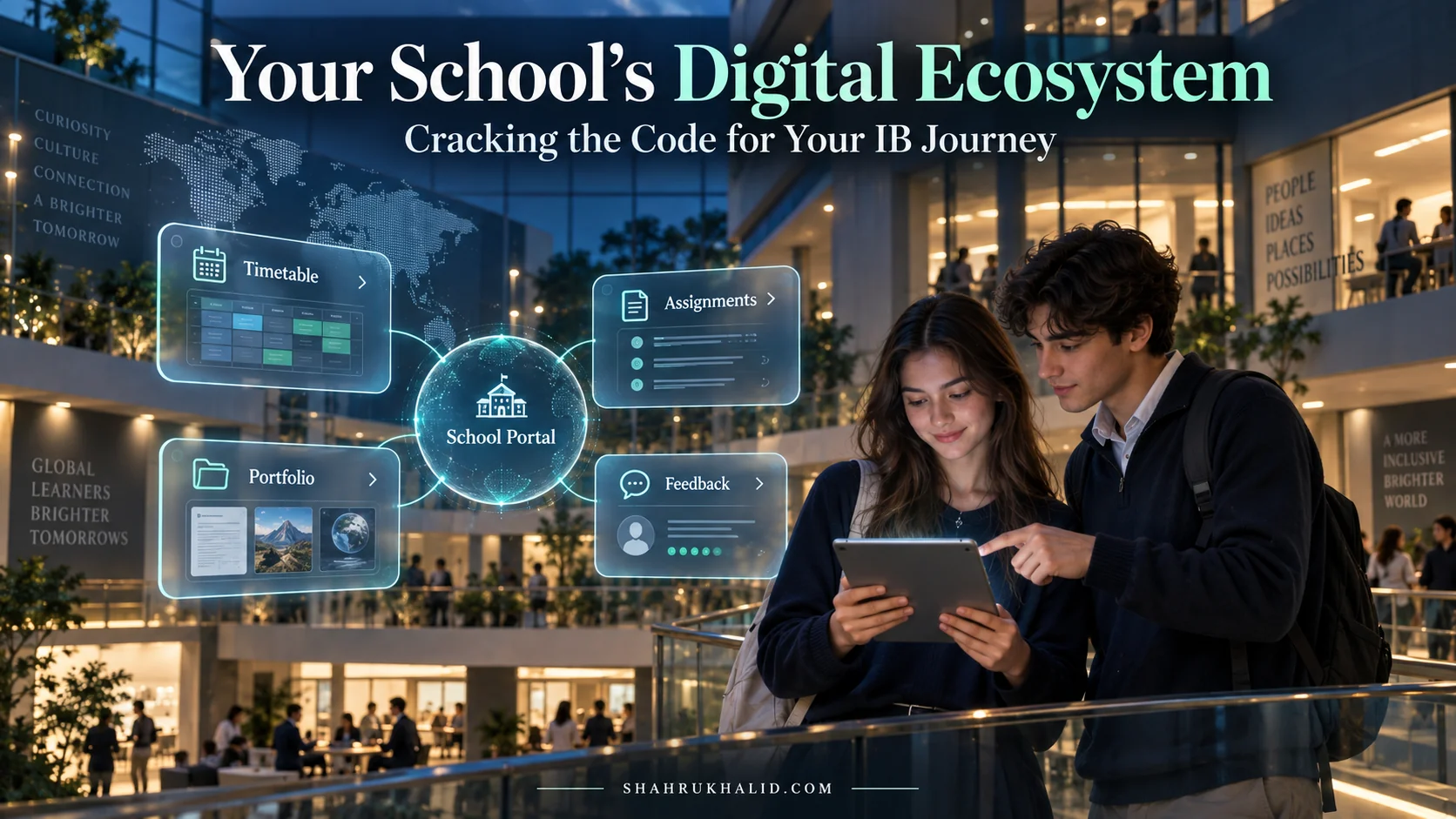
- Your school’s main portal (the one from ShahrukhKhalid.com that links everything together).
- Your Learning Management System (LMS).
- Your school’s digital library.
- Any frequently used online tools (like Google Docs, a citation generator, etc.).
Verification Checklist: Are You Ready to Launch?
Before your first class, run through this final check:
- [ ] Zoom Desktop Client is installed and updated.
- [ ] I am logged in with my official school email.
- [ ] My display name is my full, proper name.
- [ ] I have a professional profile picture uploaded.
- [ ] I have a dedicated, quiet workspace.
- [ ] My lighting is in front of me.
- [ ] My background is clean and non-distracting.
- [ ] My headset is plugged in and selected as my audio source in Zoom.
- [ ] I have created my school folder structure on my computer.
- [ ] I have bookmarked my essential school websites.
If you can check all these boxes, you are not just ready—you are ahead of 90% of your peers. You’ve built the perfect launchpad for your virtual K-12 learning journey.
Core Implementation Architecture & Workflow Blueprint
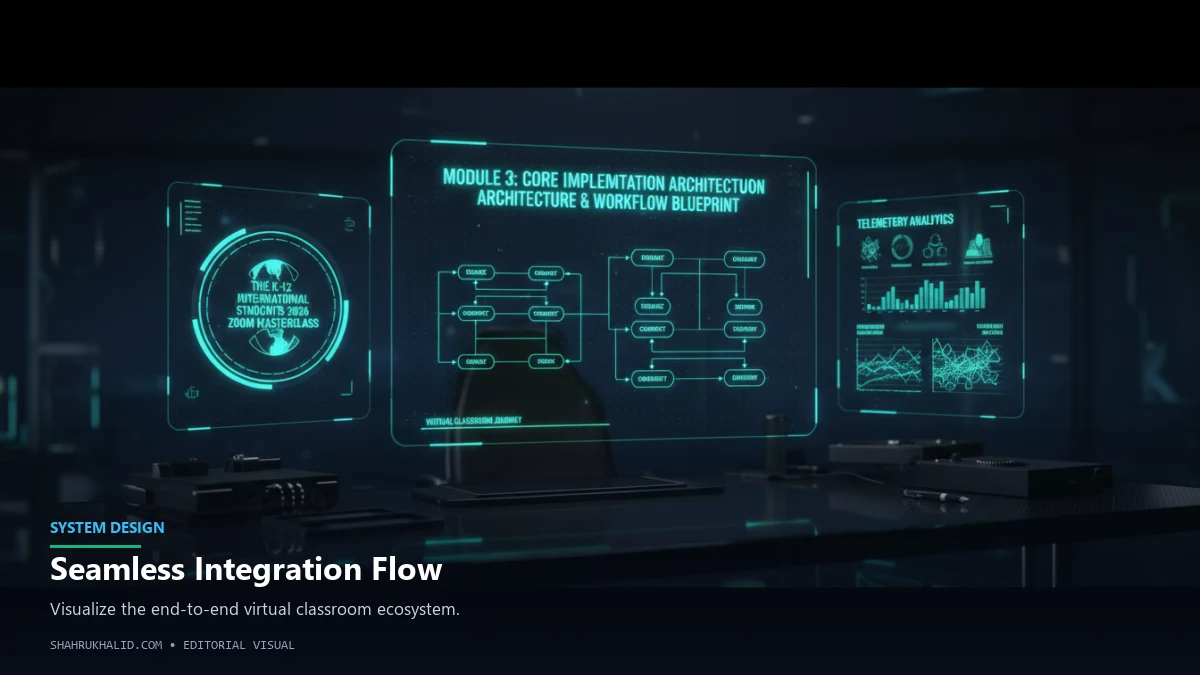
Now that your environment is perfectly configured, let’s map out the “how.” What does a successful day of online international schooling actually look like? It’s not about just showing up; it’s about having a process, a workflow that you follow every single time. This module provides the blueprint for that process, turning abstract ideas into a concrete, repeatable plan for every class.
The Architecture of a Virtual Class: A Visual Workflow
Imagine each virtual class as a short, six-part play. Each part has a purpose and a set of actions you need to take. By understanding this structure, you can move through your day with intention and control, rather than just reacting to whatever happens on screen. We’ll represent this as a series of “visual cards.”
Visual Card 1: The Launch Sequence (T-minus 10 minutes)
- Objective: Prepare for a smooth, focused entry into the classroom.
- Your Actions:
- Arrive Early: At least 5-10 minutes before the scheduled start time, sit down at your prepared workspace.
- System Prep: Close all unnecessary applications and browser tabs. The only things that should be open are Zoom, your web browser (on the LMS page for that class), and your digital note-taking application (or have your physical notebook ready). This minimizes distractions and frees up your computer’s resources.
- Review the Flight Plan: Quickly look at the LMS page for today’s class. What is the topic? Is there a “Do Now” activity? Are there any files you need to download beforehand?
- Launch Zoom: Open the Zoom app and join the meeting using the link from your school. Don’t wait until the last second. This gives you time to troubleshoot any unexpected issues.
- Pre-Flight Check: Once you’re in the waiting room or the main session, do a quick audio and video check. Is your headset working? Is your framing and lighting good?
Visual Card 2: Entering the Classroom (First 5 Minutes)
- Objective: Establish your presence and signal that you are ready to learn.
- Your Actions:
- Camera On (Policy Permitting): As you enter, turn your camera on. This is the digital equivalent of making eye contact and