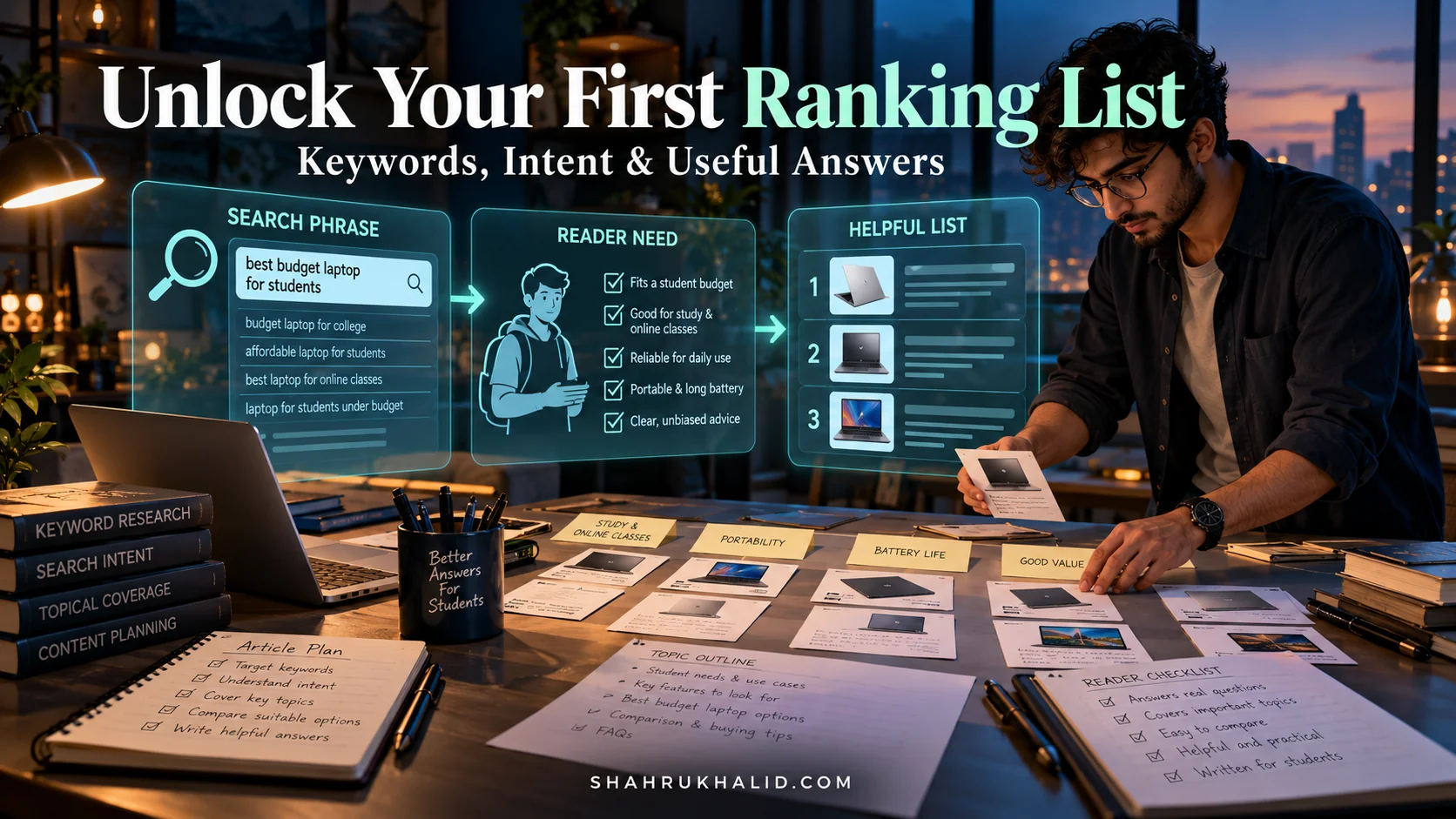
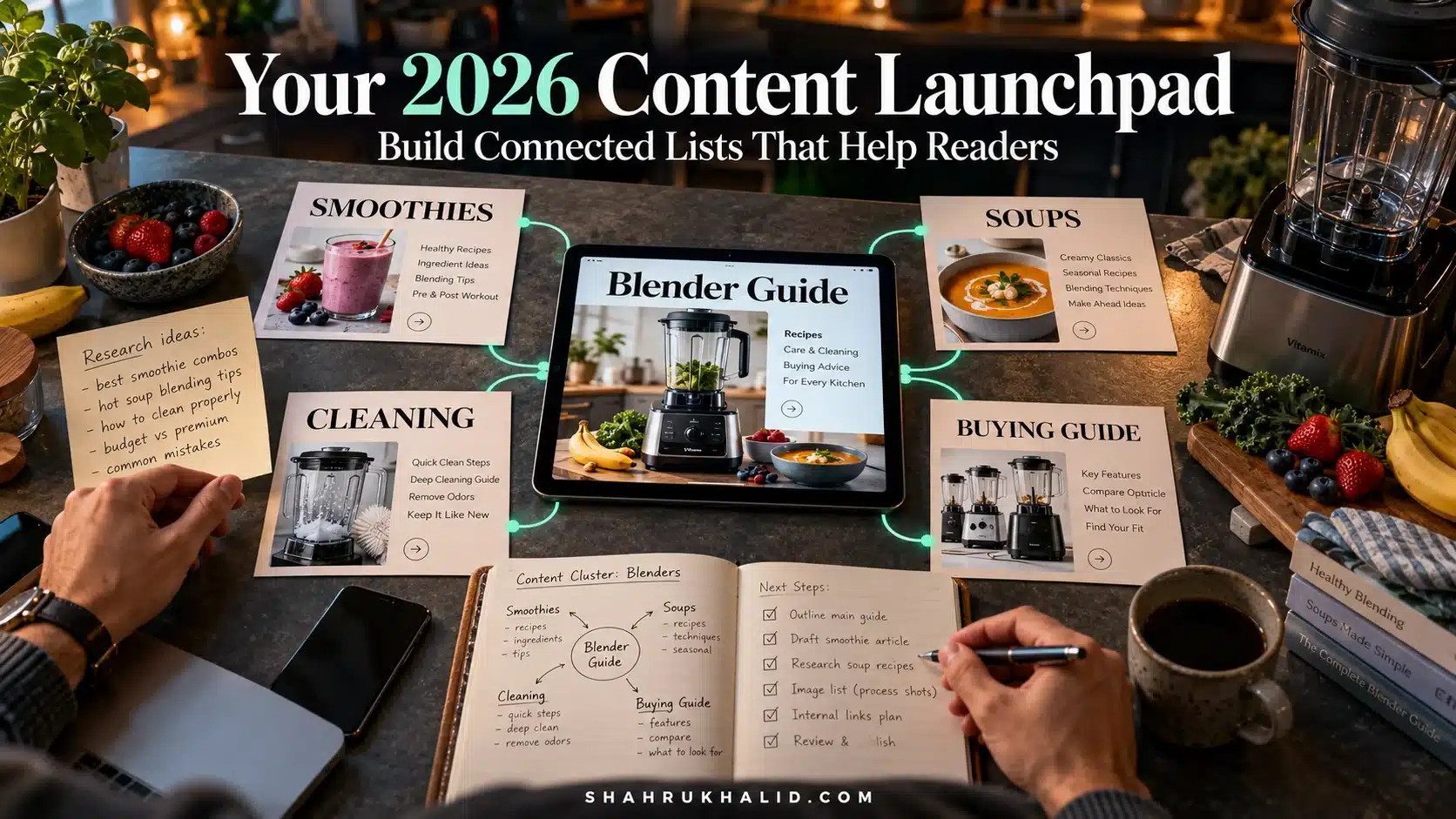
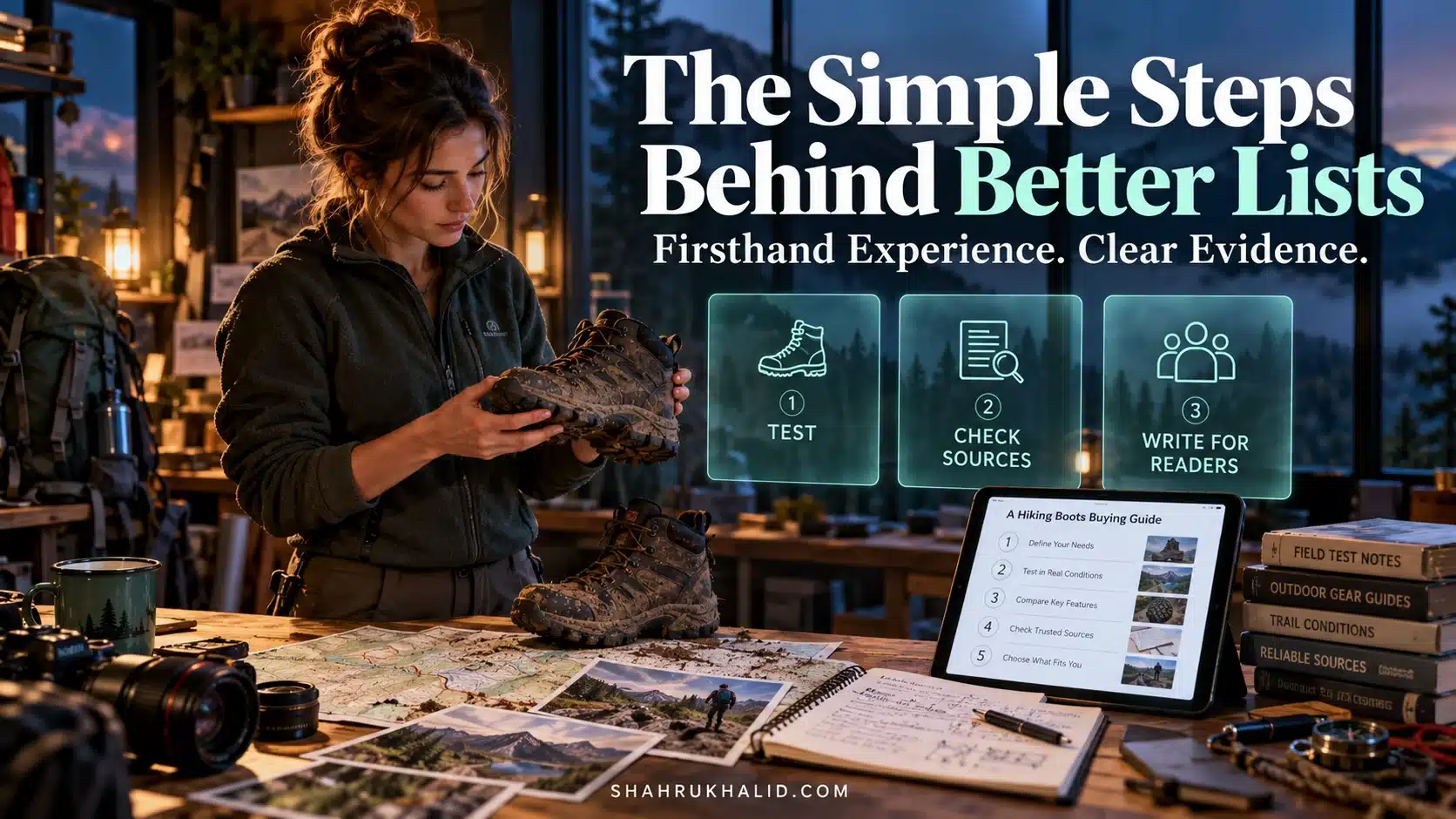
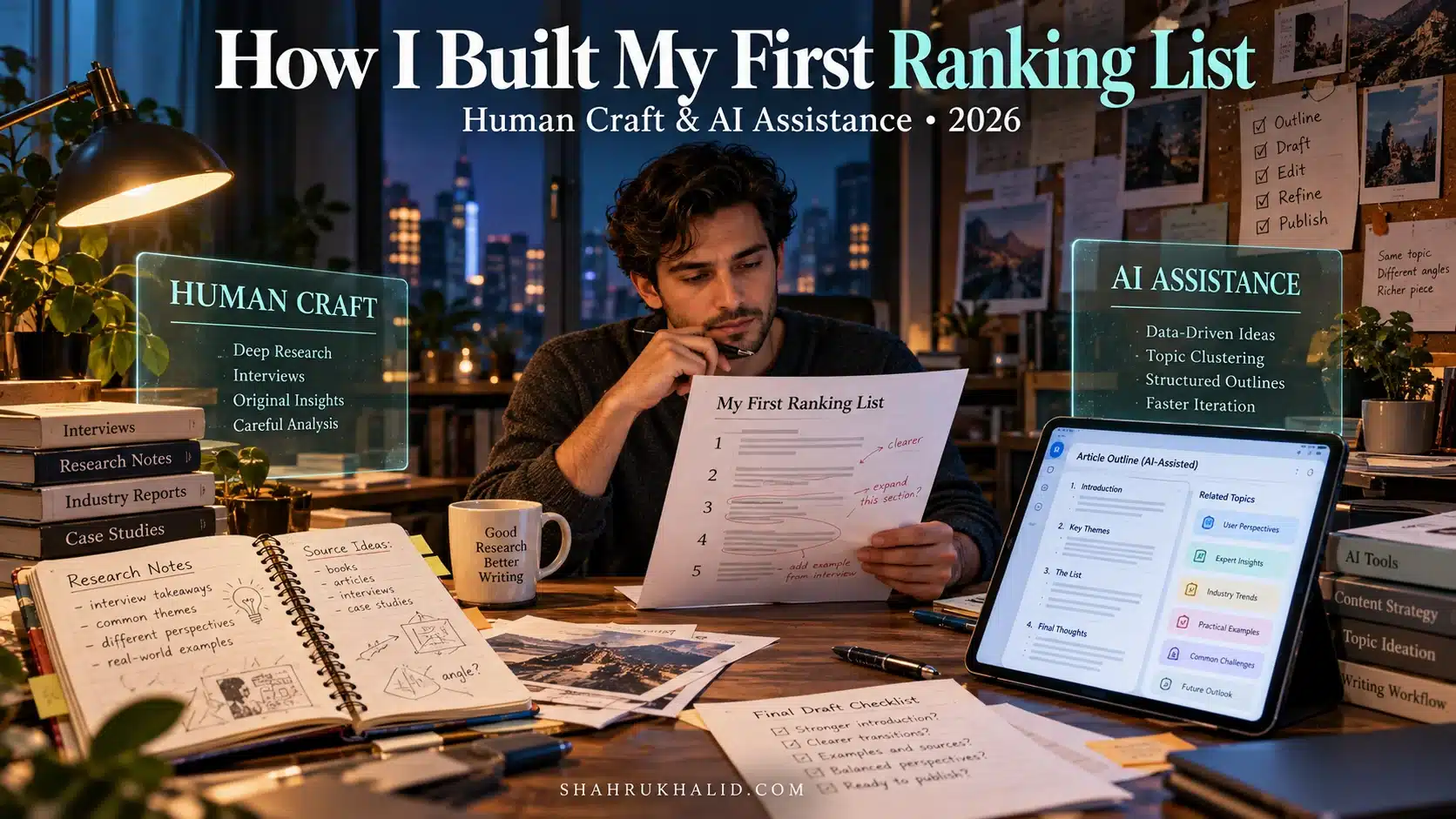
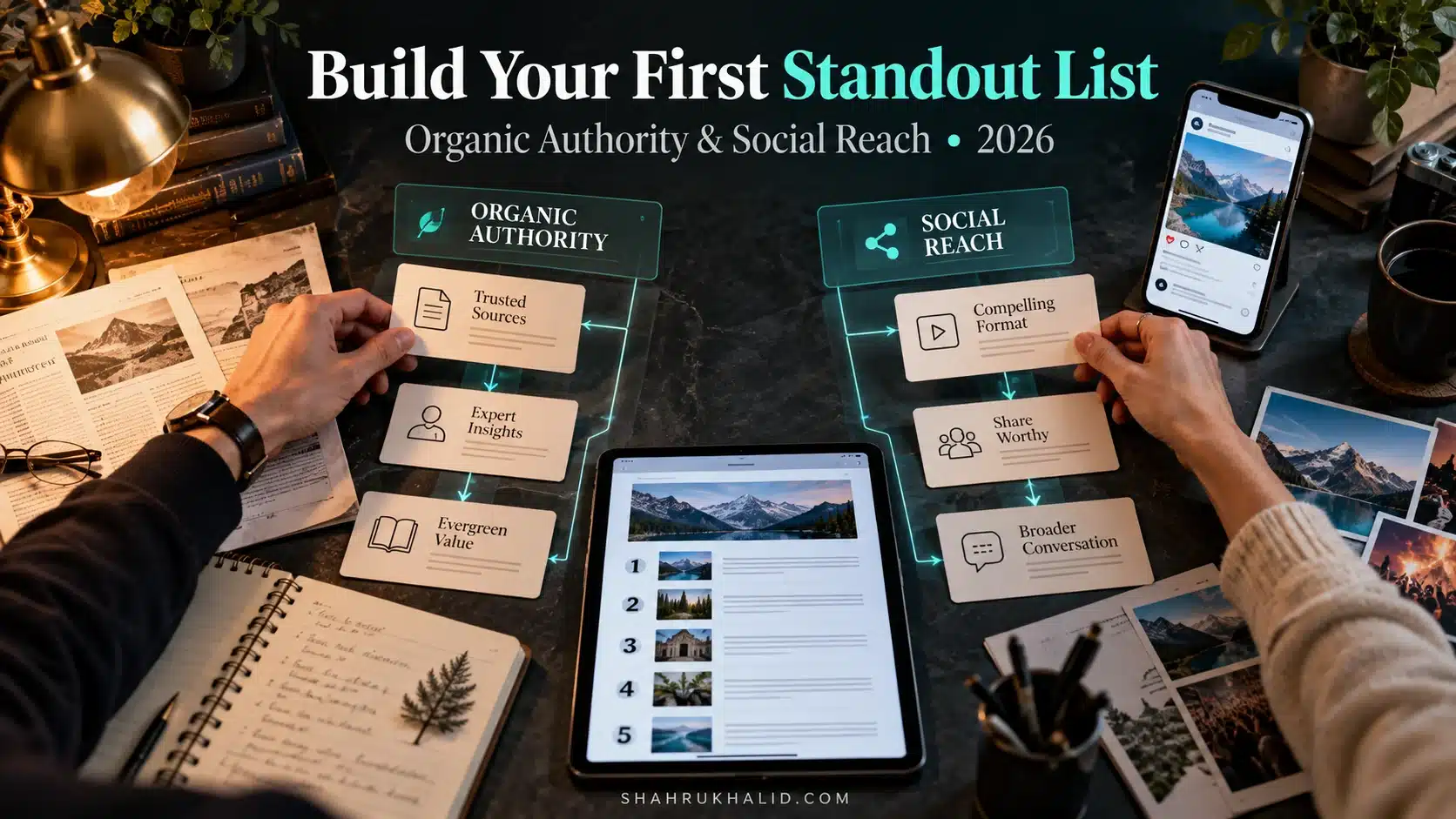
The 2026 Beginners Playbook: Crafting Viral Lists That *Actually* Rank (No Tech Skills Needed)

Key Takeaways
- Apply software development principles (structure, user-centricity) to content creation for SEO success.
- Treat content as an engineered product for readers and search engines, not merely art.
- Old 'listicles' are dead; create comprehensive 'List-Posts' or 'Ranking Roundups' for 2026.
- Focus on crafting authoritative, experience-driven list-posts, not flimsy, short lists.
- Lists are effective due to human psychology and align with modern search engine logic.
I discovered that crafting an article that ranks #1 on Google requires the same discipline, structure, and user-centric thinking as building a successful software application. My first few attempts were a disaster—like pushing buggy code to production. I wrote what I thought was great content, hit publish, and was met with… silence. Crickets. It felt like shouting into the void.
But then I started applying the principles I knew from software development to my writing. I started treating content not as a piece of art, but as a well-engineered product designed to serve a specific user (the reader) and a specific platform (the search engine). The results were staggering. My articles started to climb the ranks, drive traffic, and actually help people.
That’s why Shahrukh asked me to put together this masterclass. We’re going to pull back the curtain on a topic that often feels like “magic.” This is The 2026 Beginners Playbook: Crafting Viral Lists That Actually Rank. And the best part? You need absolutely zero technical skills to master this. You just need a process.
So, grab a coffee, open up a fresh document, and let’s get started. We’re not just going to write a list; we’re going to architect one.
Comprehensive Foundations & Concept Primer
Before we write a single word, we need to lay a solid foundation. In software development, we’d call this “understanding the requirements” and “defining the core architecture.” If you skip this step, you end up with a product that nobody wants or a building that collapses. The same is true for content.
So, you’re probably asking the big question right off the bat: “Are listicles still good for SEO in 2026?”
The answer is an emphatic yes, but with a huge asterisk. The era of cheap, 300-word “Top 10 Photos of Cats” listicles being a viable SEO strategy is long gone. Google, in its relentless pursuit of quality, has gotten incredibly smart. It doesn’t want flimsy lists; it wants comprehensive, authoritative resources.
In 2026, we don’t create “listicles.” We create “List-Posts” or “Ranking Roundups.” Think of the difference between a hastily scrawled grocery list and a Michelin-starred restaurant’s tasting menu. Both are lists, but one is a utility, and the other is an experience. We are here to create the experience.
Why This Is Essential: The Psychology of Lists and the Logic of Google
Why do we even bother with this format? Because it’s wired into our psychology and perfectly aligned with how search engines are evolving.
From a human perspective, lists are cognitive gold. They offer:
- Predictability: The title “10 Ways to…” tells our brain exactly what to expect. There are 10 items. This reduces cognitive load.
- Scannability: In a world of infinite information, we scan before we read. Numbered headings and bullet points are like signposts for our eyes, allowing us to quickly assess the value of the content.
- A Sense of Completion: Reading a list gives us a small, satisfying dopamine hit as we mentally check off each item. It feels productive.
From Google’s perspective, a well-structured list-post is a dream come true. Modern search isn’t just about matching keywords; it’s about understanding intent and providing the best possible answer. A high-quality list-post does this beautifully. It breaks down a complex topic into digestible, rankable chunks. Each list item can potentially answer a specific long-tail query, making the entire article a powerful net for capturing search traffic.
Eliminating Jargon: Your Core Concepts Translated
The world of SEO is filled with jargon, just like programming. Let’s demystify the key terms we’ll be using throughout this guide. Think of this as learning the basic syntax of our new “language.”
- SEO (Search Engine Optimization): This isn’t some dark art. It’s simply the process of making your content easy for search engines like Google to find, understand, and rank. Think of it as writing good documentation for your code so others can use it.
- SERP (Search Engine Results Page): This is the page you see after you type something into Google. Our goal is to be at the very top of this page.
- Keyword / Search Query: The phrase a real person types into the search bar. This is our “user input.” Our listicle is the “program” that processes this input and provides the perfect “output.”
- Keyword Intent: This is the why behind the search. Is the person looking to buy something, learn something, or find a specific website? Our listicle must match this intent. For “best running shoes for beginners,” the intent is informational with a potential commercial outcome.
- LSI Keywords (Latent Semantic Indexing): Don’t let the fancy name scare you. These are just synonyms and related terms that give Google context. If you’re writing about “cars,” LSI keywords would be “engine,” “tires,” “driving,” “road,” and “speed.” Using them shows Google you’re covering a topic in depth.
- E-E-A-T (Experience, Expertise, Authoritativeness, Trustworthiness): This is Google’s mantra for quality content. It’s no longer enough to just write something. You need to prove you know what you’re talking about. We’ll bake this into our process by adding personal insights (“Pro-Tips”), citing sources, and demonstrating genuine expertise.
Our entire Listicle SEO Strategy boils down to this: We will create a deeply valuable, human-centric resource that is so well-structured and comprehensive that Google has no choice but to show it to people. We’re not trying to trick the algorithm; we’re trying to align with it perfectly.
Prerequisites & Complete Environment Setup
Every great project starts with setting up your workspace. A chef lays out their knives and ingredients. A developer configures their IDE and installs dependencies. As content architects, we need to do the same. This isn’t about installing complex software; it’s about having the right tools and accounts ready to go, configured for maximum efficiency. Let’s set up your “Content Development Environment.”
Step 1: The Core Hub – Your Google Account
Your Google Account is the free, powerful nerve center of your content operations. If you don’t have one, create one now. Here are the essential services we’ll be using:
- Google Docs: This is our “code editor.” It’s where we’ll write our drafts. It’s collaborative, cloud-based, and has excellent version history (so you can roll back changes, just like in Git!).
- Configuration: No special setup needed. Just create a new, blank document for your listicle project.
- Google Sheets: This is our “database” and planning tool. It’s perfect for organizing our keyword research, outlining our article structure, and tracking our competitors.
- Configuration: Create a new Sheet. Label the first tab “Keyword Research” and the second tab “Content Outline.”
- Google Search Console (GSC): This is your “production monitoring and debugging tool.” It’s a free service from Google that shows you how your live website is performing in search. It tells you what keywords people are using to find you, if there are any errors on your site, and more.
- Installation: You’ll need to have a website to use this. Go to
search.google.com/search-consoleand follow the instructions to add your website as a “property.” This involves proving you own the site, usually by adding a small piece of code or uploading a file. It’s a crucial step. Don’t skip it.
- Installation: You’ll need to have a website to use this. Go to
- Google Analytics (GA4): This is your “user behavior analytics” tool. While GSC tells you how people find your site, Analytics tells you what they do once they arrive. How long do they stay? What pages do they visit? This is vital for understanding if your content is actually engaging.
- Installation: Similar to GSC, you’ll add a tracking code to your website. Most modern CMS platforms have a simple field where you can just paste your GA4 Measurement ID.
Verification: At the end of this step, you should have a Google account with a blank Doc and Sheet for your project, and you should have successfully connected your website to both Google Search Console and Google Analytics.
Step 2: The Intelligence Layer – Keyword Research Tools
A listicle without keyword research is like an app without a user. You have no idea who you’re building it for. Keyword research is how we discover the exact language our audience uses to describe their problems.
For a beginner, you don’t need to spend hundreds of dollars. Let’s start with the free, powerful tools at our disposal.
- Google Search Itself (The “Live Environment”): This is your most powerful tool.
- Autocomplete: Start typing a phrase like “beginner SEO tips” into Google. The suggestions that pop up are what people are actively searching for. This is gold.

- “People Also Ask” (PAA): This is a box that often appears in the search results. It’s a literal list of questions your audience has. Your listicle should aim to answer these questions directly. Each PAA can be a subheading (H3) within your list.
- Related Searches: Scroll to the bottom of the SERP. Google gives you a list of 8-10 related queries. These are perfect for finding LSI keywords and understanding the broader topic context.
- Autocomplete: Start typing a phrase like “beginner SEO tips” into Google. The suggestions that pop up are what people are actively searching for. This is gold.
- AnswerThePublic: This free tool takes your keyword and visualizes it as a massive mind map of questions, prepositions, and comparisons. It’s an idea-generation machine. Go there, type in your topic, and prepare to be amazed.
- Paid Tools (The “Professional IDEs”): When you’re ready to level up, tools like Ahrefs, SEMrush, or Moz Pro are the industry standard. They provide data on search volume (how many people search for a term per month), keyword difficulty (how hard it is to rank), and much more. For now, know they exist, but master the free tools first.
Your First Task: Go to Google. Type in a topic you’re passionate about. Note down the Autocomplete suggestions, the PAA questions, and the Related Searches in your “Keyword Research” Google Sheet. This is your first step in beginner listicle SEO tips.
Step 3: The Publishing Platform – Your CMS
The Content Management System (CMS) is the framework upon which your website is built. It’s the tool you use to actually publish your article. Popular examples include WordPress, Ghost, Webflow, Shopify (for e-commerce blogs), or a custom solution on a platform like Shahrukh Khalid’s.
We won’t do a deep dive into setting up a CMS here, as that’s a masterclass in itself. For the purpose of this guide, we assume you have a place to publish your content. The key takeaway is that our content strategy for listicles will work regardless of the specific CMS you use, because we are focusing on the content itself, not the container.
Step 4: The Quality Assurance – Linter & Formatter
In coding, a “linter” is a tool that checks your code for stylistic errors and potential bugs. For writers, our linters are grammar and readability checkers. Poor grammar and convoluted sentences are like bugs in your content; they create a bad user experience and can indirectly harm your rankings.
- Grammarly (Free/Premium): Installs as a browser extension and checks your spelling, grammar, and punctuation in real-time within Google Docs. The free version is a must-have.
- Hemingway App (Free Web App): This is your “readability formatter.” Paste your text into the Hemingway App, and it will highlight long, complex sentences, passive voice, and adverbs. Its goal is to make your writing bold and clear. Aim for a readability Grade Level of 8 or 9 for broad accessibility.
Environment Setup Complete: You now have your core hub (Google Suite), your intelligence layer (research methods), your publishing platform (your CMS), and your QA tools (Grammarly/Hemingway). Your workspace is clean, organized, and ready for you to start building.
Core Implementation Architecture
This is where my developer brain gets really excited. We’re going to stop thinking about a listicle as a simple “article” and start thinking about it as a structured, hierarchical system of components. Just like a web page is built from headers, footers, and content blocks, our listicle will be built from carefully designed architectural patterns.
This structured approach is the secret to ranking list posts on Google. Why? Because it makes your content incredibly easy for both humans and search engine crawlers to parse, understand, and categorize.
The “Skyscraper++” Model: The Blueprint for a #1 List-Post
You may have heard of the “Skyscraper Technique,” which involves finding a popular piece of content and creating something significantly better. We’re going to take that a step further with what I call the “Skyscraper++” model. It’s not just about being longer or having more items. It’s about superior structure, deeper value per item, and a better user experience.
Our architecture has two main components:
- The Container: The overall post structure that holds everything together.
- The Cards: The individual list items, each a self-contained unit of value.
Let’s visualize this.
Visual Card Structure: The Anatomy of a Perfect List-Post
Imagine your entire article is a container <div>. Inside it, you have a header, a footer, and a series of “cards.”
List-Post Container (Your Article)
Card 1 (List Item #1)
Headline (H3): 1. Canva: The Design Powerhouse
Visual: [High-Quality Screenshot/Graphic]
Core Description: What it is, what it does.
Value Proposition: Why it’s on this list, why it’s essential for the target audience.
Expert Insight: A personal pro