From Textbooks to Prompts: A Beginner’s Practical Guide to Mastering Artificial Intelligence in 2026
Key Takeaways
- AI teaches computers patterns, not explicit stepu2011byu2011step rules.
- Prompt engineering is learnable by nonu2011programmers; it's advanced communication.
- Modern APIs let beginners build AI systems via logic and prompts, skipping heavy math.
- AI now permeates smartphones, supply chains, and everyday applications, not just labs.
- Focus on system design and clear prompts rather than deep mathematical theory.
Foundations, Core Principles & 2026 Landscape
Stepping into the world of artificial intelligence can feel like trying to drink from a digital firehose. If you are wondering how to learn artificial intelligence in 2026, you are likely looking past the heavy academic jargon and searching for a clear, human-centered path. Artificial intelligence is no longer restricted to research laboratories filled with supercomputers and doctoral candidates. Today, it touches everything from the smartphone in your pocket to enterprise supply chains. To embark on this journey successfully, we must first clear away the fog of dense mathematics and look at what these systems actually do under the hood.
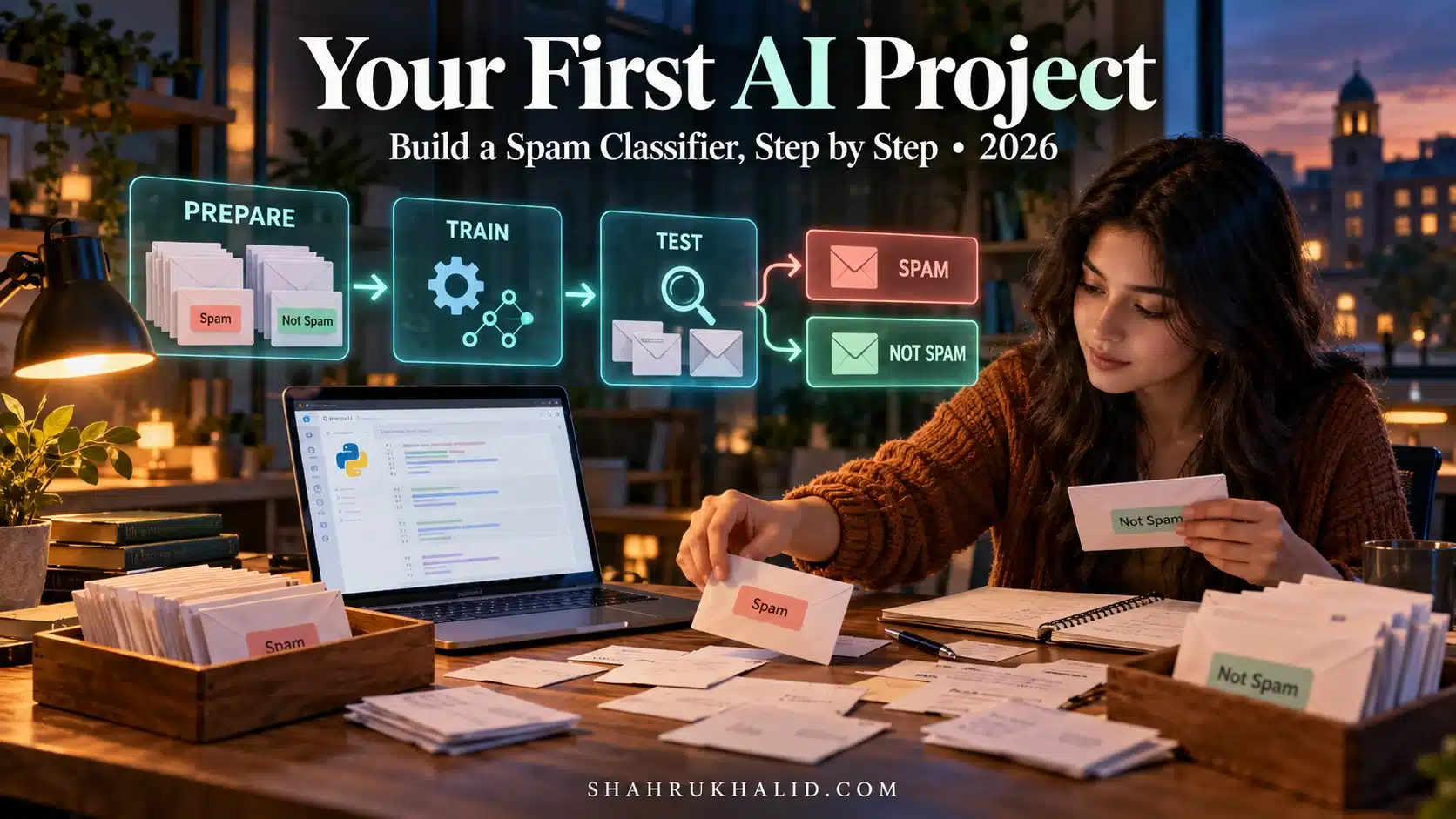
At its core, artificial intelligence is the practice of teaching computers to recognize patterns, make decisions, and solve problems based on data rather than explicit, line-by-line human programming. Think of traditional software as a massive, intricate recipe book where every single step must be meticulously written out by a chef. If a single ingredient changes or a step is missing, the program fails. Artificial intelligence, particularly machine learning and modern generative models, works differently. Instead of writing a rigid recipe, we provide the computer with thousands of examples and let it figure out the underlying pattern on its own. If you want to learn artificial intelligence from scratch in 2026, embracing this shift from rule-based programming to pattern recognition is your absolute first priority.
To understand the current landscape, it helps to map out an artificial intelligence learning roadmap. Historically, studying AI meant spending years drowning in linear algebra, multivariable calculus, and probability theory before ever running a single line of working code. While those mathematical foundations remain valuable for deep research scientists, they are no longer an absolute gatekeeper for building real-world applications. The barrier to entry has shifted upward. Modern tools, advanced developer environments, and robust application programming interfaces (APIs) allow beginners to build sophisticated AI systems by focusing on logic, system design, and prompt architecture.
Let’s address a foundational question right away: Can beginners learn prompt engineering without coding? The short answer is an emphatic yes. Prompt engineering—the art and science of structuring instructions so that large language models provide accurate, useful, and safe responses—is entirely accessible to non-programmers. At its heart, prompt engineering is advanced communication. It requires clear thinking, structured logic, and an understanding of how language models process context. Just as a skilled manager knows how to brief a human team member with clear objectives, constraints, and examples, a skilled prompt engineer knows how to guide an artificial intelligence model to deliver precise outputs without needing to write a single line of Python.
As you map out your generative ai learning path, you will encounter several foundational concepts that appear repeatedly:
- Machine Learning (ML): The overarching branch of computer science where algorithms learn from data to improve their performance over time without being explicitly reprogrammed.
- Neural Networks: Computing systems inspired by the biological neural networks that constitute animal brains, forming the backbone of modern deep learning.
- Large Language Models (LLMs): Advanced neural networks trained on massive corpora of text data, capable of understanding, summarizing, generating, and translating human language.
- Tokens: The fundamental units of text that models read and write. A token can be a word, part of a word, or punctuation mark. Understanding token limits is crucial for managing context in practical applications.
- Embeddings: Numerical representations of words, sentences, or images in a high-dimensional mathematical space, allowing computers to understand semantic relationships and meaning.
Understanding these definitions moves you past the hype and anchors your education in first principles. When you transition from theoretical computer science to practical AI, you realize that you do not need to build a neural network from scratch to be a valuable practitioner. Just as most drivers do not need to understand how internal combustion engines work down to the piston level to commute to work, modern AI practitioners leverage powerful existing frameworks and APIs to build transformative solutions. This practical ai skills guide is designed to take you from those very first textbook definitions straight into hands-on implementation.
Prerequisites & Environment Architecture
Before writing your first prompt or executing your first script, you need to set up a clean, reliable, and beginner-friendly workspace. Many beginners stumble not because the concepts are too hard, but because their development environment breaks down due to messy installations or conflicting software versions. Building a professional foundation means establishing a predictable directory structure and mastering the essential tools used across the industry.
Let’s begin with your local hardware and software requirements. You do not need an expensive workstation equipped with high-end graphics processing units (GPUs) to start learning. Because modern generative AI tools and foundational models are accessed primarily through cloud-based APIs and managed platforms like Google AI Developer Documentation, your local machine simply needs to act as a command center. A standard laptop running macOS, Windows (with Windows Subsystem for Linux), or Linux with at least 8GB of RAM and a reliable internet connection is more than sufficient.
Your primary software stack will consist of Python, a modern code editor, and a terminal environment. Python remains the undisputed lingua franca of the artificial intelligence ecosystem. Its readable syntax closely resembles plain English, making it exceptionally friendly for students. To keep your projects organized and prevent software packages from conflicting with one another, you should establish a standardized directory structure on your computer. Here is a recommended project layout for your learning journey:
ai-learning-workspace/
│
├── 01-foundations/
│   ├── notebooks/
│   └── practice-scripts/
│
├── 02-prompt-engineering/
│   ├── templates/
│   └── test-cases/
│
├── 03-applied-projects/
│   ├── text-summarizer/
│   └── data-extractor/
│
└── requirements.txt
Let’s walk through setting up this environment step by step. First, ensure you have Python installed on your system. You can verify your installation by opening your terminal or command prompt and running the following verification command:
python3 --version
If Python is installed correctly, it will return a version number of 3.10 or higher. Next, create a dedicated virtual environment for your AI projects. A virtual environment is a self-contained directory that holds a specific version of Python and various packages, ensuring that your projects remain isolated and stable. Run the following commands in your terminal:
mkdir ai-learning-workspace
cd ai-learning-workspace
python3 -m venv venv
Once the virtual environment is created, you need to activate it. On macOS and Linux, run:
source venv/bin/activate
On Windows, run:
venvScriptsactivate
You will notice your terminal prompt change to show the name of your virtual environment in parentheses, signaling that you are successfully inside your isolated workspace. Now, let’s create a requirements.txt file to manage the essential libraries we will use throughout our practical tutorials. Open your code editor—such as Visual Studio Code—and add the following dependencies to your requirements.txt file:
google-genai>=0.1.0
python-dotenv>=1.0.0
requests>=2.31.0
pydantic>=2.0.0
With your dependencies listed, install them into your virtual environment by running the standard package installation command:
pip install -r requirements.txt
Managing your API keys safely is a critical skill for any modern developer. Never hardcode your API keys directly into your source code files, as accidental exposure can lead to security vulnerabilities. Instead, create a file named .env in the root directory of your workspace and store your keys securely:
GEMINI_API_KEY="your_actual_api_key_here"
By pairing this environment architecture with the foundational standards outlined in resources like Shahrukh Khalid’s digital platform, you establish a professional, secure, and scalable foundation. You are now fully prepared to move from environment setup into core mechanics and hands-on implementation.
Core Mechanics & Step-by-Step Implementation
Now that your environment is primed and your foundational concepts are locked in, it is time to write code and interact directly with modern artificial intelligence models. This section bridges the gap between passive reading and active execution. We will build a complete, working Python script that connects to a state-of-the-art generative AI model, sends a structured prompt, and processes the structured response.
To make this practical, let’s look at a real-world scenario. Imagine you are a student or a junior developer tasked with building an automated study assistant. This assistant needs to take dense technical paragraphs, extract key definitions, and format them into clean bullet points for review. Instead of relying on rigid regular expressions or manual copy-pasting, we will use a Python script powered by the official Google GenAI SDK to achieve this seamlessly.
First, ensure your virtual environment is active and your .env file contains your valid API key. Create a new Python file inside your workspace named study_assistant.py. We will write a complete script that loads your environment variables, initializes the client, and sends a prompt designed for clear, deterministic output.
import os
from google import genai
from google.genai import types
from dotenv import load_dotenv

# Load environment variables from the .env file
load_dotenv()

# Retrieve the API key securely
api_key = os.getenv("GEMINI_API_KEY")

if not api_key:
    raise ValueError("API key not found. Please check your .env configuration.")

# Initialize the official GenAI client
client = genai.Client(api_key=api_key)

def generate_study_notes(source_text: str) -> str:
    """
    Takes raw technical text and generates structured study notes
    using Gemini 2.5 Flash.
    """
    prompt = f"""
    You are an expert educational tutor. Analyze the following text and provide:
    1. A one-sentence plain English summary.
    2. Three essential vocabulary terms with beginner-friendly definitions.
    3. One practical real-world analogy.

    Source Text:
    {source_text}
    """

    try:
        # Call the Gemini model using the recommended SDK syntax
        response = client.models.generate_content(
            model='gemini-2.5-flash',
            contents=prompt,
            config=types.GenerateContentConfig(
                temperature=0.3, # Low temperature for factual, consistent output
                max_output_tokens=500,
            )
        )
        return response.text
    except Exception as e:
        return f"An error occurred during generation: {e}"

if __name__ == "__main__":
    sample_text = (
        "In artificial intelligence, neural networks are computing systems "
        "inspired by biological neural networks. They consist of layers of "
        "interconnected nodes or 'neurons' that process input data by passing "
        "it through weighted connections, activating thresholds that determine "
        "whether the signal passes to subsequent layers."
    )

    print("Initializing AI Study Assistant...")
    print("----------------------------------------")
    notes = generate_study_notes(sample_text)
    print(notes)
    print("----------------------------------------")
    print("Task completed successfully.")
Let’s examine how this script works under the hood. We import the official genai package and use load_dotenv() to pull our credentials securely into memory. We then initialize the client object, which acts as our bridge to the model services. Notice the use of gemini-2.5-flash as our model choice. Flash models are optimized for speed, efficiency, and cost-effectiveness, making them ideal for high-frequency tasks like text processing and automated tutoring.
Pay close attention to the configuration dictionary passed into GenerateContentConfig. We set the temperature parameter to 0.3. In artificial intelligence, temperature controls the randomness or creativity of the model’s outputs. A high temperature (e.g., 0.9) encourages creative, varied, and imaginative responses—great for poetry or brainstorming. A low temperature (e.g., 0.2) forces the model to choose the most statistically probable words, resulting in deterministic, factual, and consistent outputs—essential for educational study notes and data extraction.
To execute your script, run the following command in your terminal:
python study_assistant.py
Within seconds, you will see the structured output printed directly to your console. You have successfully written your first applied artificial intelligence tutorial script, integrating API authentication, prompt structuring, and configuration management.
Advanced Techniques, Enterprise Patterns & Real-World Use Cases
Moving beyond basic scripts requires understanding how artificial intelligence integrates into production-grade software architectures. When building real-world applications for users, you cannot rely solely on raw, unstructured text prompts. Production systems demand predictability, type safety, error recovery, and strict adherence to data schemas. This is where advanced prompt engineering patterns and structured outputs become indispensable.
One of the most powerful enterprise patterns in modern AI development is Structured Output Generation. When a traditional LLM returns raw text, parsing that text reliably in a software application can be fragile. If the model decides to format a bullet point slightly differently, your downstream application code might crash. To solve this, modern APIs allow developers to enforce a strict data schema using libraries like Pydantic, ensuring that the AI model returns data formatted precisely as a JSON object matching your exact specifications.
Let’s examine how to implement a structured extraction pipeline using Pydantic and the Google GenAI SDK. Imagine you are building a learning analytics platform that automatically categorizes student inquiries by topic and difficulty level. Here is how you write robust, production-ready code for that exact workflow:
import os
from typing import List
from pydantic import BaseModel, Field
from google import genai
from google.genai import types
from dotenv import load_dotenv

load_dotenv()
client = genai.Client(api_key=os.getenv("GEMINI_API_KEY"))

# Define the exact data structure we expect back from the AI
class StudentInquiryAnalysis(BaseModel):
    primary_topic: str = Field(description="The core subject of the student inquiry.")
    difficulty_level: str = Field(description="Estimated level: Beginner, Intermediate, or Advanced.")
    key_concepts: List[str] = Field(description="List of fundamental concepts mentioned or implied.")
    recommended_action: str = Field(description="Suggested next step for the educator or AI tutor.")

def analyze_student_inquiry(inquiry_text: str) -> StudentInquiryAnalysis:
    prompt = f"Analyze the following student inquiry and extract structured educational metadata:nn{inquiry_text}"

    response = client.models.generate_content(
        model='gemini-2.5-flash',
        contents=prompt,
        config=types.GenerateContentConfig(
            response_mime_type="application/json",
            response_schema=StudentInquiryAnalysis,
            temperature=0.1
        ),
    )

    # The SDK automatically parses the JSON response into our Pydantic model
    return response.parsed

if __name__ == "__main__":
    sample_inquiry = "I am really struggling to understand how neural networks pass data between hidden layers. Can someone explain weights and biases without heavy math?"

    print("Processing student inquiry with structured schema...")
    analysis = analyze_student_inquiry(sample_inquiry)

    print(f"nTopic: {analysis.primary_topic}")
    print(f"Difficulty: {analysis.difficulty_level}")
    print(f"Concepts: {', '.join(analysis.key_concepts)}")
    print(f"Action: {analysis.recommended_action}")
This pattern transforms the artificial intelligence model from an unpredictable text generator into a reliable, deterministic data processing engine. By passing response_mime_type="application/json" alongside our Pydantic response_schema, we guarantee that the output can be consumed instantly by web applications, databases, or analytics dashboards without messy string parsing.
Another essential enterprise pattern is Context Window Management and Retrieval-Augmented Generation (RAG). Models have finite token limits, meaning they cannot ingest an entire university library or an entire company’s codebase into a single prompt. RAG solves this by storing documents in a specialized database, searching for the exact paragraphs relevant to a user’s question, and injecting only those specific snippets into the prompt context. This ensures the model answers accurately using up-to-date, verified internal documents rather than relying solely on its internal training memory.
Critical Pitfalls, Anti-Patterns & Troubleshooting Guide
As you build and deploy your artificial intelligence projects, you will inevitably encounter roadblocks, unexpected model behaviors, and edge cases. Understanding these common failure modes before you hit them saves countless hours of frustration. Let’s examine the most frequent pitfalls encountered by beginners and developers alike, along with verified engineering solutions.
Anti-Pattern 1: The Vague Prompt Trap
Many beginners write prompts that are overly brief and ambiguous, such as “Write code for a database.” Because the model lacks constraints, context, or output formatting instructions, it guesses your intent, often returning generic or unusable code.
The Fix: Adopt the Role-Task-Constraint-Format framework. Always define the AI’s persona, state the exact task, list explicit constraints, and specify the desired output format.
Anti-Pattern 2: Ignoring Token Limits and Context Overload
Attempting to paste thousands of lines of raw text into a single prompt often causes the model to lose track of instructions or reject the request entirely due to token limitations.
The Fix: Implement chunking strategies. Break large documents into manageable segments, summarize each segment independently, and synthesize the summaries hierarchically.
Anti-Pattern 3: Hallucinations and Unverified Fact-Checking
Large language models are probabilistic text predictors, meaning they generate text that sounds plausible based on patterns. Sometimes, they generate factually incorrect information with absolute confidence—a phenomenon known as hallucination.
The Fix: Never use raw LLM outputs for high-stakes medical, legal, or financial decisions without human oversight. For mission-critical workflows, ground your prompts with verified source documents using RAG, and set the temperature close to zero.
Here is a structured troubleshooting reference table for common runtime and API errors:
Strategic Decision Matrix, Best Practices & 2026 Outlook
As you consolidate your skills and look toward the future of technology, having a clear strategic framework helps you choose the right tools for the right problems. The artificial intelligence ecosystem moves rapidly, but mastering foundational principles ensures your knowledge remains relevant regardless of which specific model or framework dominates the market.
When deciding how to approach a new artificial intelligence project, developers and students must weigh various architectural approaches against project requirements. The decision matrix below compares the primary implementation strategies available today:
To ensure long-term success on your journey to learn artificial intelligence 2026, keep these guiding best practices front and center:
- Build Projects, Not Just Playlists: Watching tutorials is comforting, but true mastery comes from building real applications that solve actual problems in your life or community.
- Embrace Prompt Versioning: Treat your prompts like code. Save them in version control, test changes systematically, and document what works and what fails.
- Prioritize Ethical Responsibility: Always consider bias, data privacy, and safety implications when designing automated systems that interact with human users.
Looking ahead, the line between traditional software engineering and artificial intelligence engineering will continue to blur. Models will become faster, context windows will expand, and multi-modal capabilities—seamlessly processing text, audio, image, and video data simultaneously—will become the default standard. By anchoring your education in first principles, maintaining a rigorous experimental mindset, and practicing disciplined code architecture, you position yourself at the forefront of this technological evolution. The transition from textbooks to prompts is complete; your journey as an applied AI practitioner starts now.